The prompts follow the original release order and include localized English wording, so you can copy/paste them directly into Creaa.ai’s Gemini image workflow or any Nano Banana compatible tool.
Nano Banana AI, powered by Google’s Gemini 2.5 Flash Image model, has quickly become a go‑to generator for millions of creators.
It’s unbelievably fast, stable, and photoreal, letting you turn simple uploads into 3D collectibles, retro art, or marketing shots in seconds.
This guide curates the newest and most viral Nano Banana prompts so you can recreate the exact looks clients request.
Each workflow below includes an English prompt you can copy directly—use the original phrasing whenever you need maximum fidelity.
Creative Effects Gallery
1. Nano Banana 3D Figure
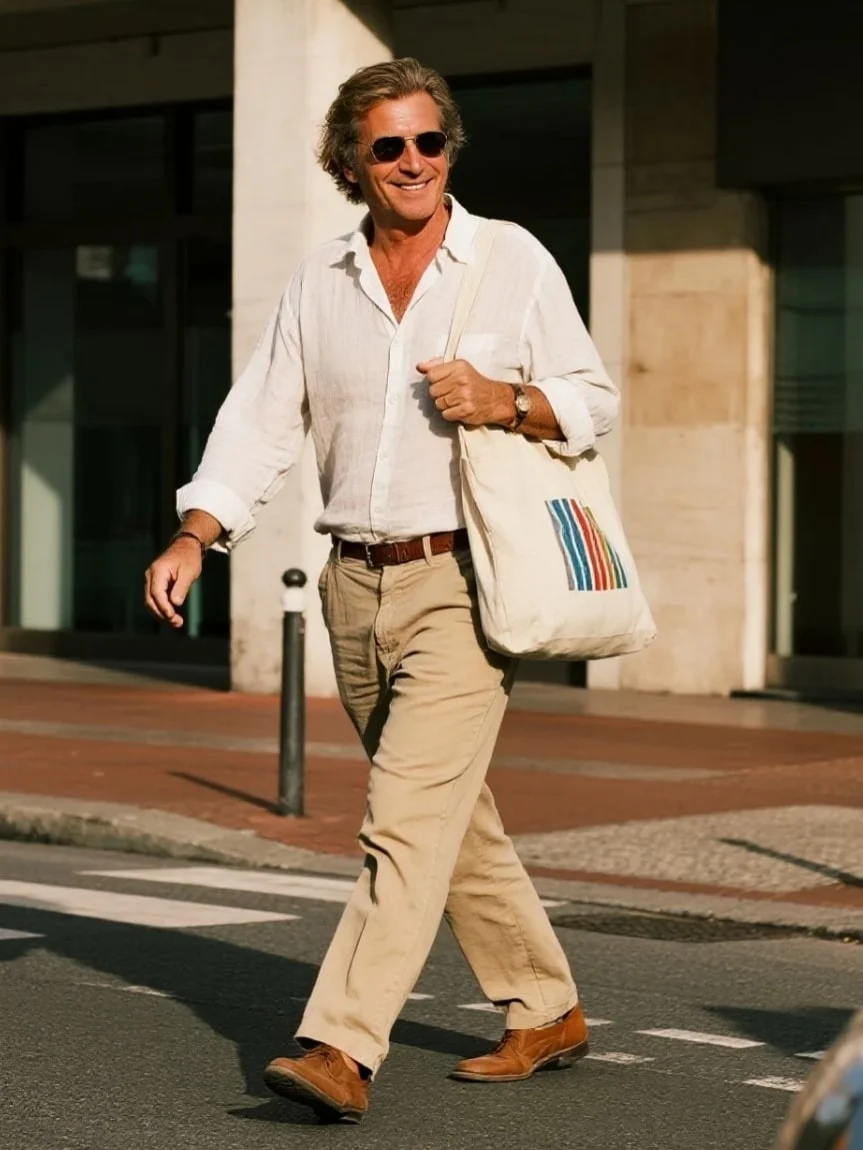
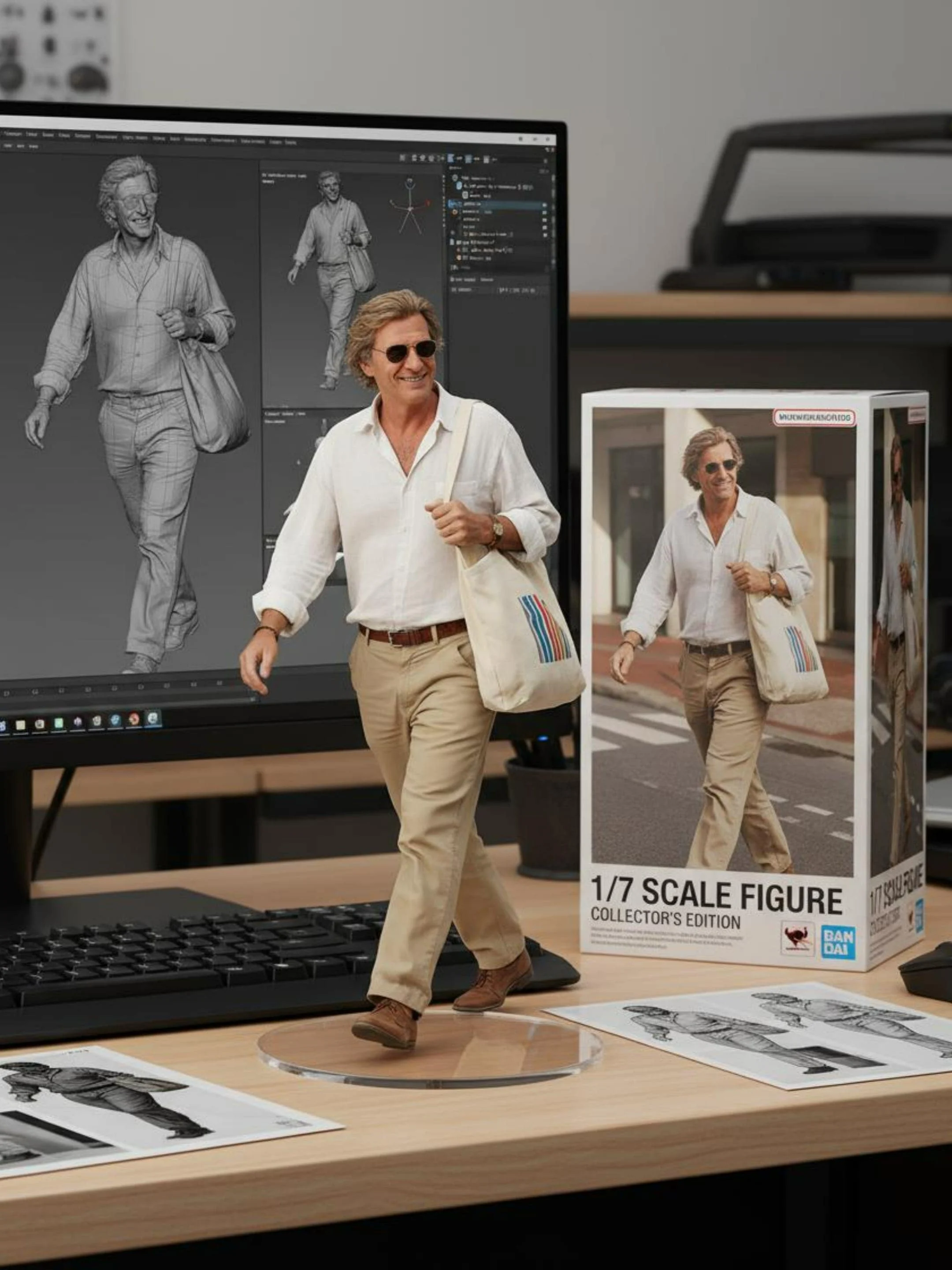
Transform a single portrait into a premium 1/7‑scale collectible statue with full packaging details.
✅ Prompt
Turn the person in the uploaded picture into a 1/7 scale commercialized figure of the character in the illustration, in a realistic style and environment. Place the figure on a computer desk, using a circular transparent acrylic base without any text. On the computer screen, display the ZBrush modeling process of the figure. Next to the computer screen, place a BANDAI-style toy packaging box printed with the original artwork.
2. Chibi Yarn Doll
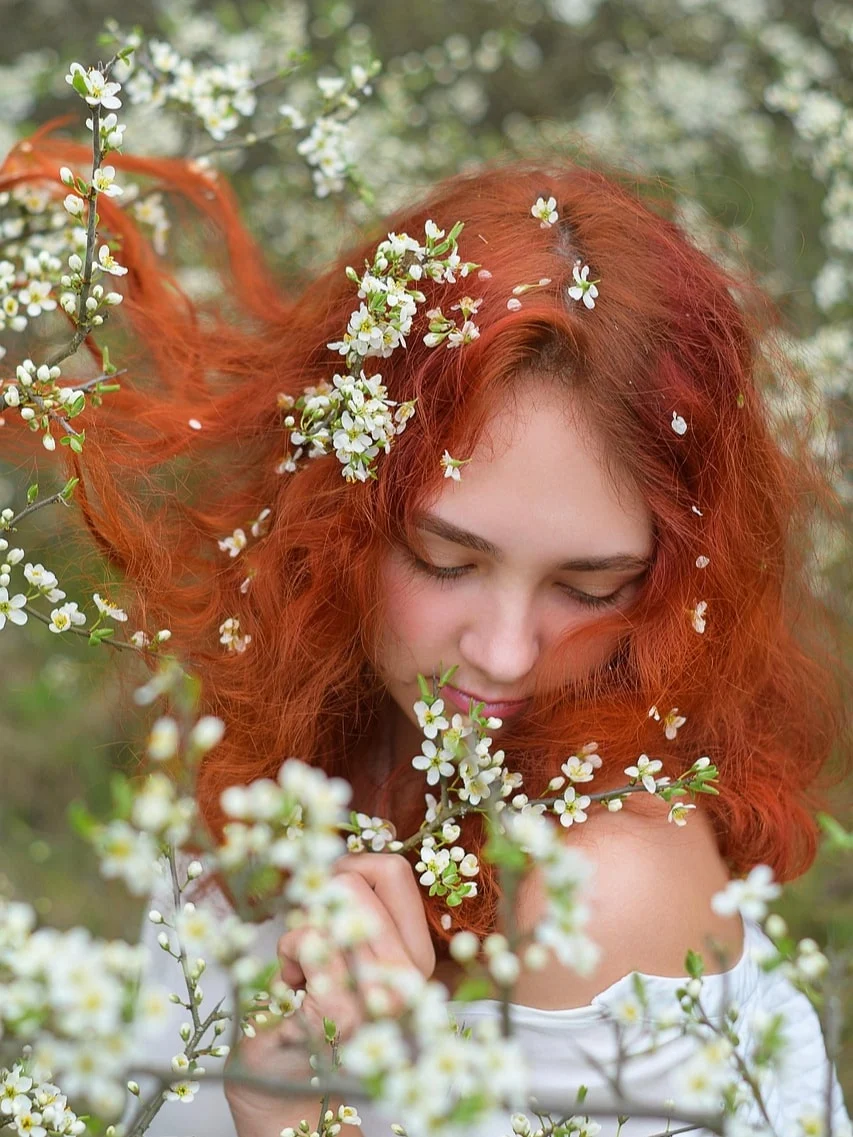
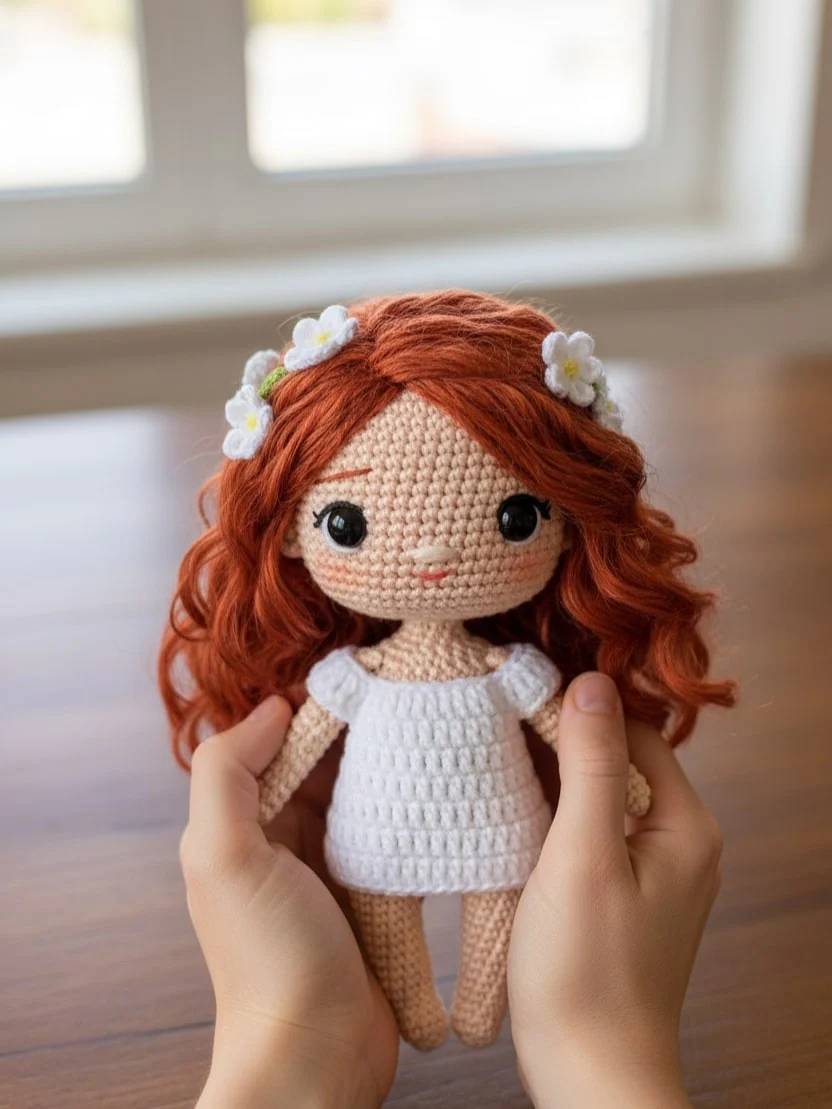
Turn any selfie into a hand‑crocheted doll with soft lighting and cozy studio vibes.
✅ Prompt
A close-up, professionally composed photograph showcasing a hand-crocheted yarn doll gently cradled by two hands. The doll has a rounded shape, featuring the cute chibi image of the [upload image] character, with vivid contrasting colors and rich details. The hands holding the doll are natural and gentle, with clearly visible finger postures, and natural skin texture and light/shadow transitions, conveying a warm and realistic touch. The background is slightly blurred, depicting an indoor environment with a warm wooden tabletop and natural light streaming in from a window, creating a comfortable and intimate atmosphere. The overall image conveys a sense of exquisite craftsmanship and cherished warmth.
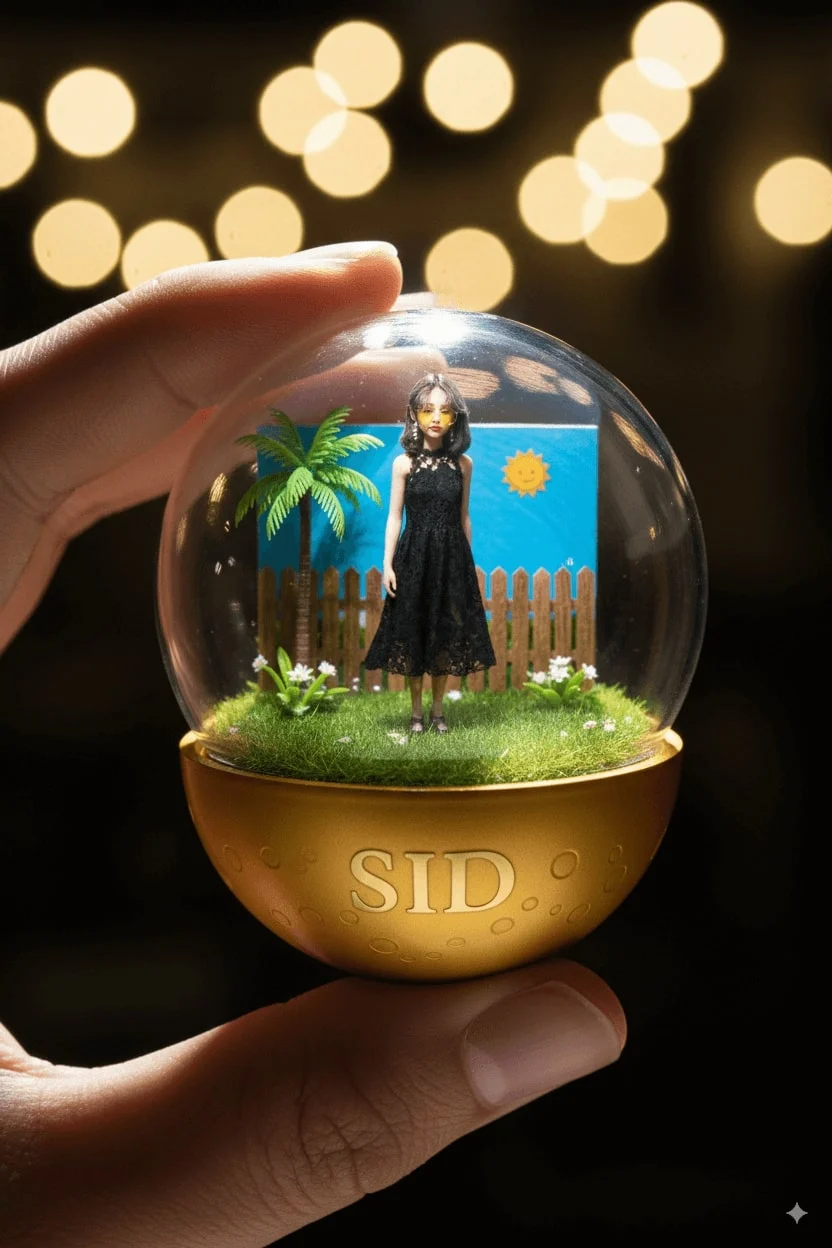
3. Transparent Capsule Figurine
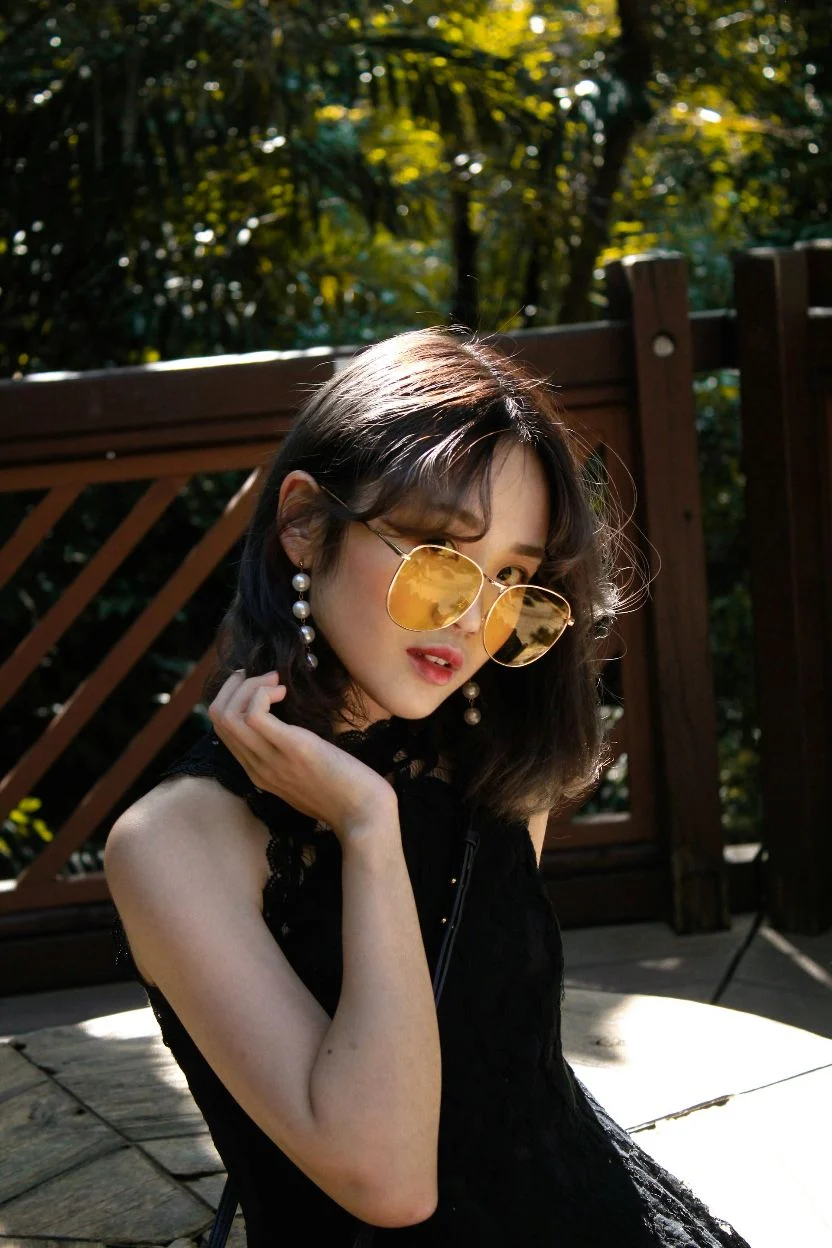
Build a finger‑held gashapon capsule scene that recreates your character inside a tiny diorama.
✅ Prompt
Turn the person in the uploaded picture into a detailed transparent gashapon capsule diorama, held between fingers.Inside: [pose, short description of figure’s look, clothing, and accessories], with background elements such as [relevant setting: stadium, stage, lecture hall, etc.]. Lighting should be dramatic and cinematic, matching their theme. The capsule has a transparent top and a colored base [choose fitting color: e.g., royal blue, gold, black, red], decorated with [motifs related to the person]. The base is labeled with [NAME or NICKNAME] in a matching font style. The design should look like a miniature collectible, with photorealistic detail, soft bokeh, and a square 1080x1080 composition.
Note:
4. Plush Character Toy
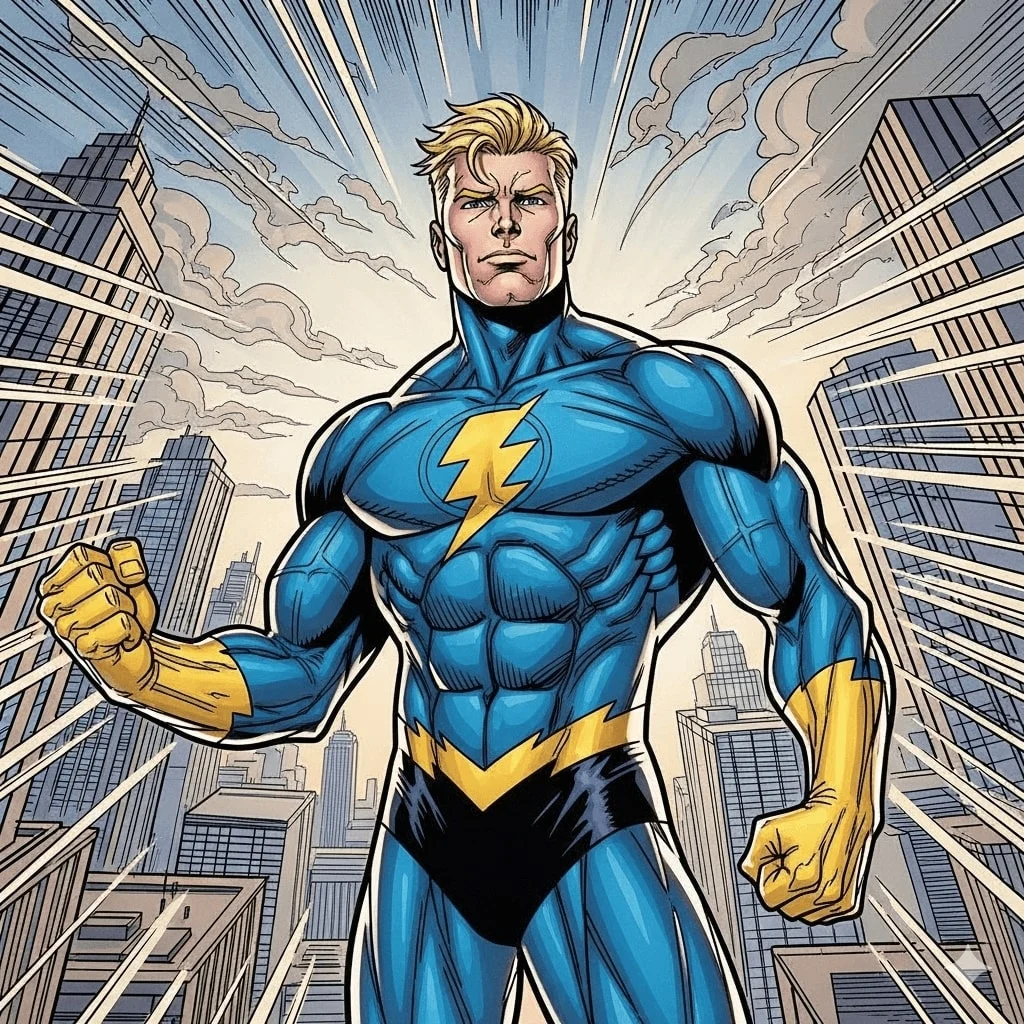
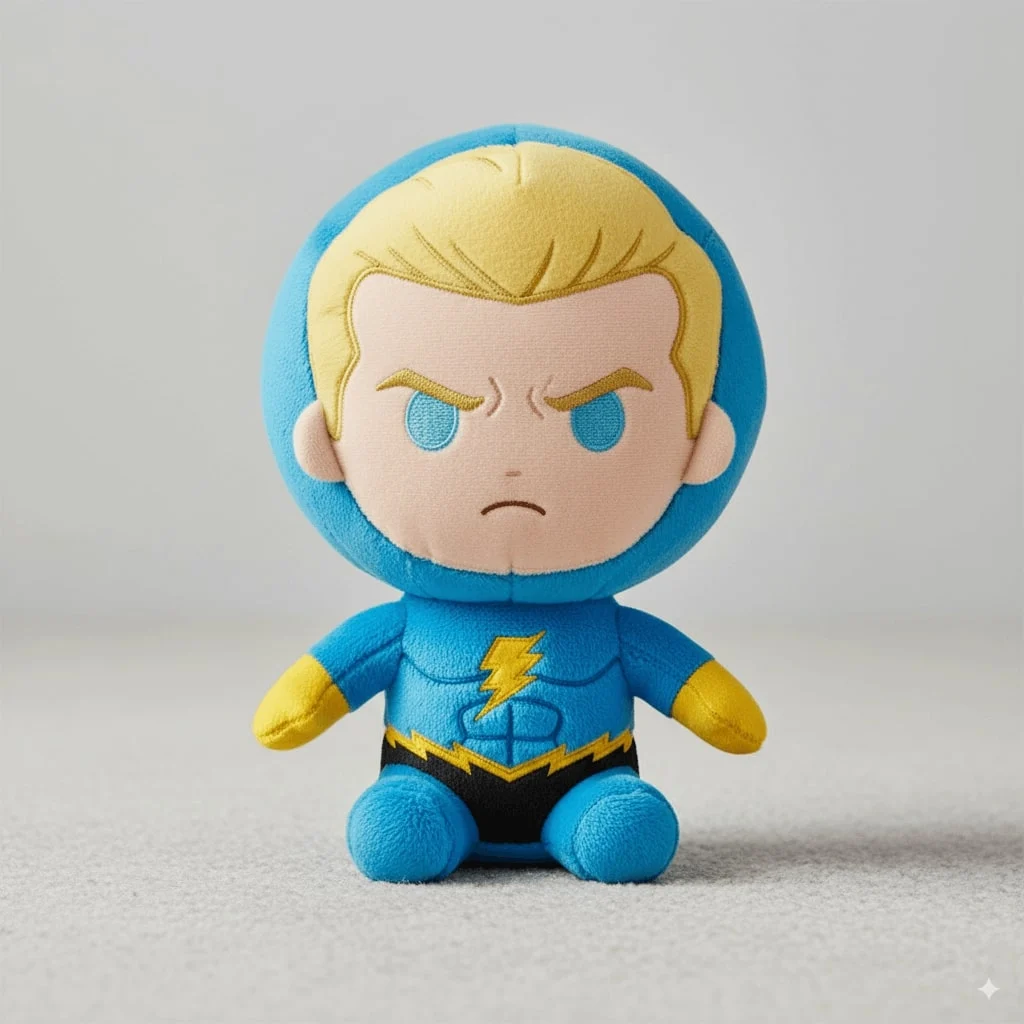
Convert the subject into a plush mascot with oversized head proportions and tactile stitching.
✅ Prompt
Turn the person in the uploaded picture into a soft, high-quality plush toy, with an oversized head, small body, and stubby limbs. Made of fuzzy fabric with visible stitching and embroidered facial features. The plush is shown sitting or standing against a neutral background. The expression is cute or expressive, and it wars simple clothes or iconic accessories if relevant. Lighting is soft and even, with a realistic, collectible plush look. Centered, full-body view. 1080x1080.
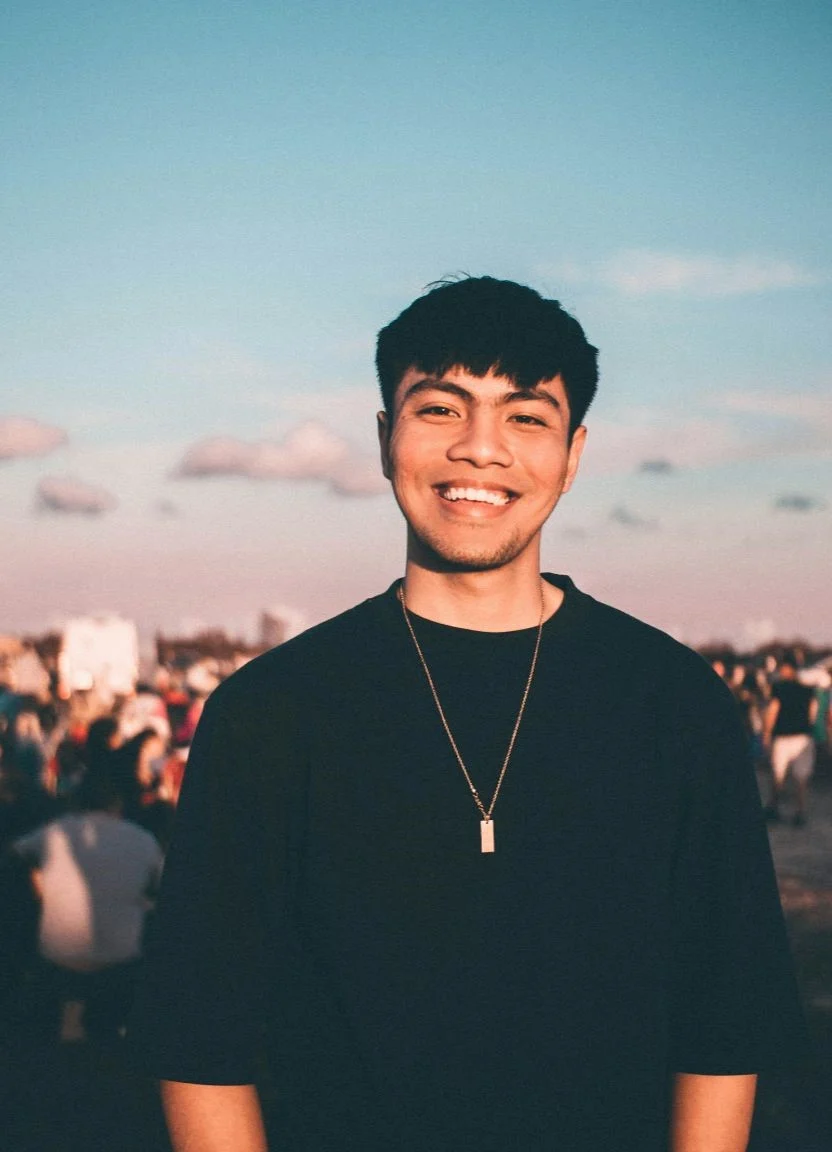
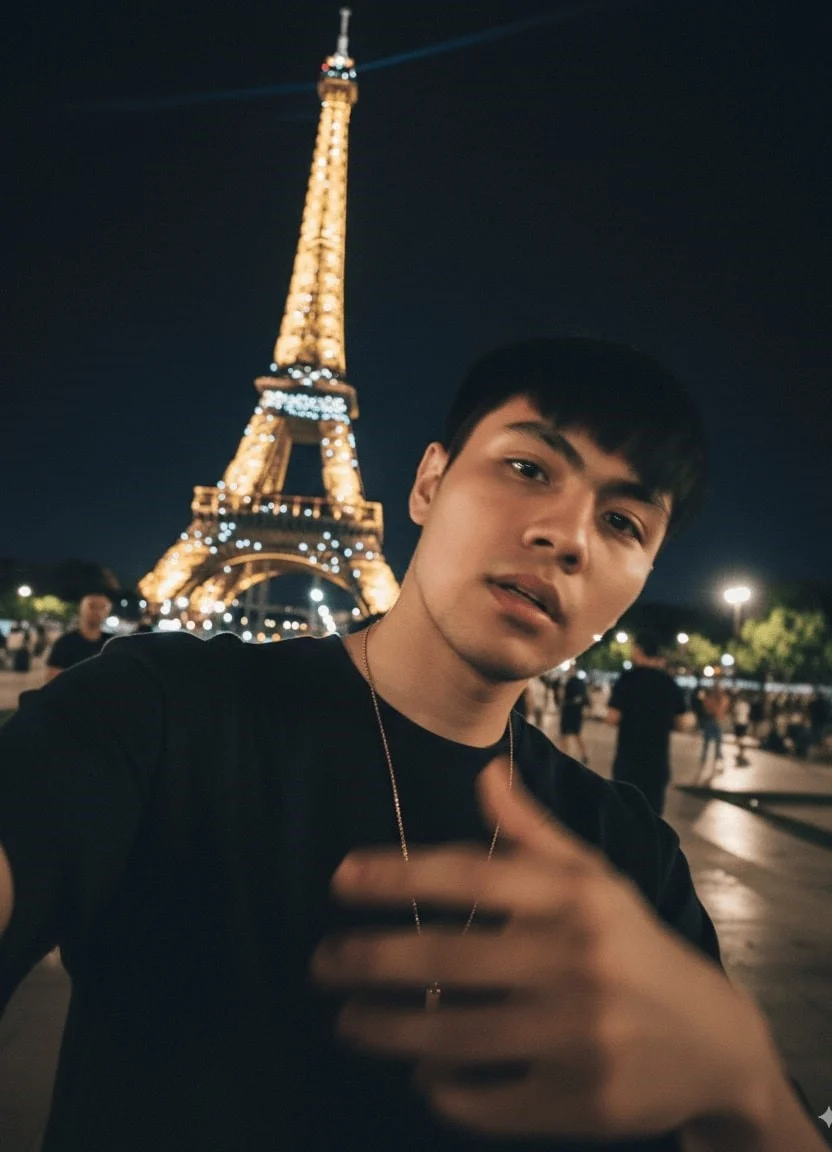
Turn the uploaded picture into an extremely ordinary and unremarkable iPhone selfie, with no clear subject or sense of composition — just like a random snapshot taken casually. The photo should include slight motion blur, with uneven lighting caused by sunlight or indoor lights resulting in mild overexposure. The angle is awkward, the composition is messy, and the overall aesthetic is deliberately plain — as if it was accidentally taken while pulling the phone out of a pocket. The subjects taken at night, next to the [Location].
5. iPhone Selfie Glow‑up
Upgrade casual selfies into cinematic mobile shots with branded lighting and backgrounds.
✅ Prompt
Note:
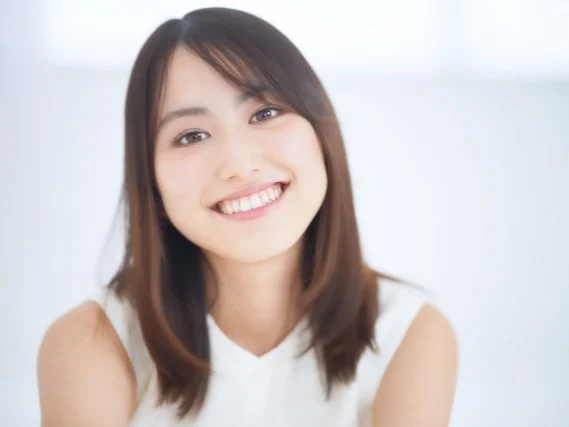
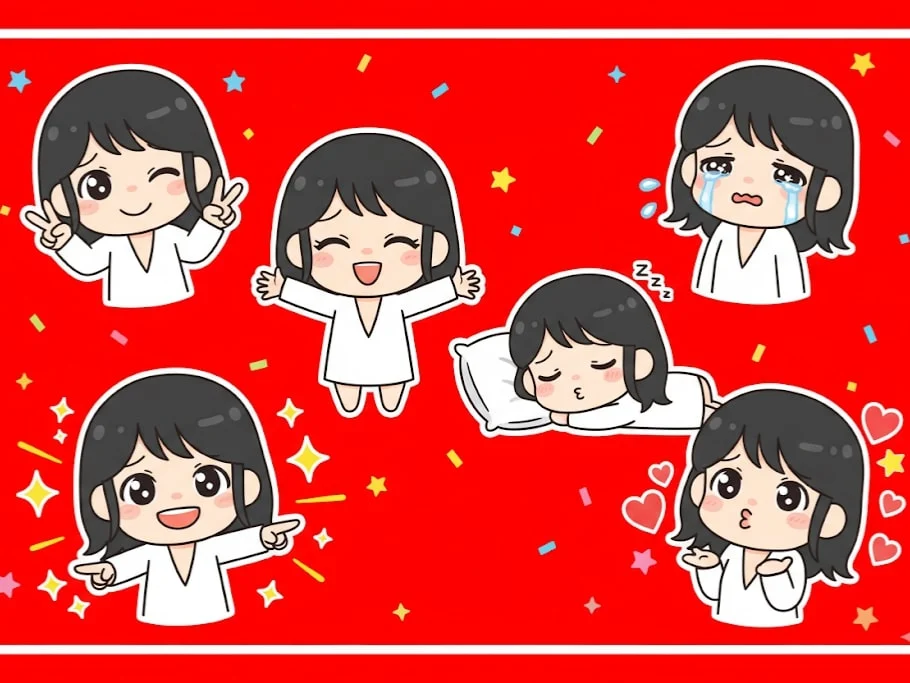
Making a playful peace sign with both hands and winking. Tearful eyes and slightly trembling lips, showing a cute crying expression. Arms wide open in a warm, enthusiastic hug pose. Lying on their side asleep, resting on a tiny pillow with a sweet smile. Pointing forward with confidence, surrounded by shining visual effects. Blowing a kiss, with heart symbols floating around. Maintain the chibi aesthetic. Exaggerated, expressive big eyes. Soft facial lines. Background: Vibrant red with star or colorful confetti elements for decoration. Leave some clean white space around each sticker. Aspect ratio: 9:16
6. Chibi Emoji Stickers
Generate expressive sticker packs with multiple moods, perfect for social or chat apps.
✅ Prompt
Note:
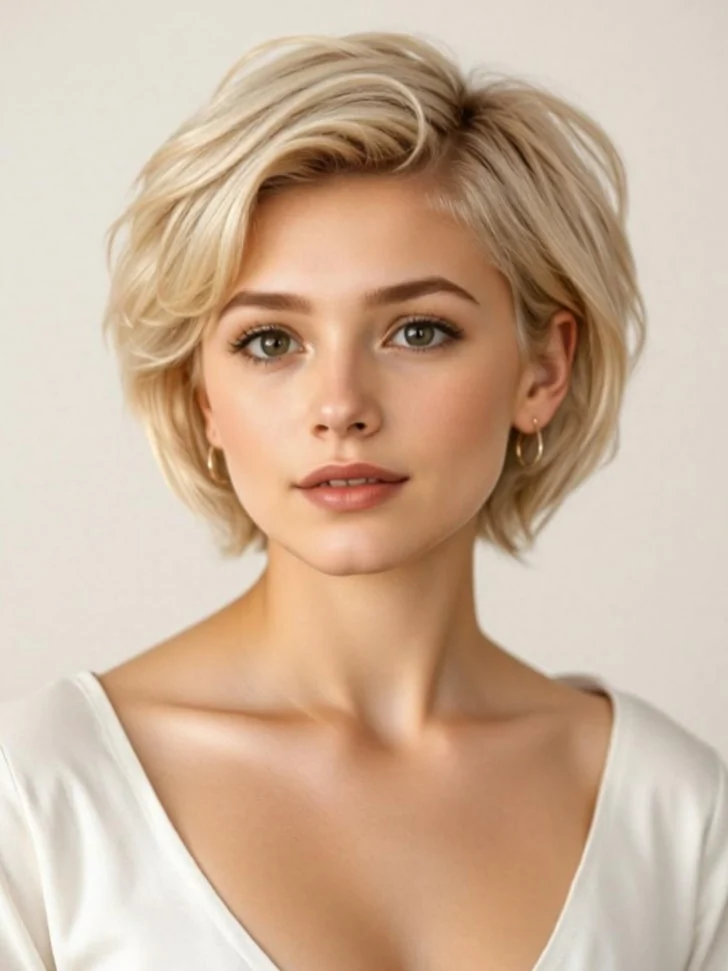
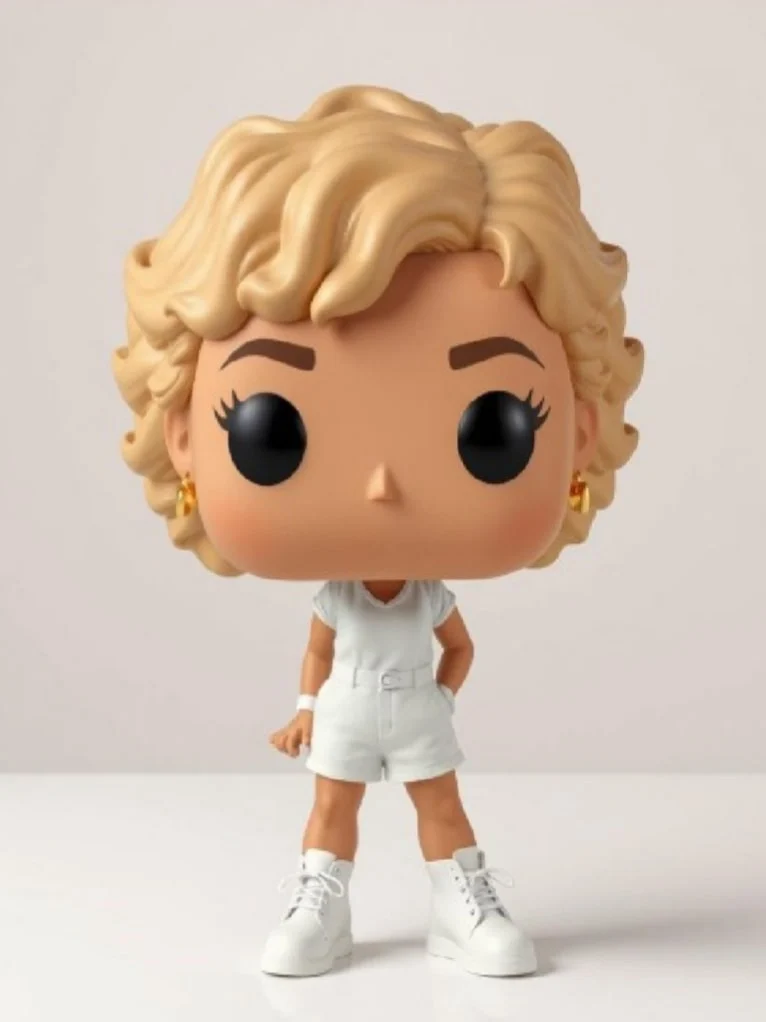
7. Funko Pop Figurine
Recreate the subject as a vinyl toy collectable with oversized head and branded packaging.
✅ Prompt
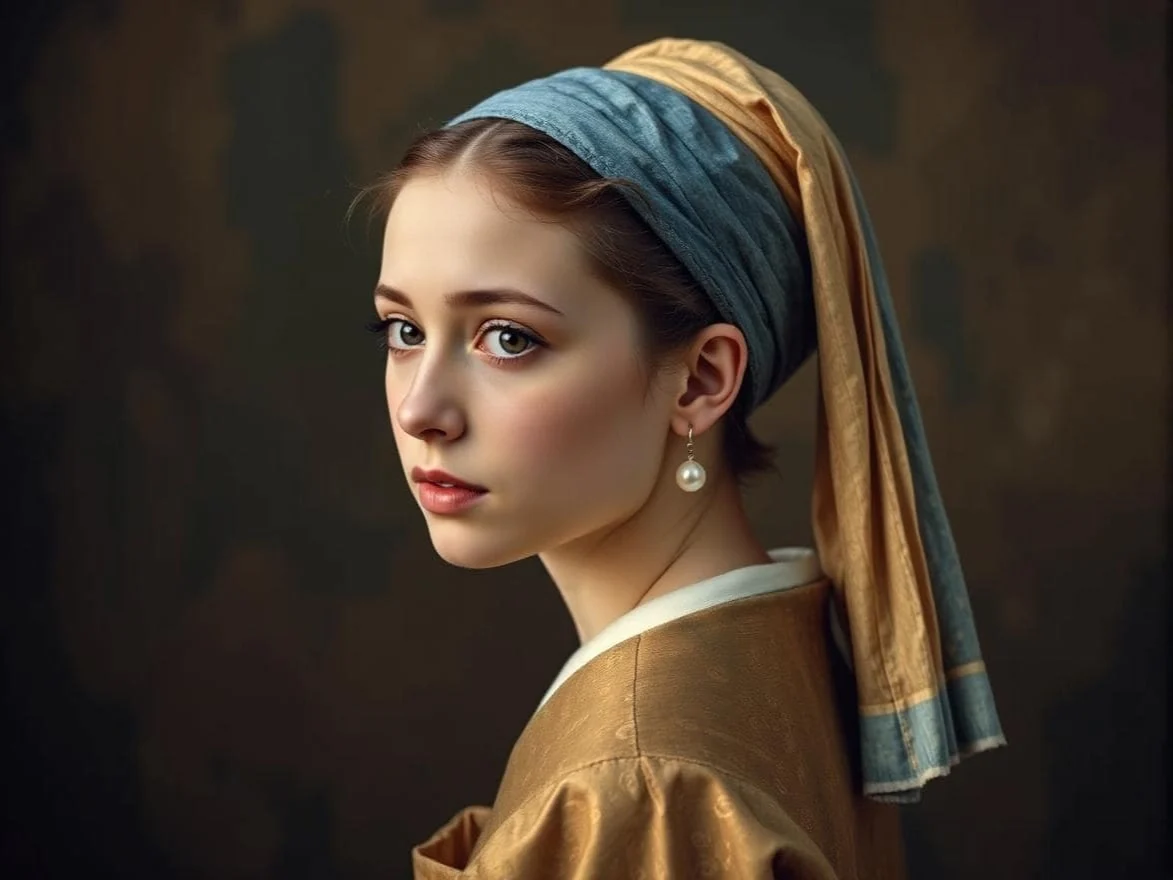
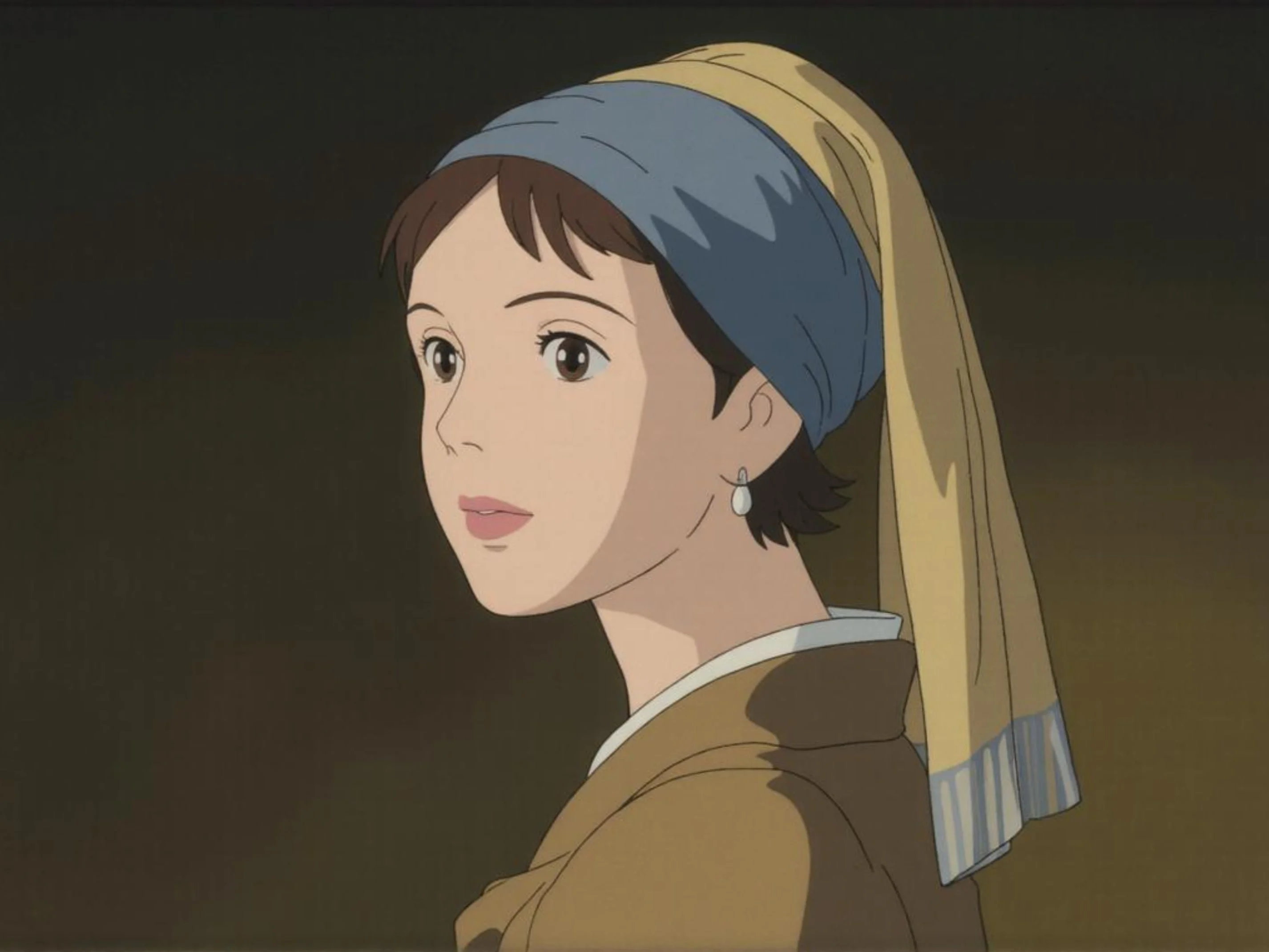
Redraw this photo in Ghibli style
8. Ghibli‑Style Painting
Apply painterly Studio Ghibli aesthetics to any uploaded character or scene.
✅ Prompt
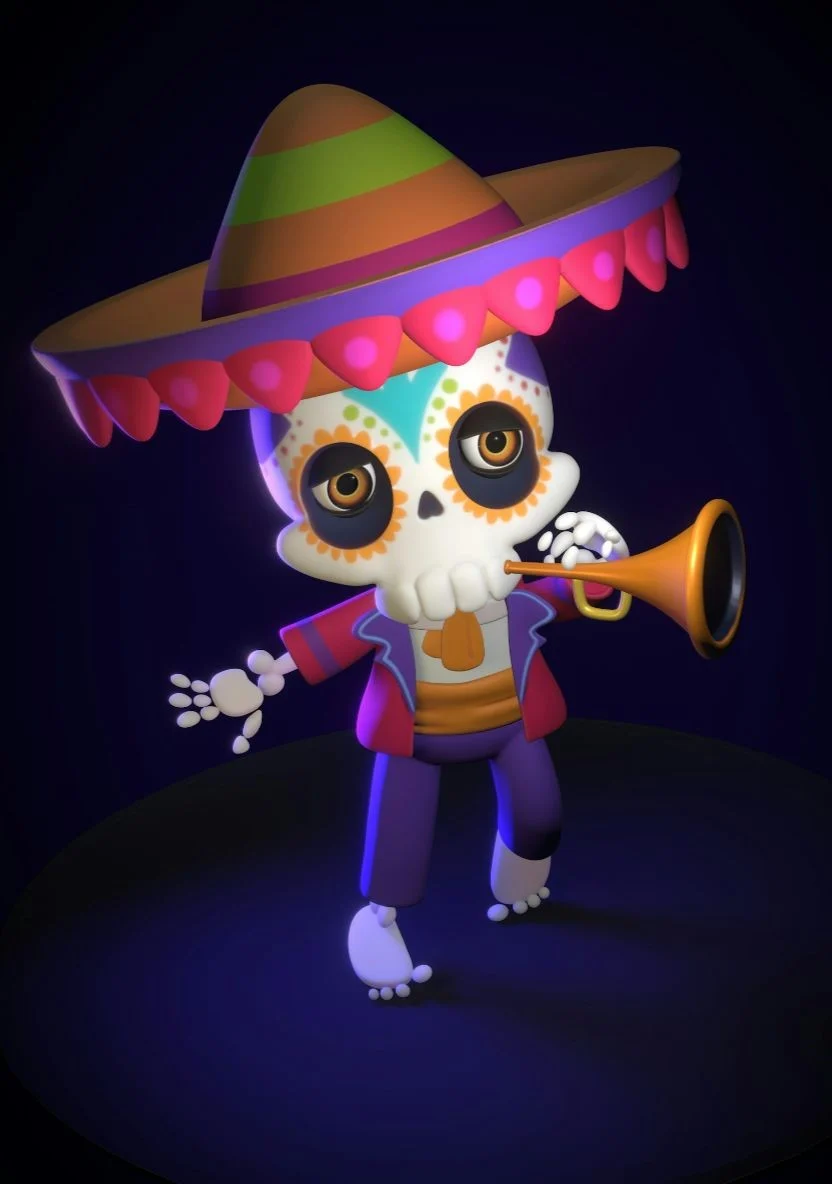
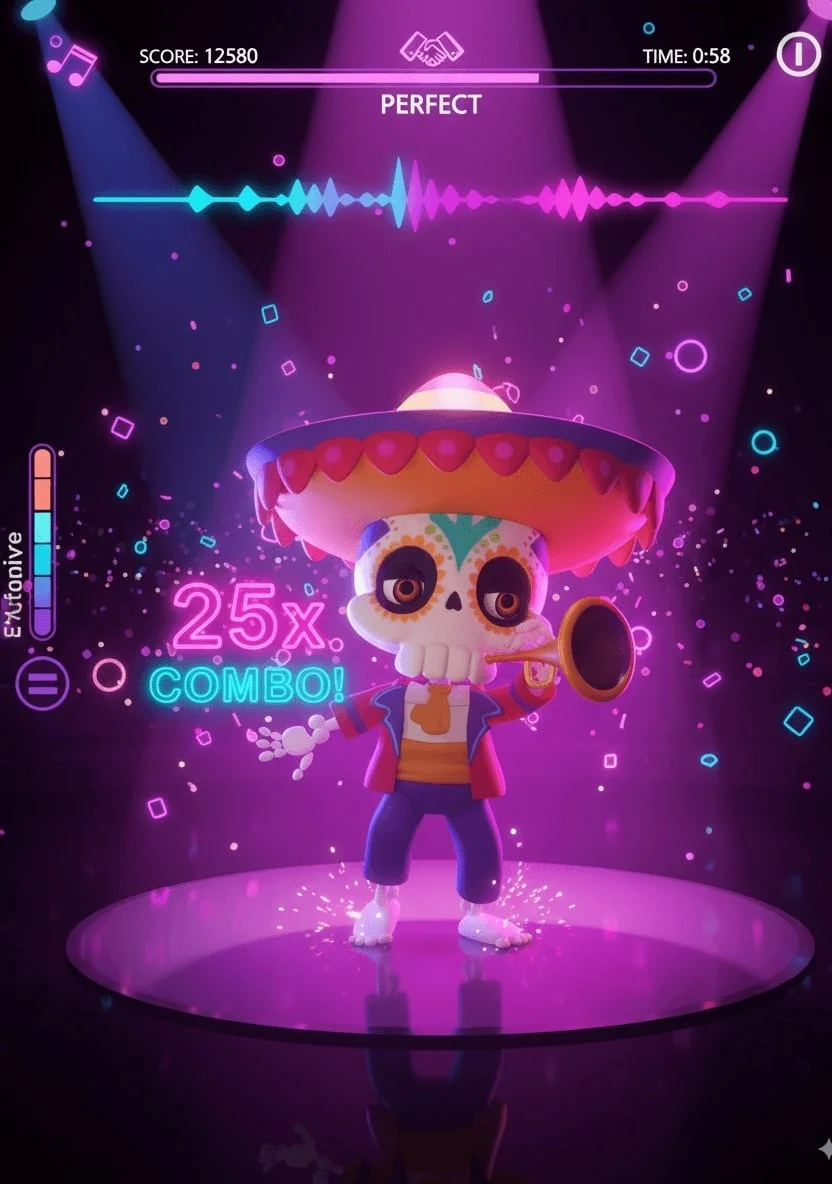
A vibrant rhythm dance game screenshot featuring three same 3D animated characters from the reference photo, keeping her unique hairstyle, headphones, sunglasses, sporty yellow pants, and confident dance pose. Immersive cinematic lighting with neon pink and purple glow, glossy reflective dance floor shining under spotlights, dynamic 3D cartoon style. Rhythm game interface with immersive UI: score meter at the top, colorful music waveform animations synced to the beat, stage timer countdown, and floating combo numbers. Highly detailed, game-like atmosphere with energy bars, neon particle effects, and immersive arcade rhythm game HUD elements. Ultra-detailed, cinematic, immersive, 3D animation.
9. Game UI Mock‑up
Blend characters, badges, and stat cards into a stylized game interface layout.
✅ Prompt
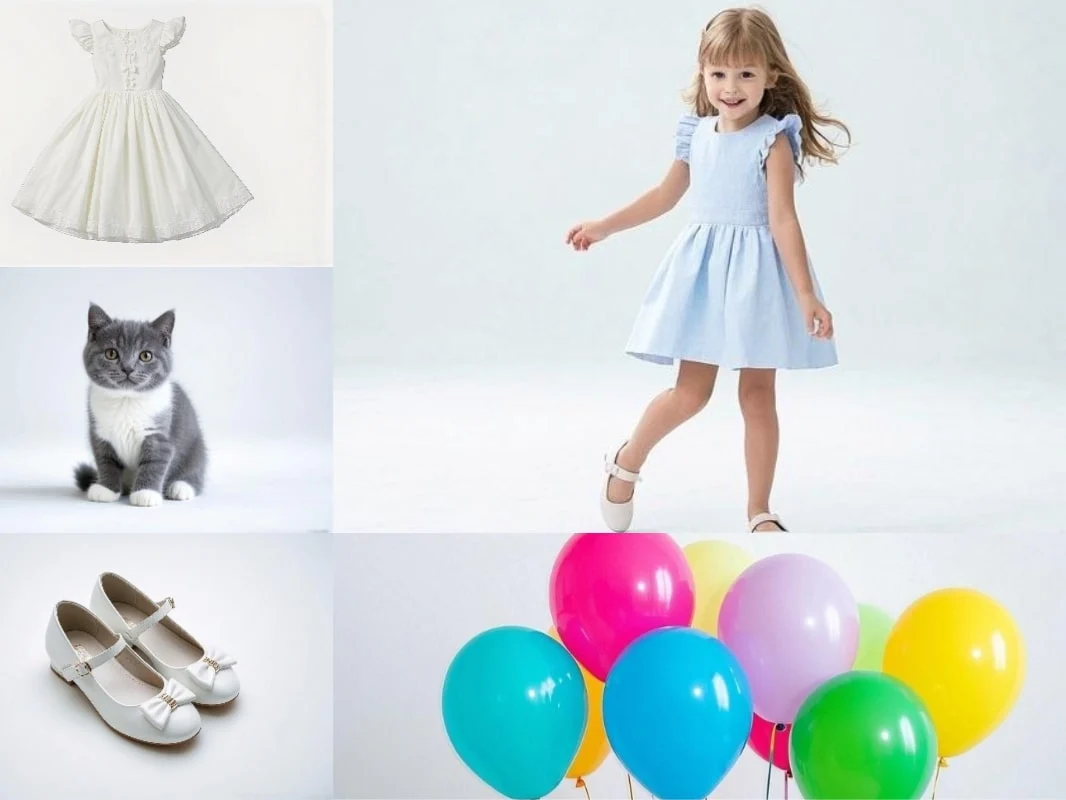
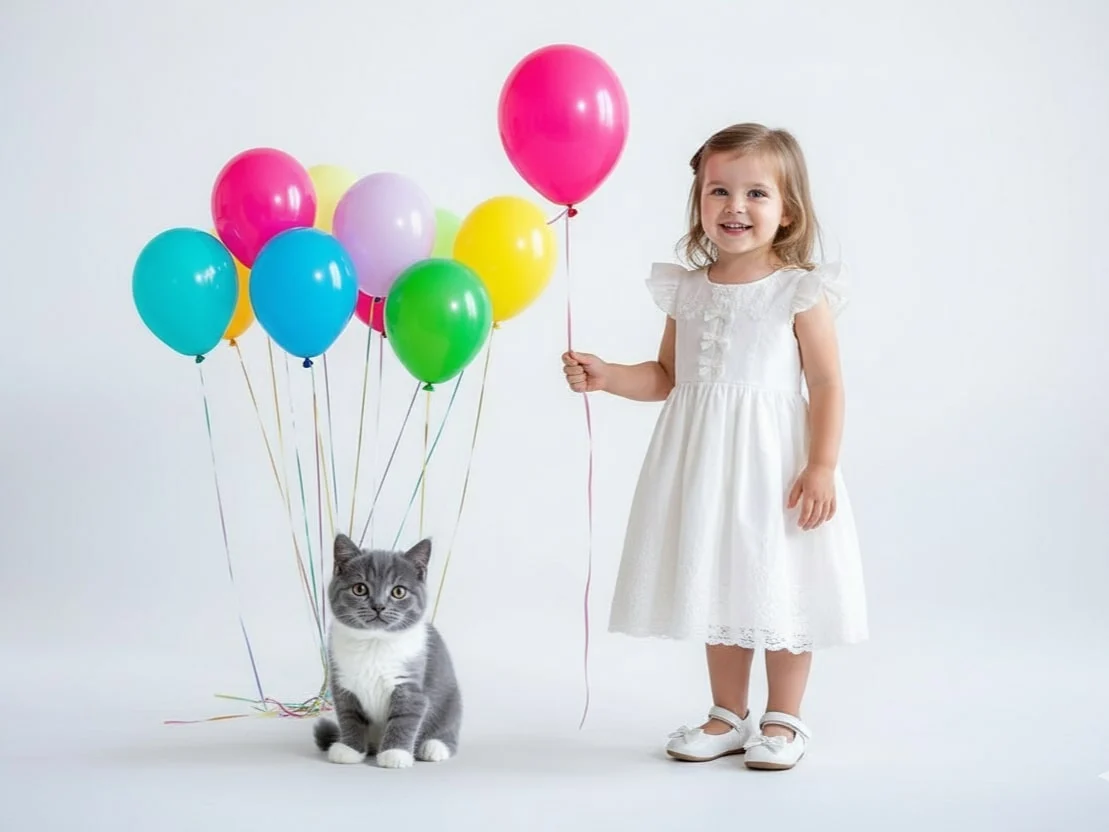
Combine multiple images ([Image1], [Image2], [Image3], …) into a single cohesive image. Keep all key subjects recognizable and maintain their proportions and details. Blend the images naturally with consistent lighting, shadows, perspective, and style. Photorealistic, high-resolution, seamless integration.
10. Multi‑Photo Fusion
Merge several references into one seamless composite while preserving every subject.
✅ Prompt
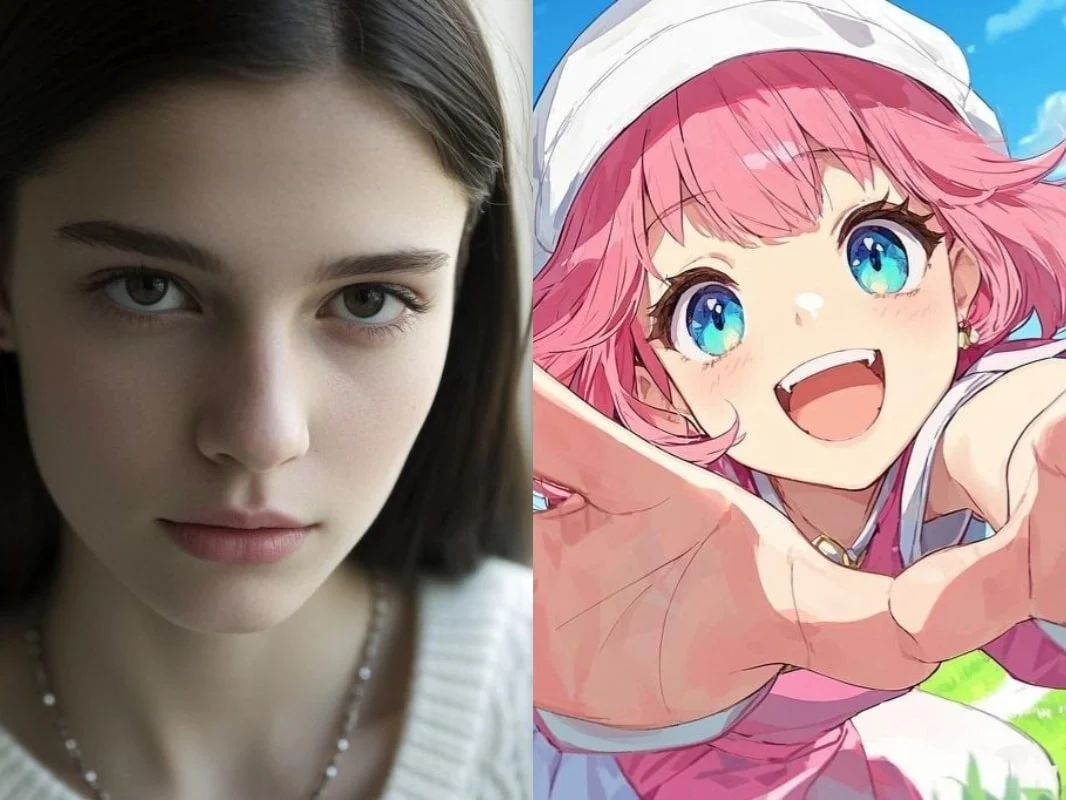
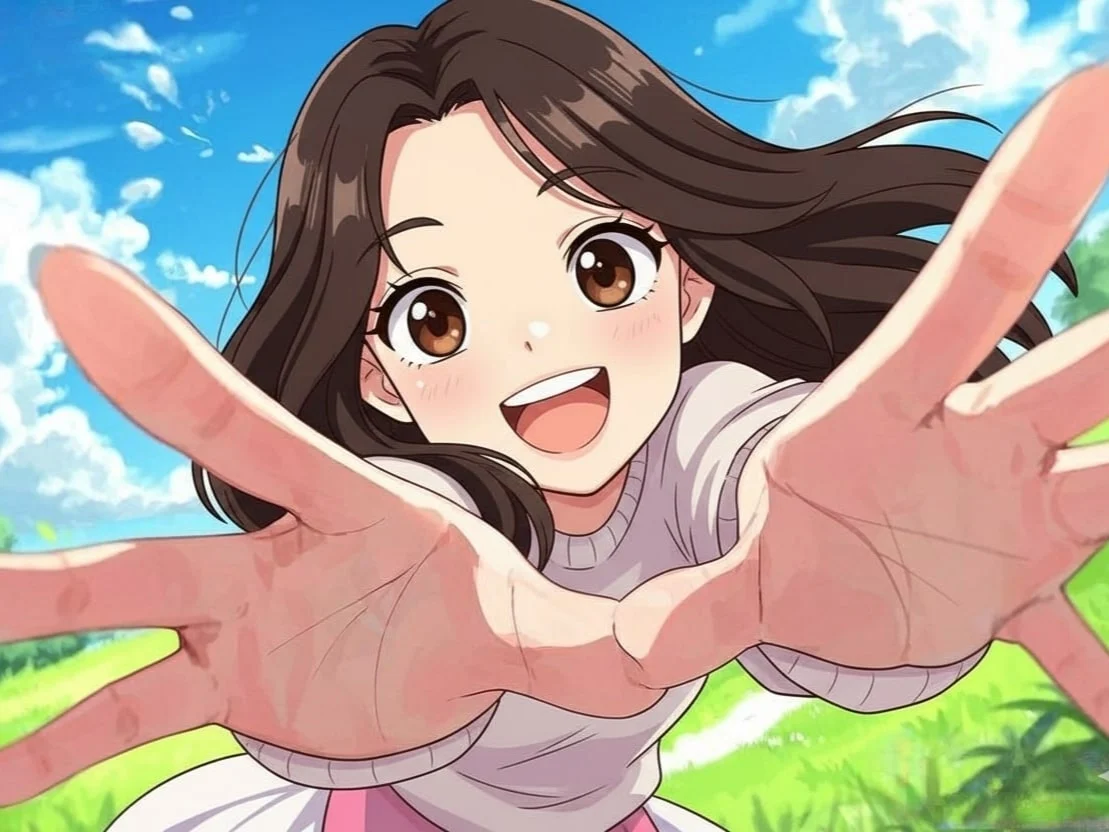
Transform this image [Image1] into the artistic style of [Image2]. Keep the main subject, composition, and details from [Image1], but apply the colors, textures, and overall aesthetic of [Image2]. High-quality, [illustraition] style, consistent details.
11. Style Transfer Remix
Mix the subject of one image with the palette and texture of a second reference style.
✅ Prompt
Note:
Keep the character in [Image1] unchanged, but replace her pant with the outfit in [Image2]. Maintain the same pose, body proportions, and facial features, while applying the color, texture, and style of the pants in [Image2]. High-quality, realistic, consistent detail.
12. Virtual Outfit Swap
Swap wardrobes digitally while keeping the model’s pose, body, and expression intact.
✅ Prompt
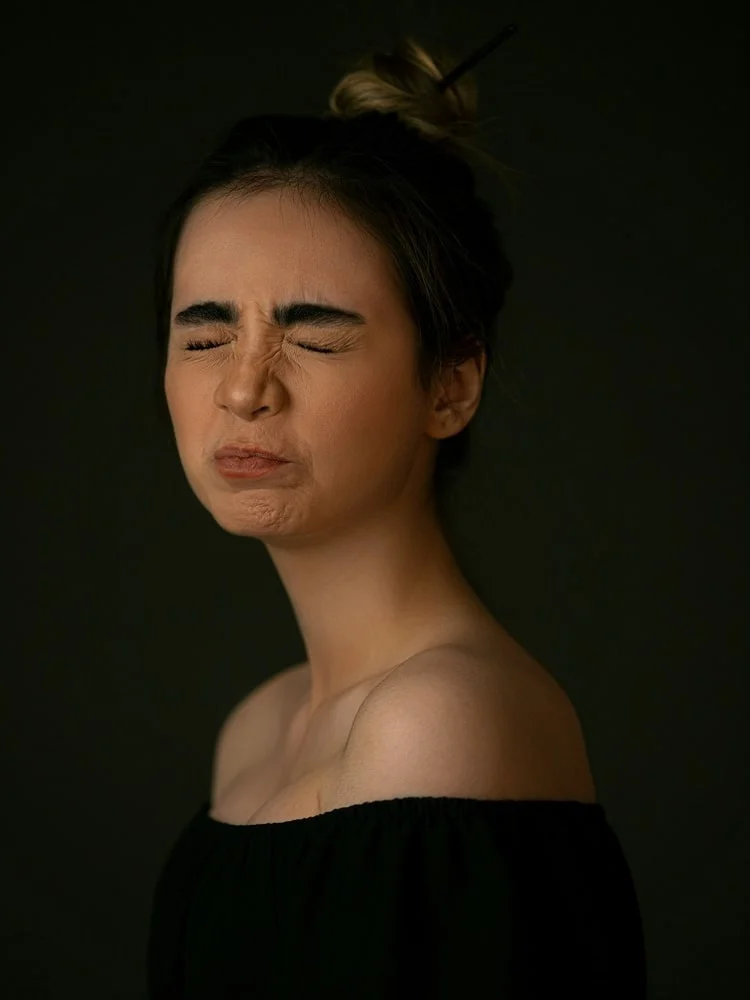
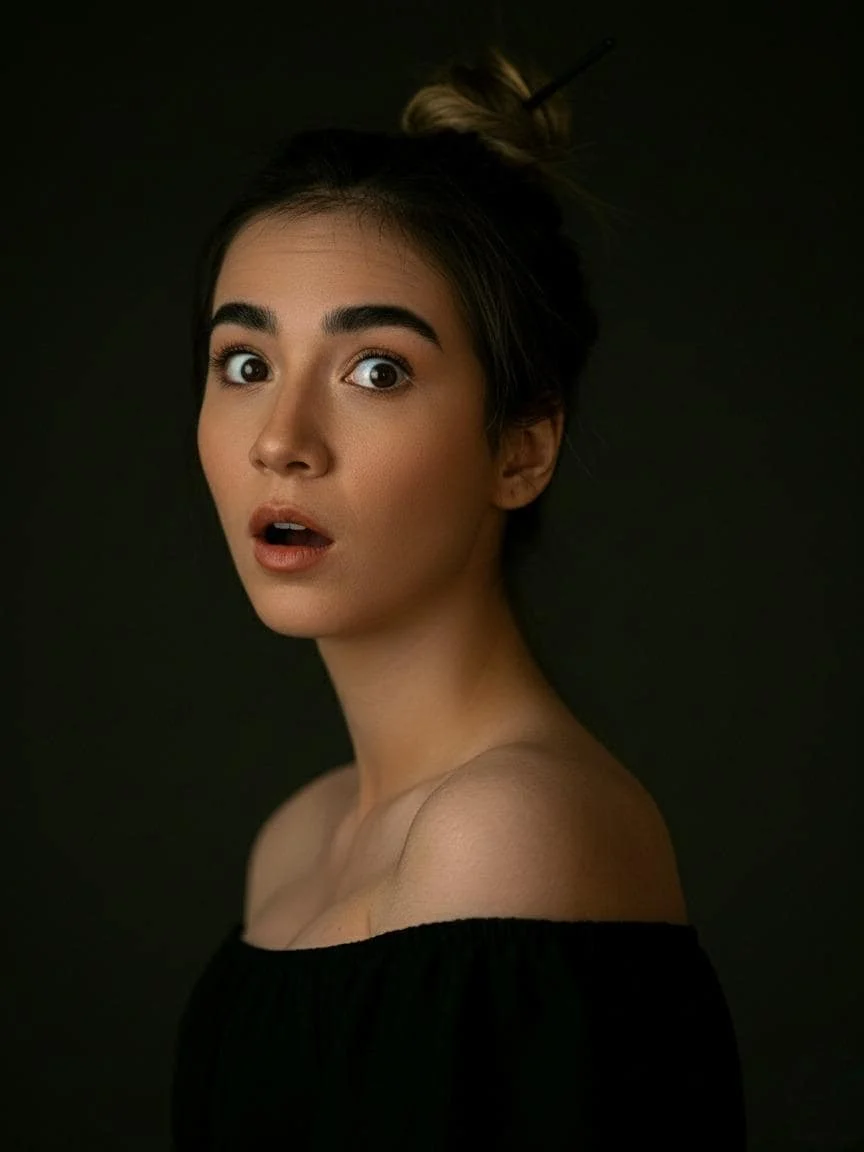
Keep the person from [Image1] unchanged, but change their facial expression to [desired expression, e.g., smiling, surprised, angry]. Preserve the pose, body proportions, hairstyle, and overall appearance. Maintain realistic lighting, shadows, and photorealistic details.
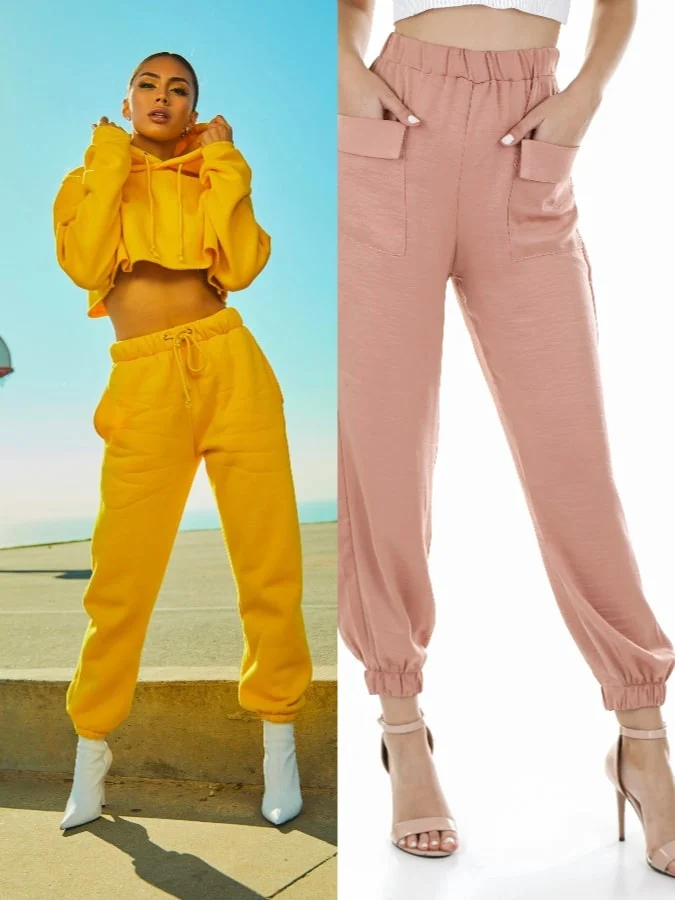
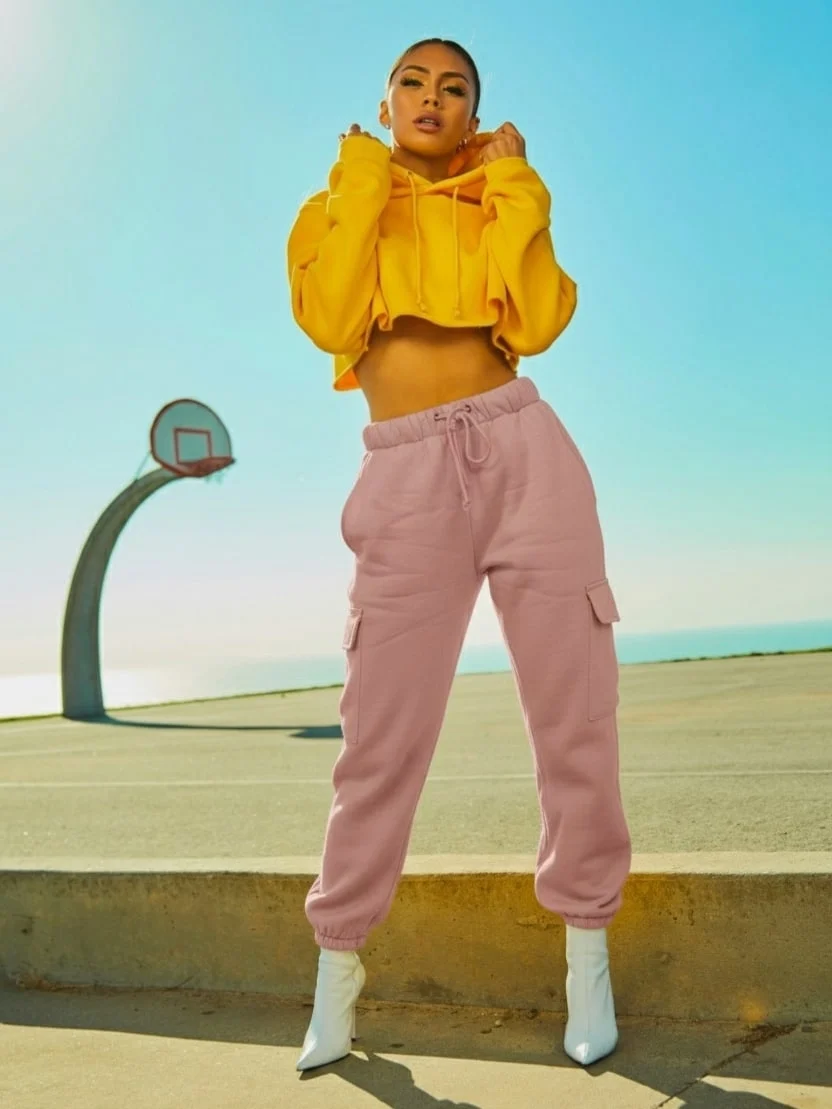
Image Editing Toolkit
13. Expression Swap
Change smiles, frowns, or surprise reactions in a single click without reshooting.
✅ Prompt
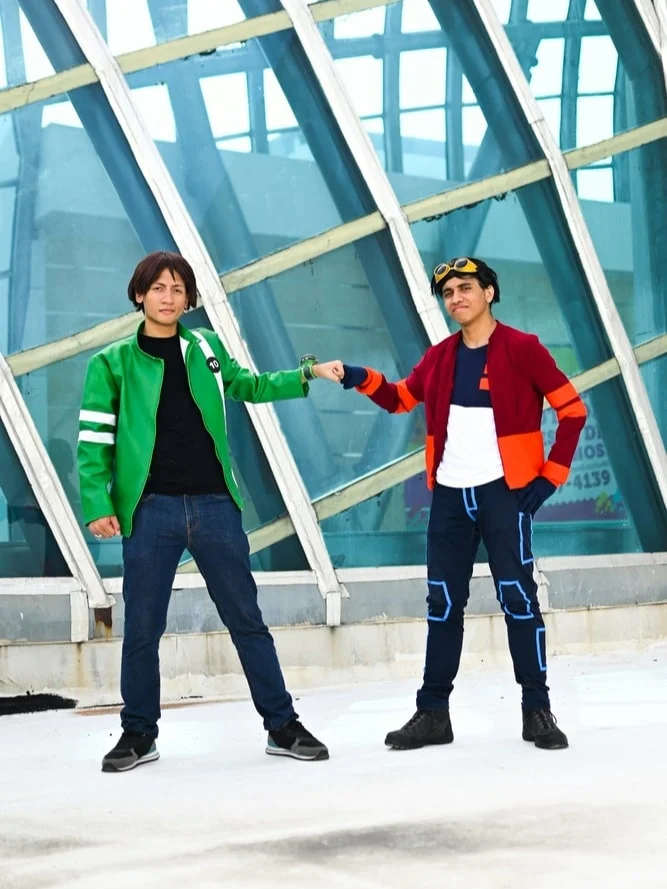
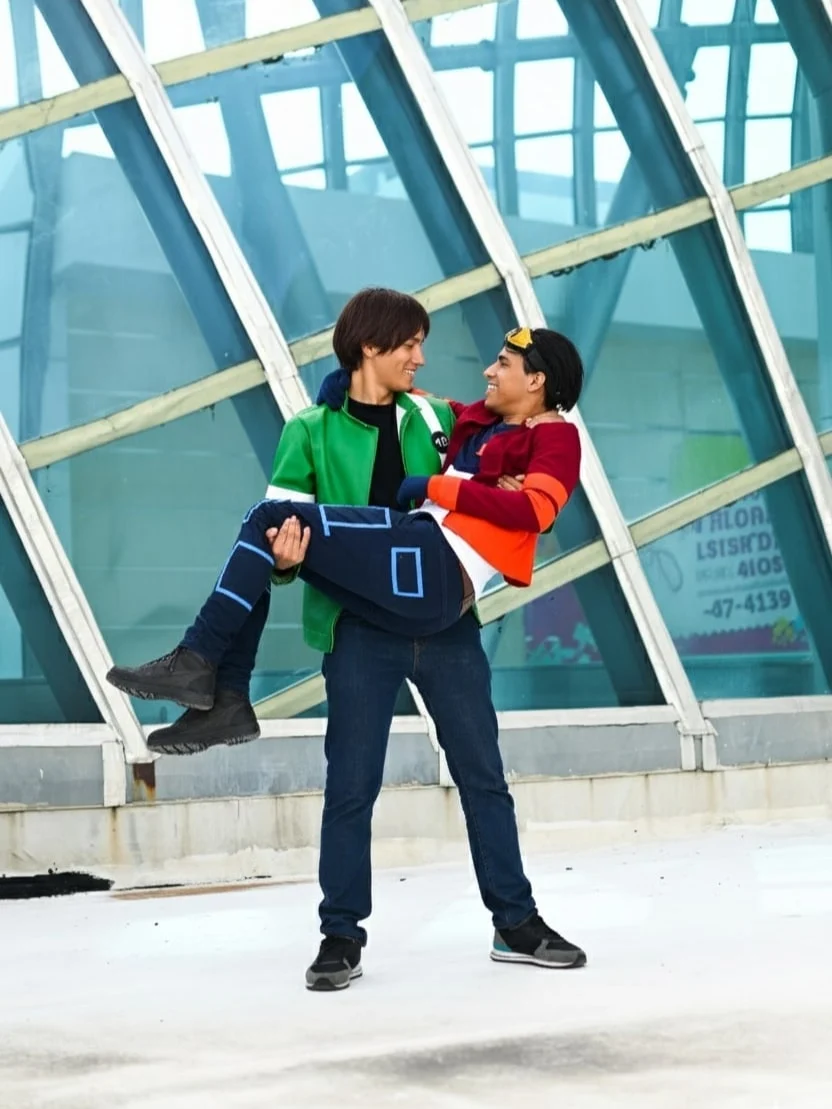
Take the two men and place them in the exact poses of the man in green carrying the man in red. Preserve their identities, body proportions, and clothing details. Ensure the pose is natural and realistic, with consistent lighting, shadows, and perspective. Photorealistic, high-resolution result.
14. Pose Rebuild
Recreate elaborate poses by remapping bodies to a new reference posture.
✅ Prompt
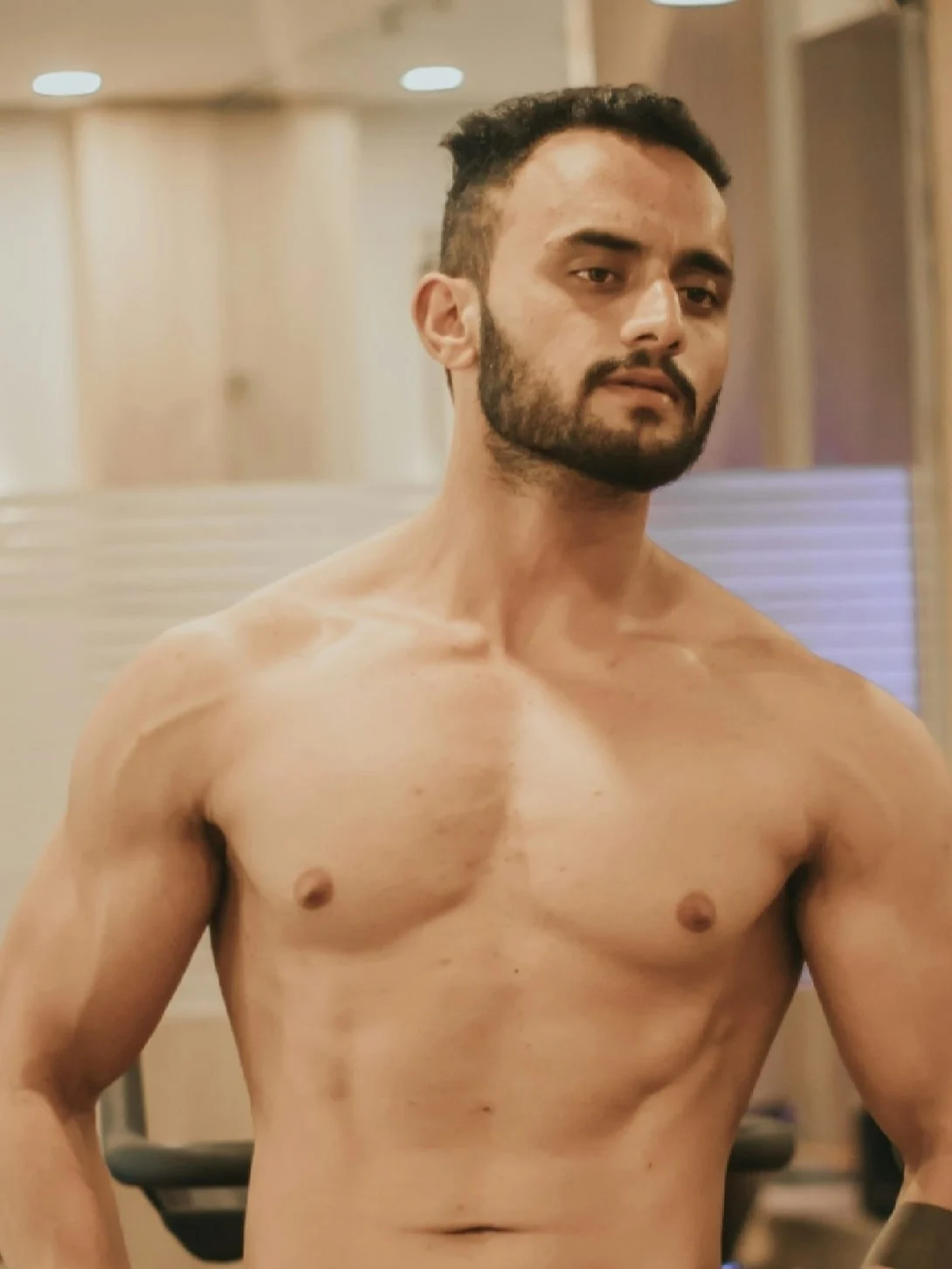
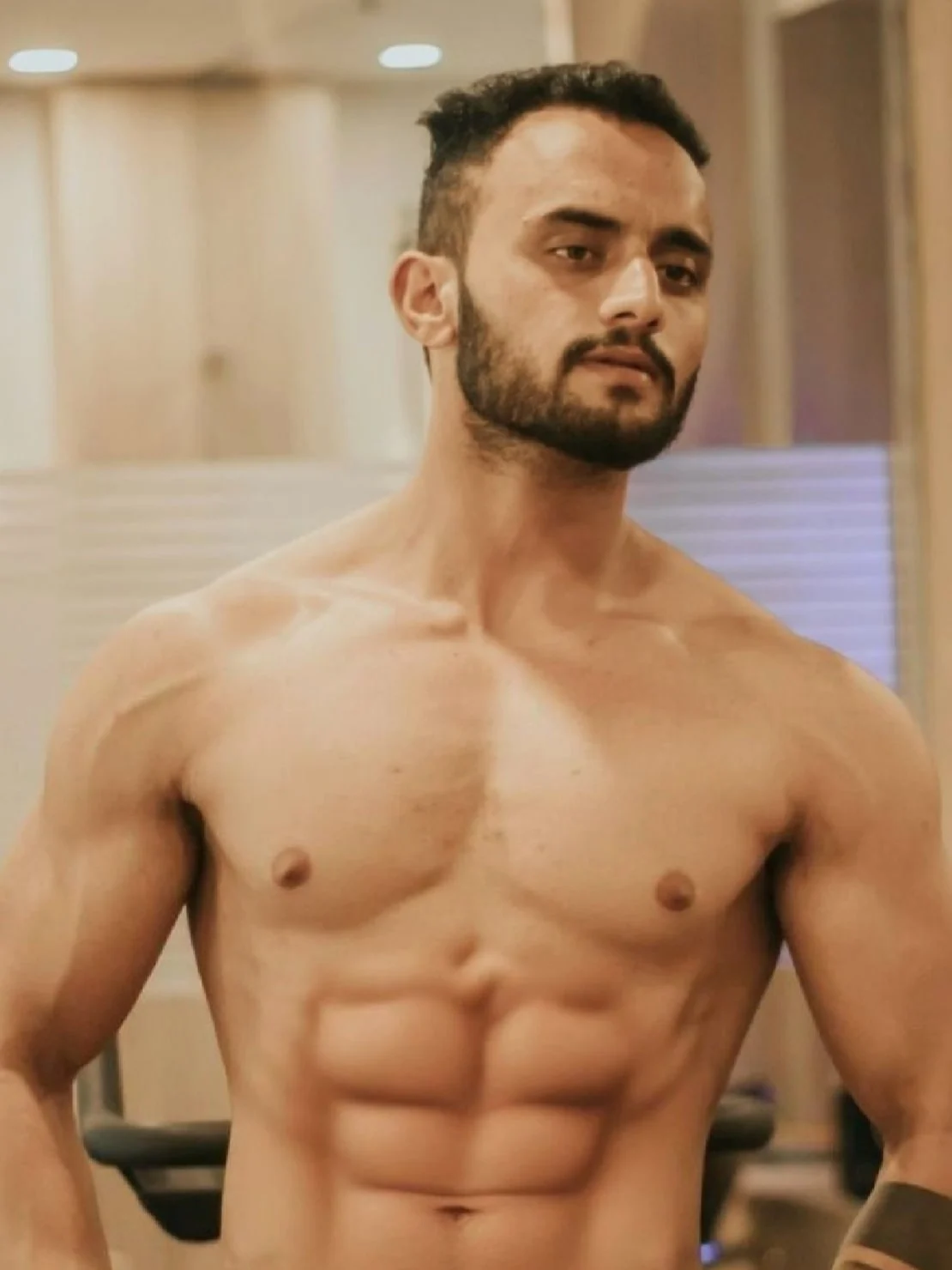
Reshape the body of the person in [Image1] into a [target body type]. Keep the face, identity, hairstyle, and clothing consistent. Ensure realistic anatomy, natural proportions, and photorealistic details.
15. Body Shape Editing
Resize physiques—from athletic to slim or curvy—while keeping clothing and identity consistent.
✅ Prompt
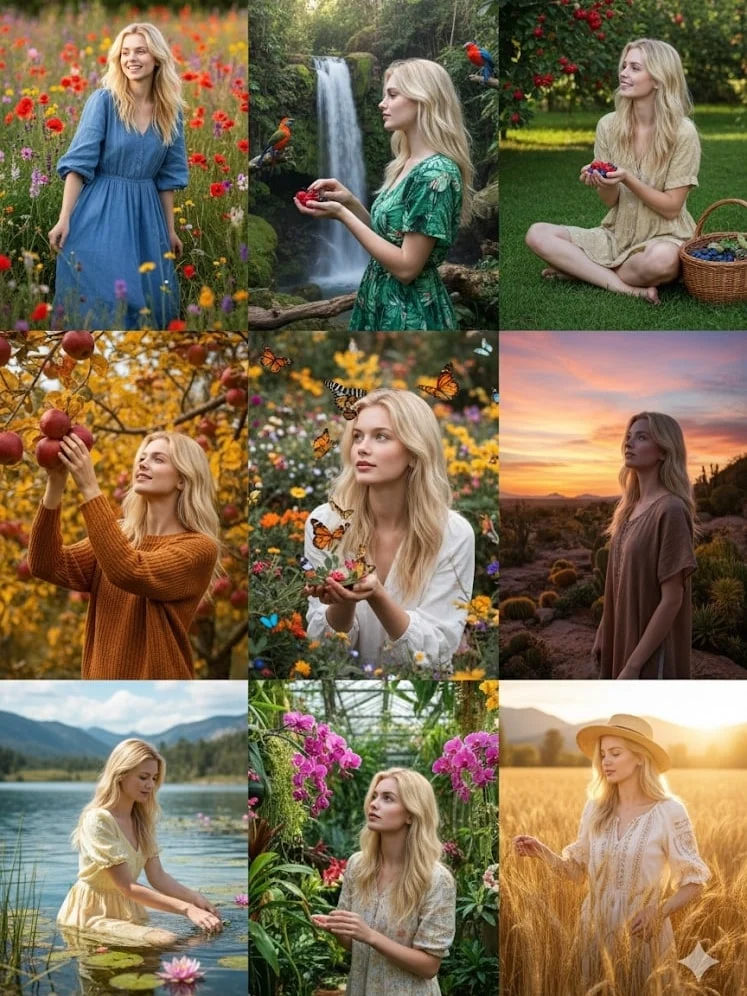
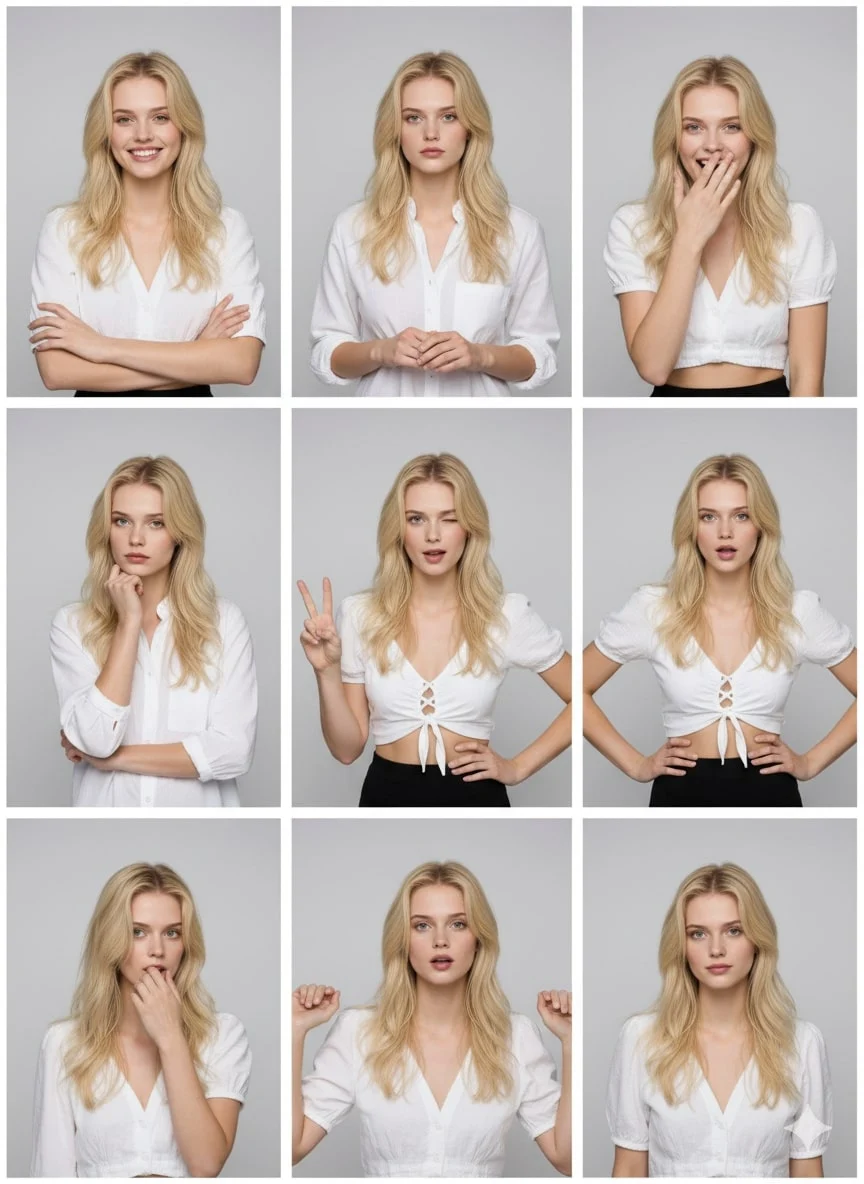
Using the uploaded photo as a reference, generate a set of 9 vibrant half-length portraits featuring natural life. Each portrait should show a different pose and be placed in a unique setting, with rich, colorful details that highlight the diversity of nature.
16. Nine‑Panel Portrait Grid
Produce nine coordinated portraits with unique poses for carousels or lookbooks.
✅ Prompt
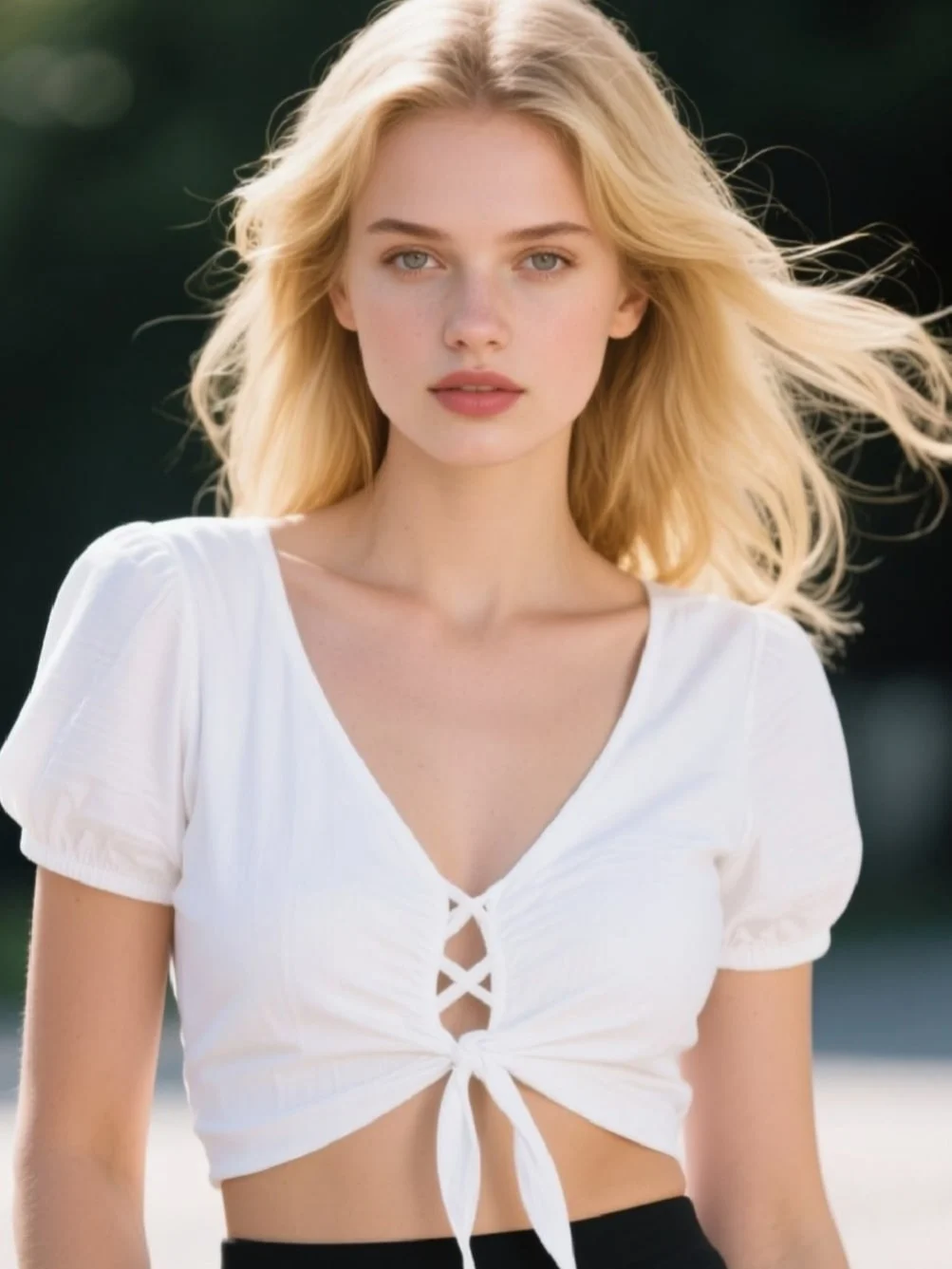
Replace the background of [Image1] with [desired background description, e.g., a beach, a forest, a city skyline]. Keep the main subject (person/object) unchanged, maintaining original proportions, lighting, and details. Ensure the subject blends naturally with the new environment. Photorealistic, high-resolution, seamless integration.
Advanced Image Editing
17. Background Replacement
Drop the subject into beaches, skylines, or studios while matching light and shadows.
✅ Prompt
Add [desired element, e.g., a tree, a lamp, a dog] to [Image1]. Place it naturally in the scene, matching the lighting, perspective, and style. Keep the original elements unchanged. Photorealistic, seamless integration.
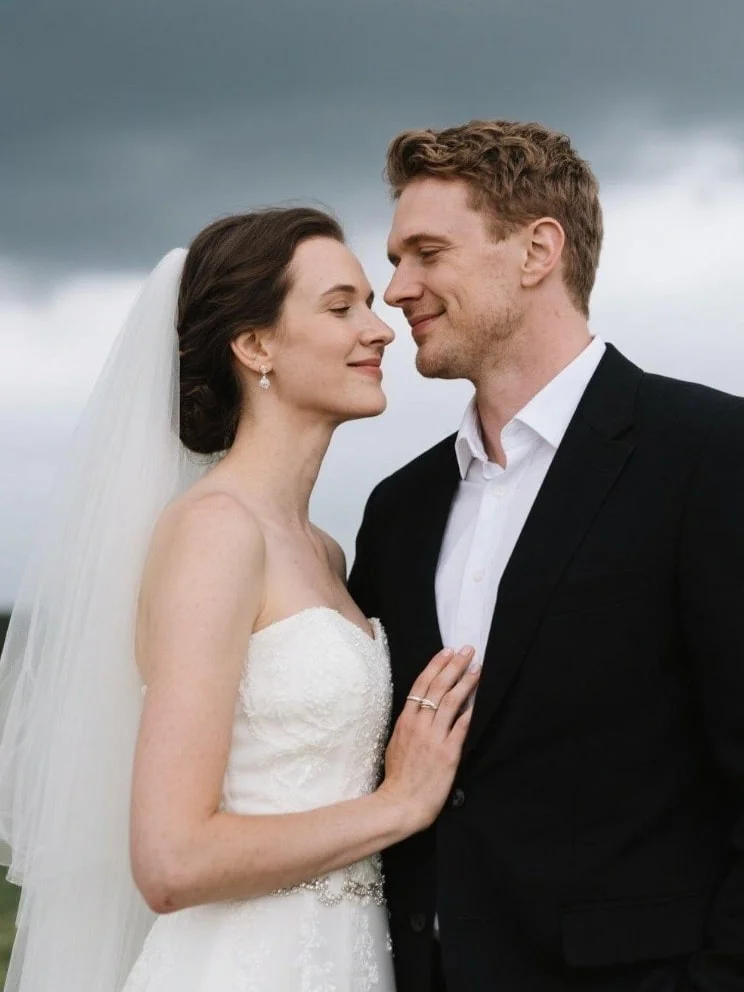
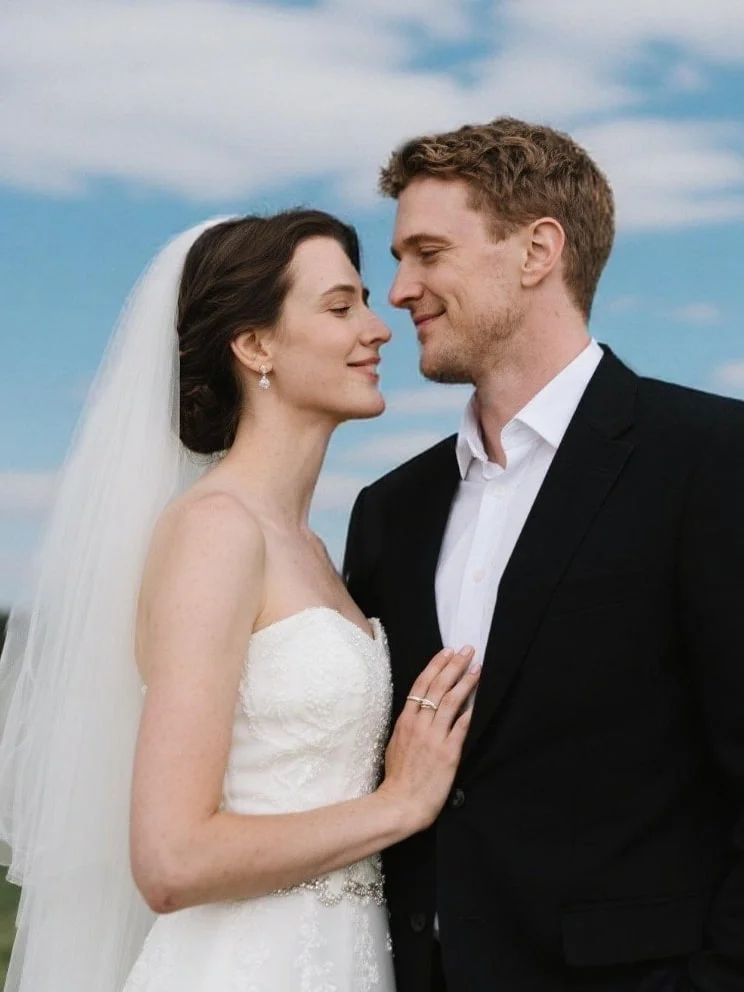
18. Add or Remove Objects
Insert or delete props seamlessly to tidy compositions or add storytelling details.
Blend new props into the frame with matching lighting and perspective.
✅ Prompt
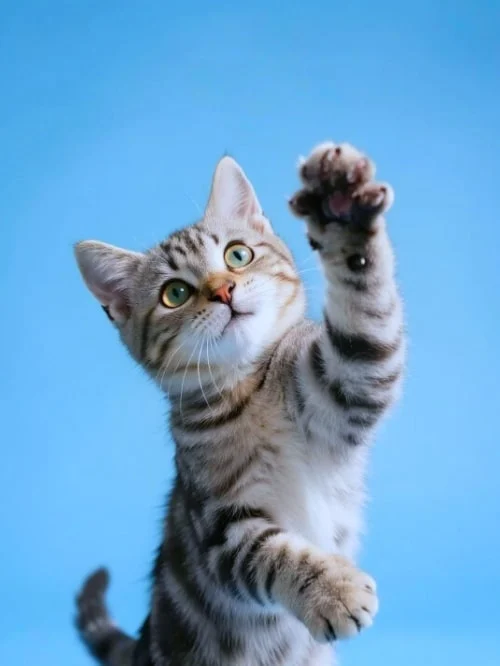
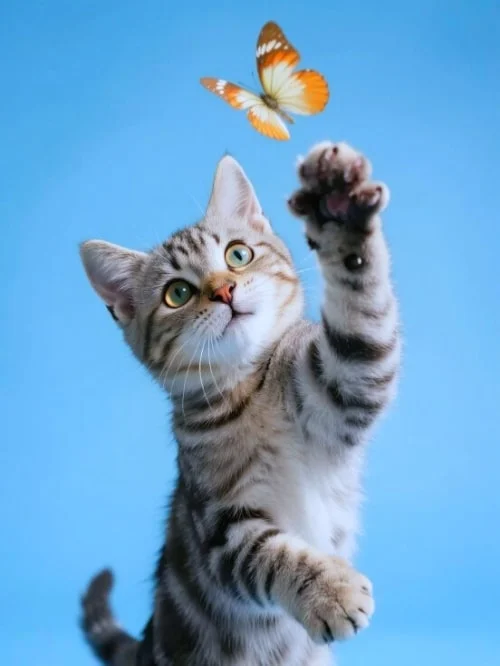
Remove [element to remove, e.g., a person, a car, a sign] from [Image1]. Fill the background naturally to maintain the scene’s continuity, lighting, and details. Keep all other elements unchanged. Photorealistic, high-resolution.
Edit the text in [Image1]. Replace the existing text with “[your new text]” while keeping the background, design, and other elements unchanged. Match the font style, size, and color to look natural and consistent with the image. Photorealistic, seamless integration.
Remove distracting elements for a cleaner, more focused composition.
✅ Prompt
Edit the text in [Image1]. Replace the existing text with “[your new text]” while keeping the background, design, and other elements unchanged. Match the font style, size, and color to look natural and consistent with the image. Photorealistic, seamless integration.
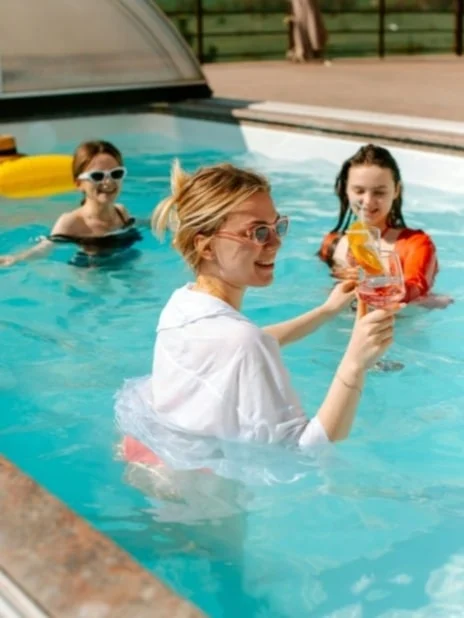
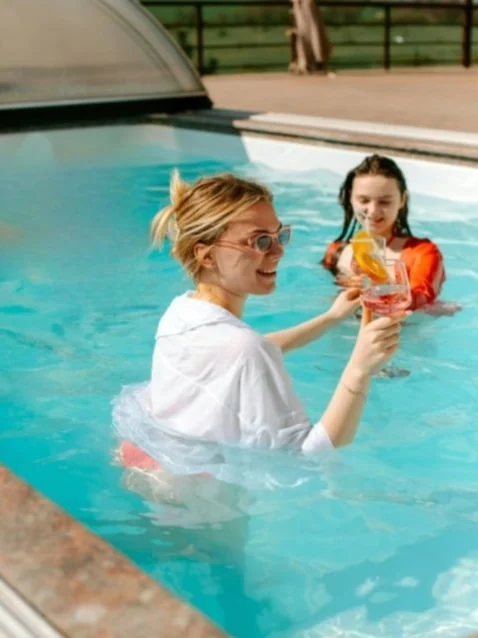
19. Camera Angle Variations
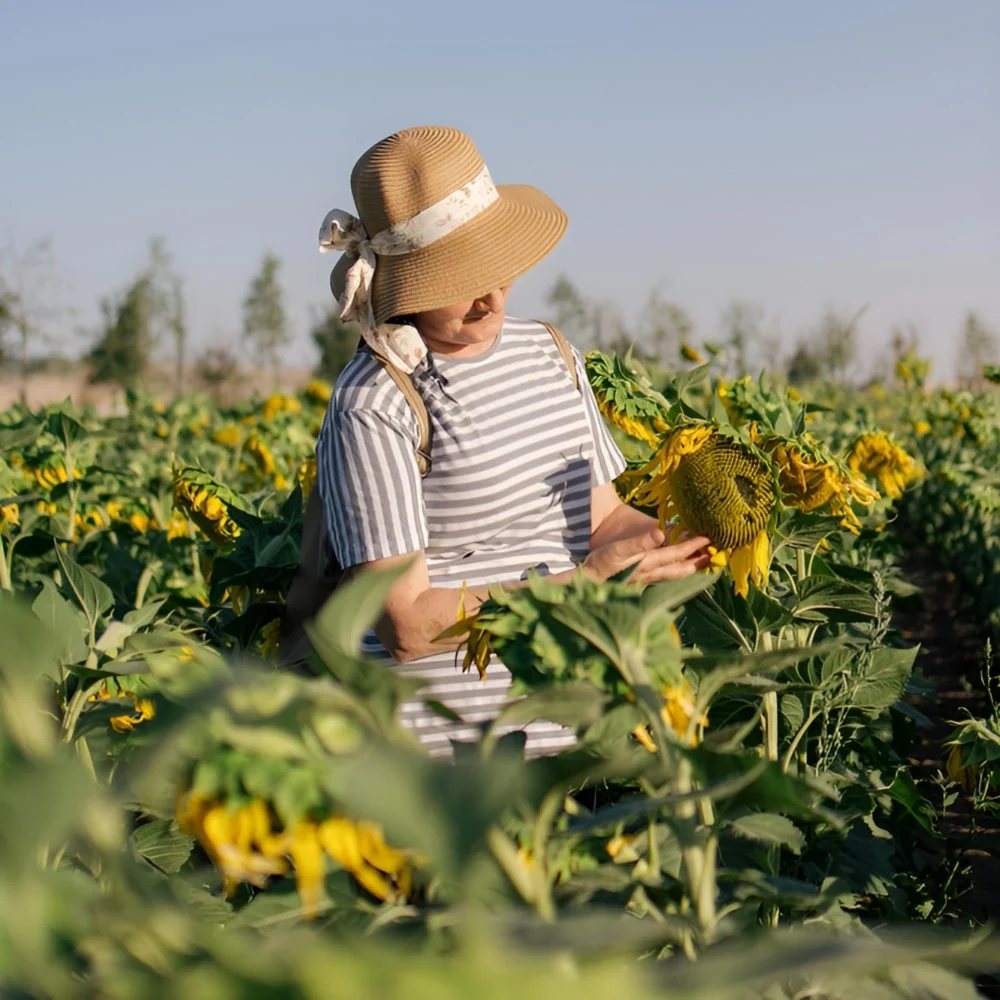
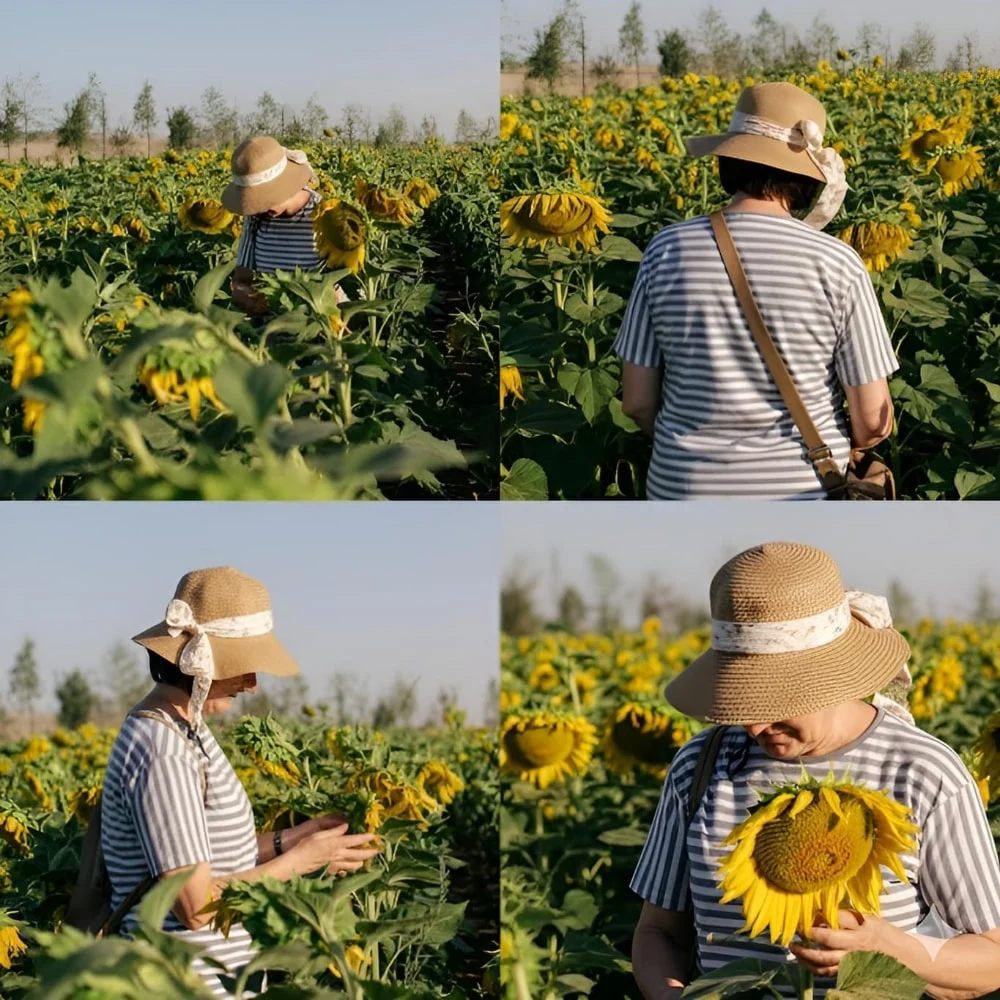
Render the same subject from top, rear, profile, and close‑up viewpoints.
✅ Prompt
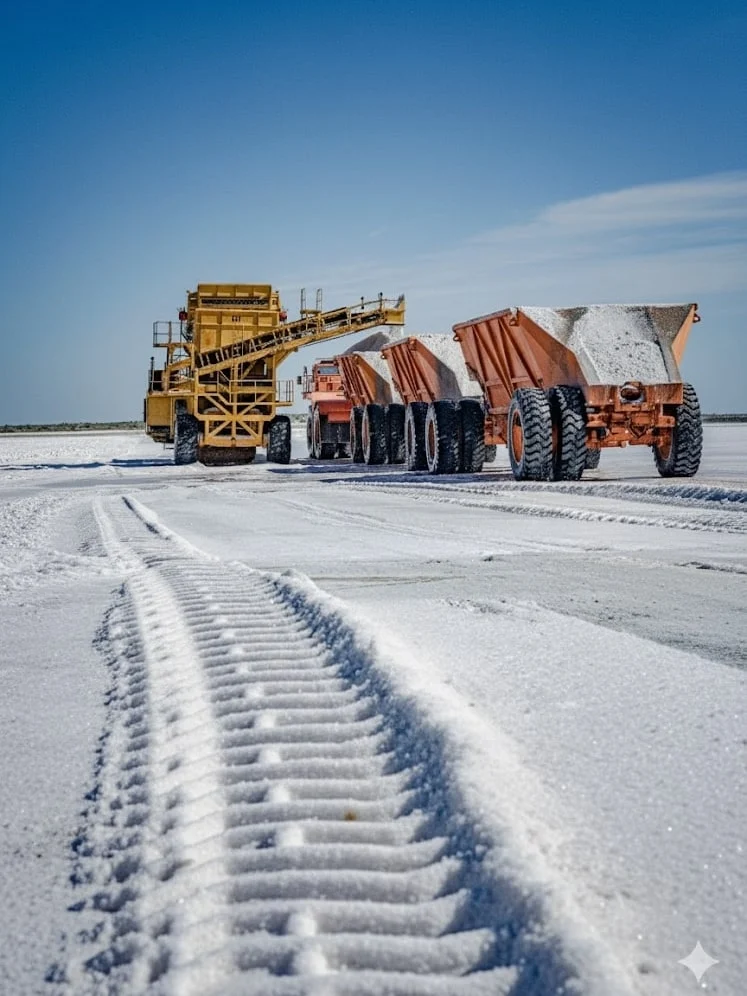
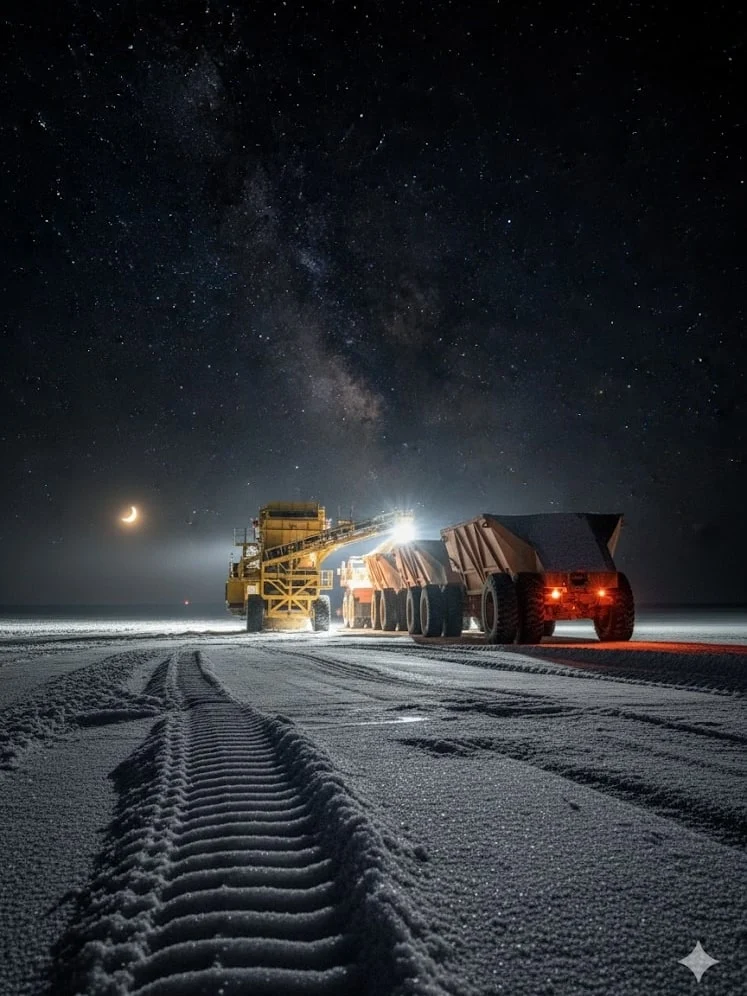
Generate an image of the same scene as [Image1], but showing how it looks 10 minutes later. Keep the environment and style consistent, but add natural changes over time such as light, weather, people and so on. Photorealistic, seamless continuity.
- Bird’s-eye view (top-down)
- Rear view (from behind)
- Side profile view
- Close-up portrait view
_Recreate the person from [Image1] in four different camera perspectives.Keep the subject’s identity, body proportions, and clothing consistent across all four images. Maintain the same background environment as [Image1], with photorealistic lighting, natural shadows, and high-quality details.
Generate four variations side by side:_
- Bird’s-eye view (from above).
- Rear view (from behind).
- Side profile view.
- Close-up portrait view.
20. Edit Text in Images
Swap signage, packaging copy, or social callouts without disturbing the rest of the scene.
✅ Prompt
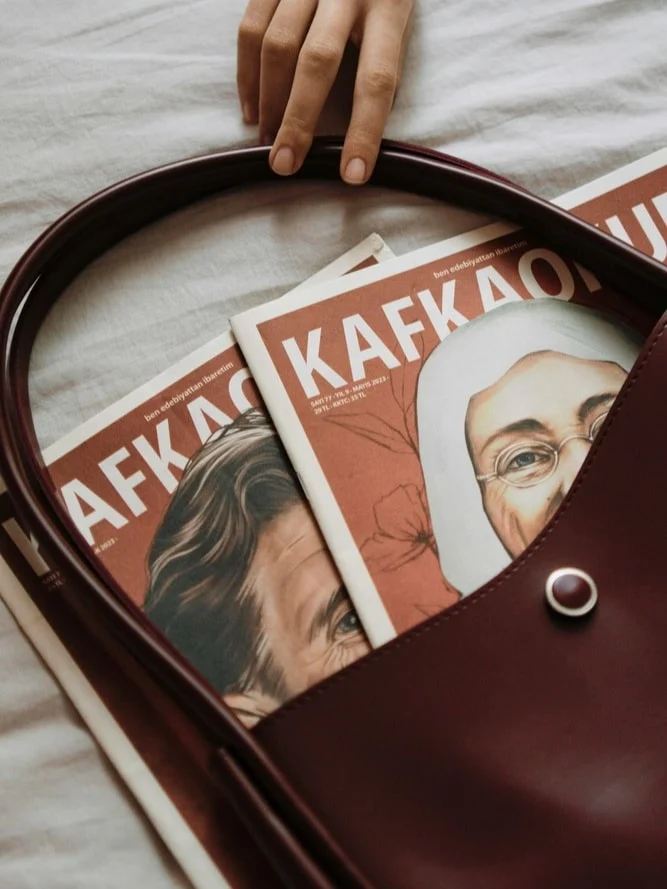
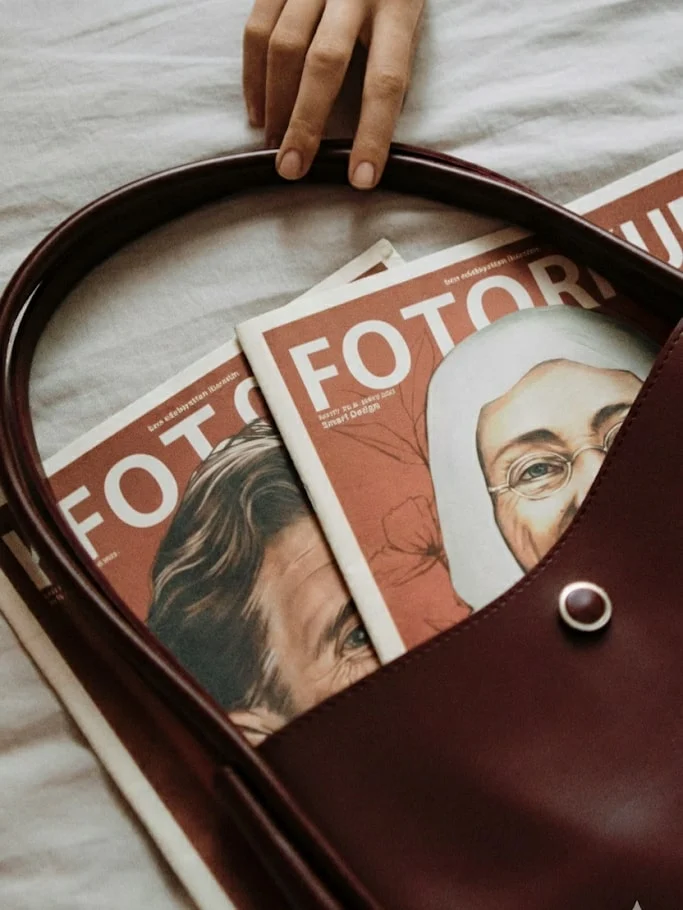
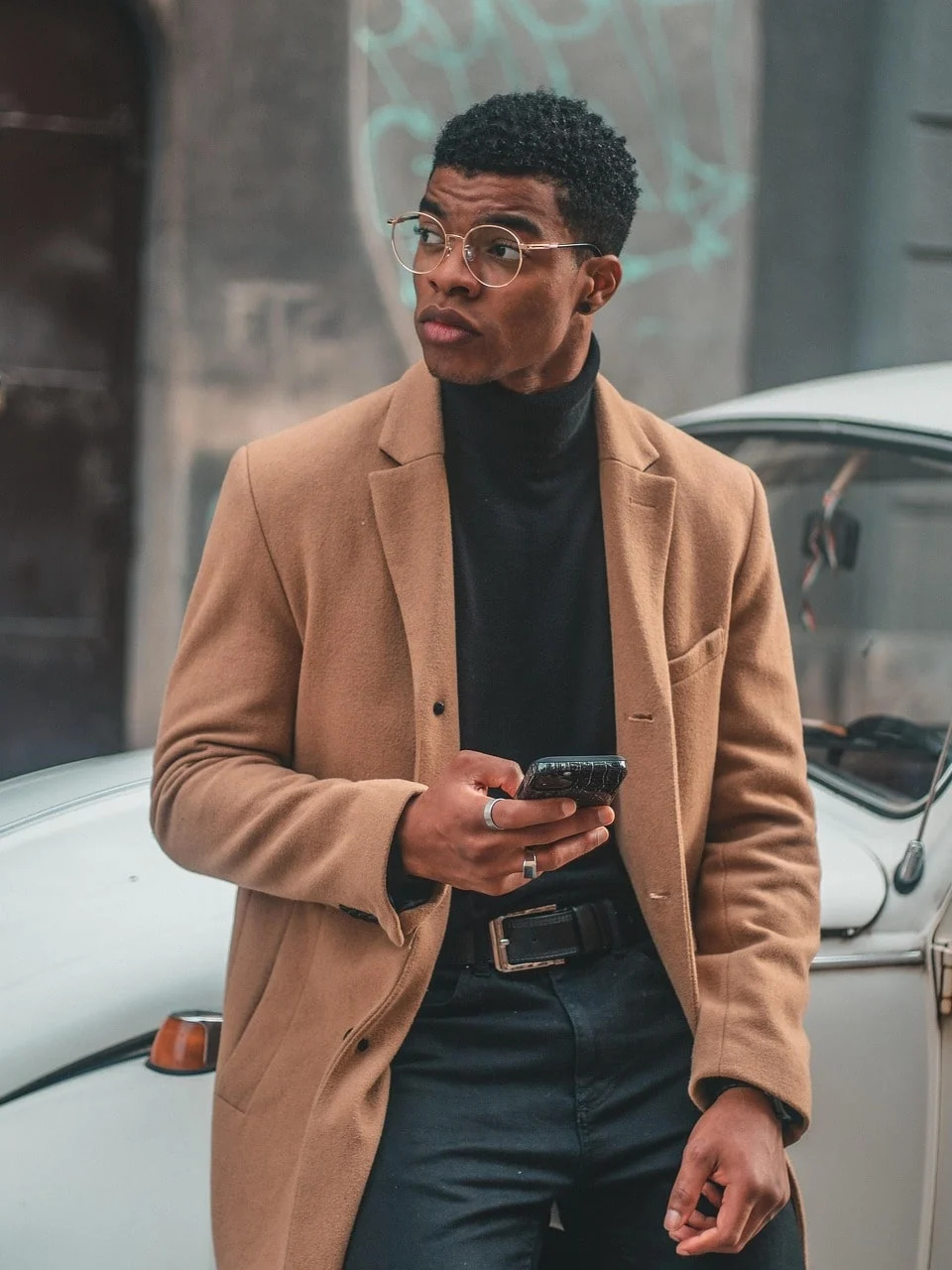
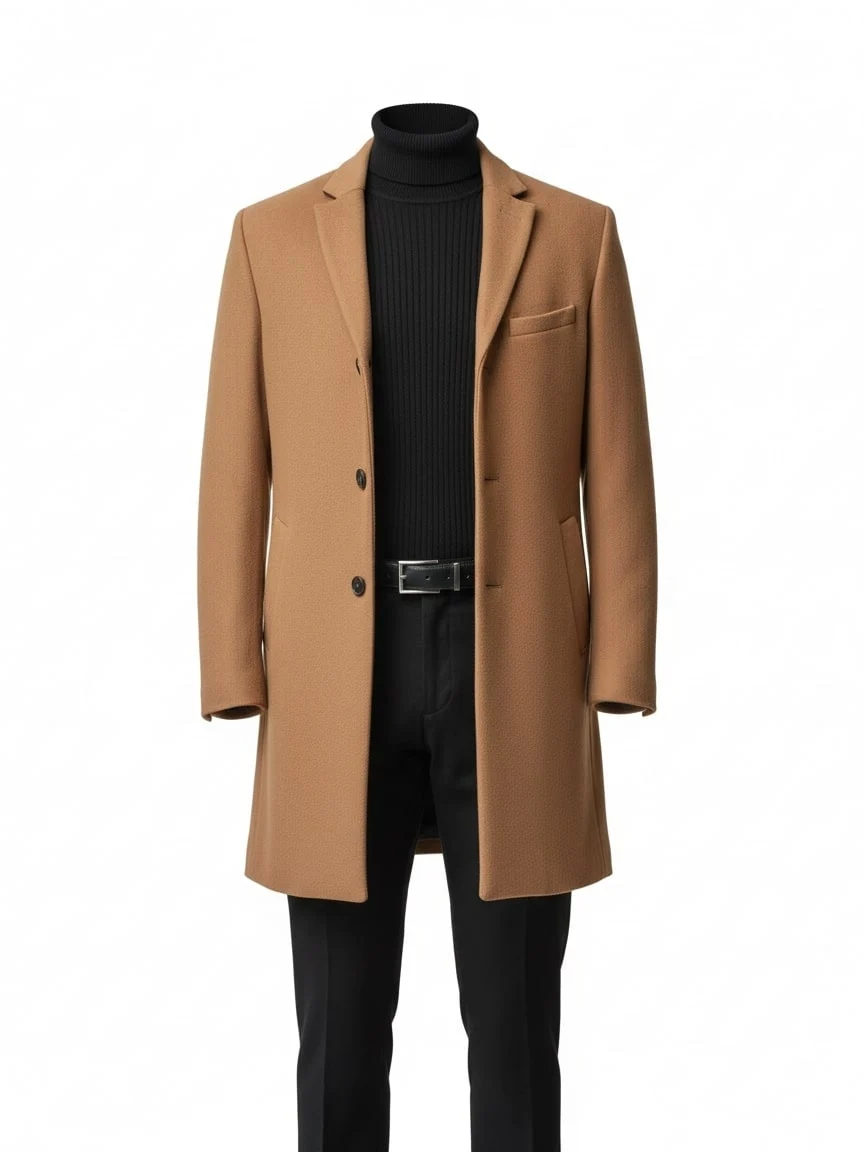
Extract the clothing from [Image1] and present it as a clean e-commerce product photo. Remove the model’s body completely. Keep the outfit in natural 3D shape, with realistic fabric folds, seams, and textures. Display the garment as if photographed on a mannequin or neatly laid flat, centered on a pure white or transparent background. High-resolution, professional lighting, suitable for online fashion catalog.
21. Time‑Lapse Scene
Show how a scene evolves minutes later by adjusting lighting, crowds, or weather.
✅ Prompt
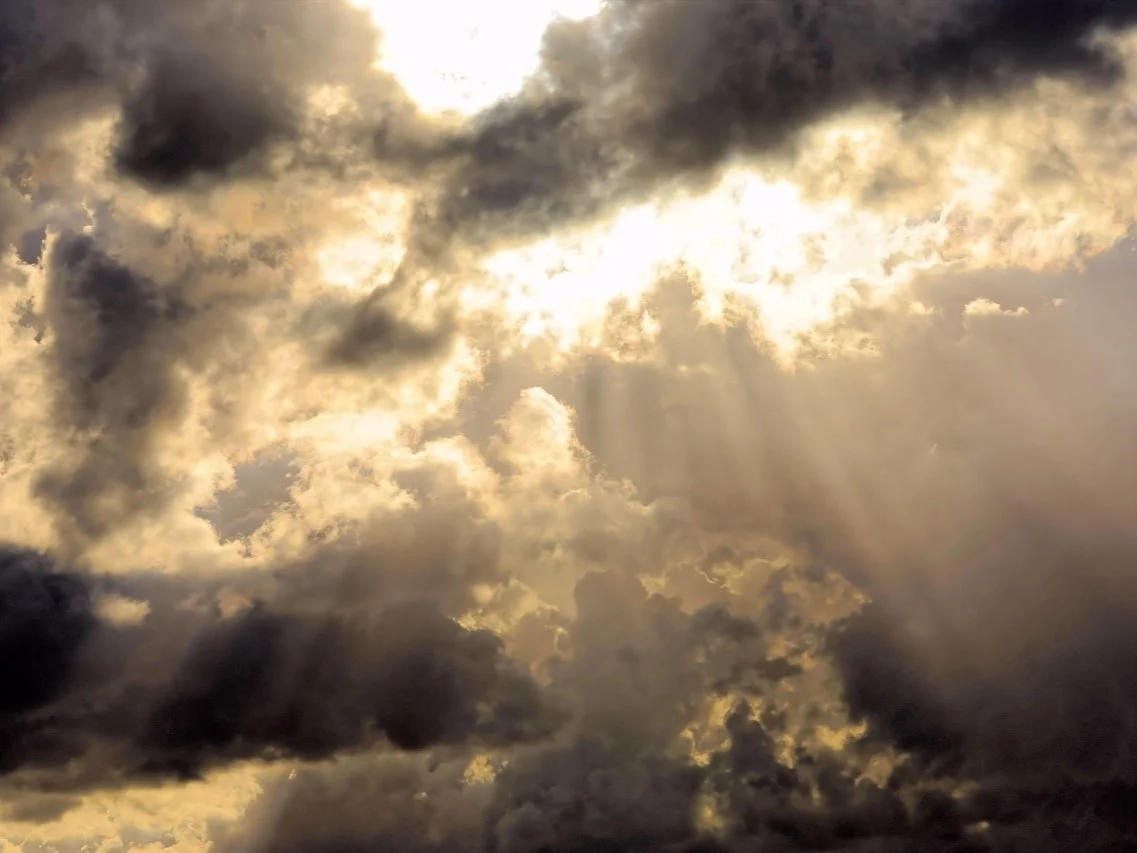
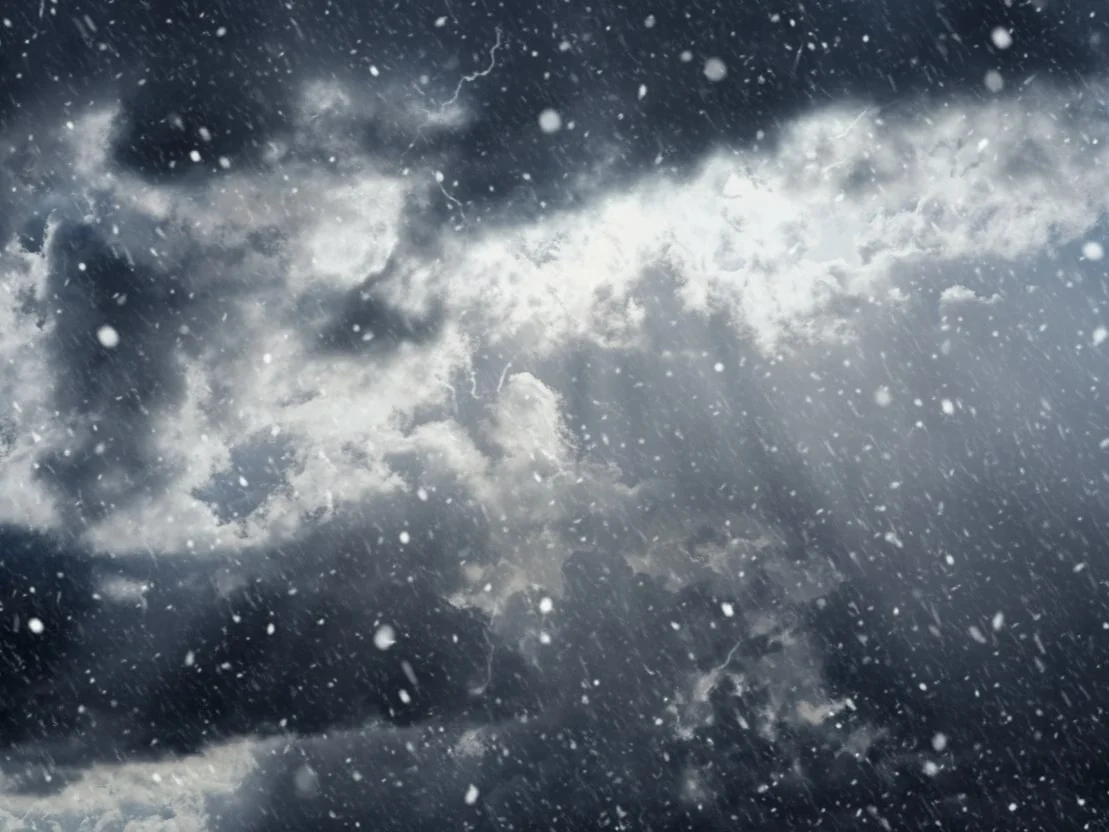
Change the weather in [Image1] to [desired weather, e.g., rainy, snowy, foggy, sunny]. Keep the main subject and overall scene intact. Adjust lighting, shadows, colors, and environmental effects to match the new weather. Photorealistic, seamless integration, high-resolution.
22. Object Extraction
Cut garments or products out of references to make clean e‑commerce visuals.
✅ Prompt
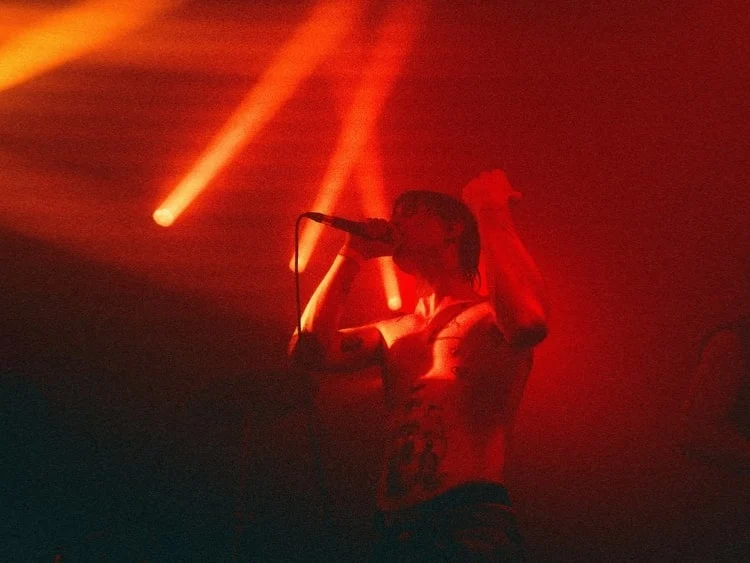
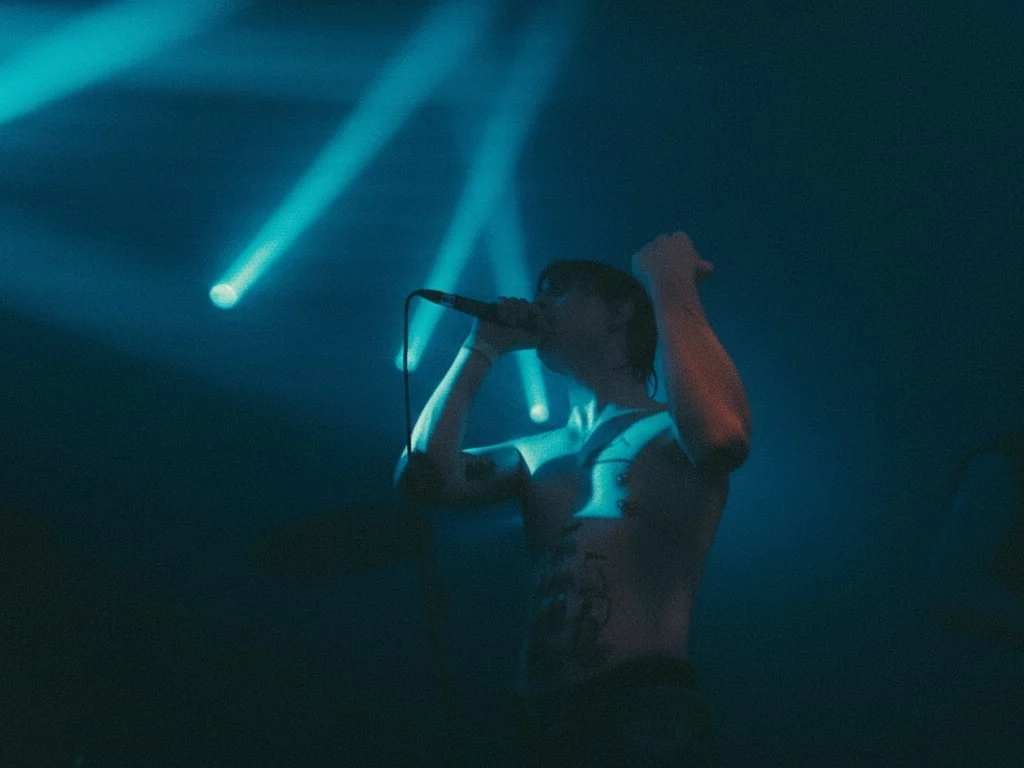
Change the colors in [Image1] to [desired color/style, e.g., warm tones, cool blue tones, pastel colors]. Keep the main subject and composition intact. Adjust lighting, shadows, and overall color balance to match the new color scheme. Photorealistic, high-resolution, natural-looking result.
23. Quality Restoration
Upscale blurry shots with crisp textures, sharper edges, and balanced lighting.
✅ Prompt
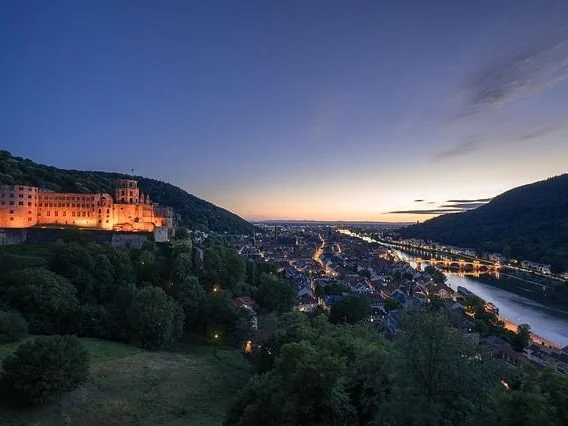
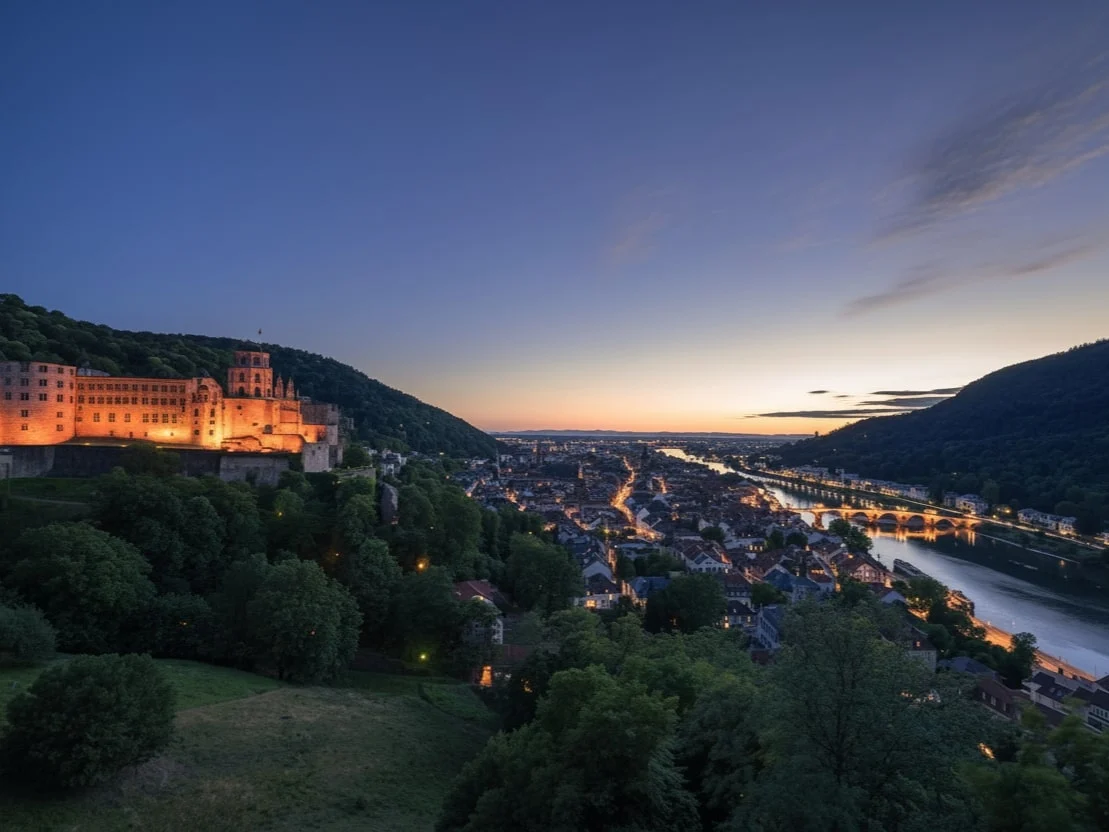
Replace [target element or area] in [Image1] with [new element or reference, e.g., a different person, object, or scene]. Keep all other parts of the image unchanged. Ensure the replacement blends naturally with lighting, perspective, and overall style. Photorealistic, high-resolution, seamless integration.
24. Weather Swap
Change sunny scenes to rain, snow, fog, or golden hour without reshooting.
✅ Prompt
Extend [Image1] beyond its original borders using outpainting. Keep the main subject and composition intact. Generate new content around the edges that matches the style, colors, lighting, and perspective of the original image. Photorealistic, high-resolution, seamless integration.
25. Color Palette Shift
Recolor the full scene into new brand palettes or seasonal looks.
✅ Prompt
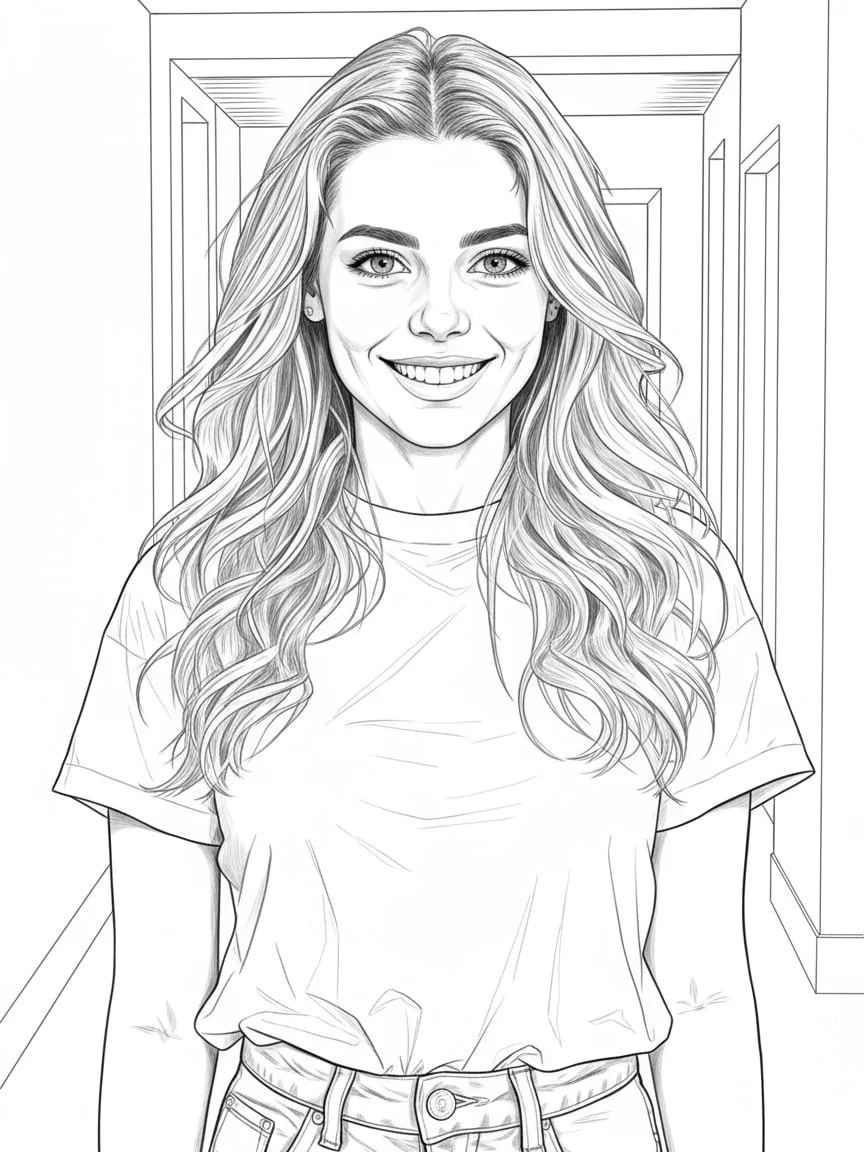
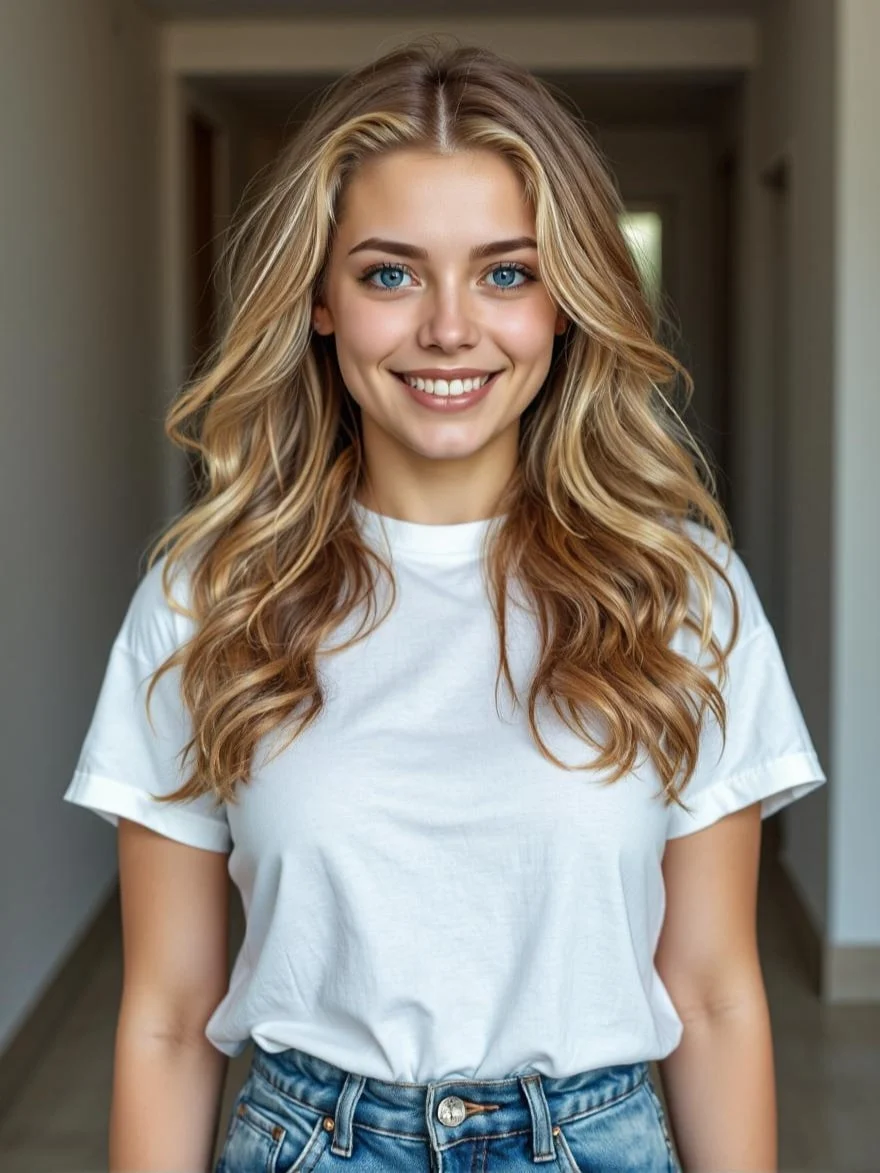
Convert the line art in [Image1] into a fully colored and detailed image. Preserve all original outlines and compositions. Apply [desired style, e.g., photorealistic, anime, cartoon, digital painting] with realistic lighting, shadows, and textures. High-resolution, natural, seamless rendering.
26. Replace Elements
Swap one hero object or person with a new reference while preserving the rest.
✅ Prompt
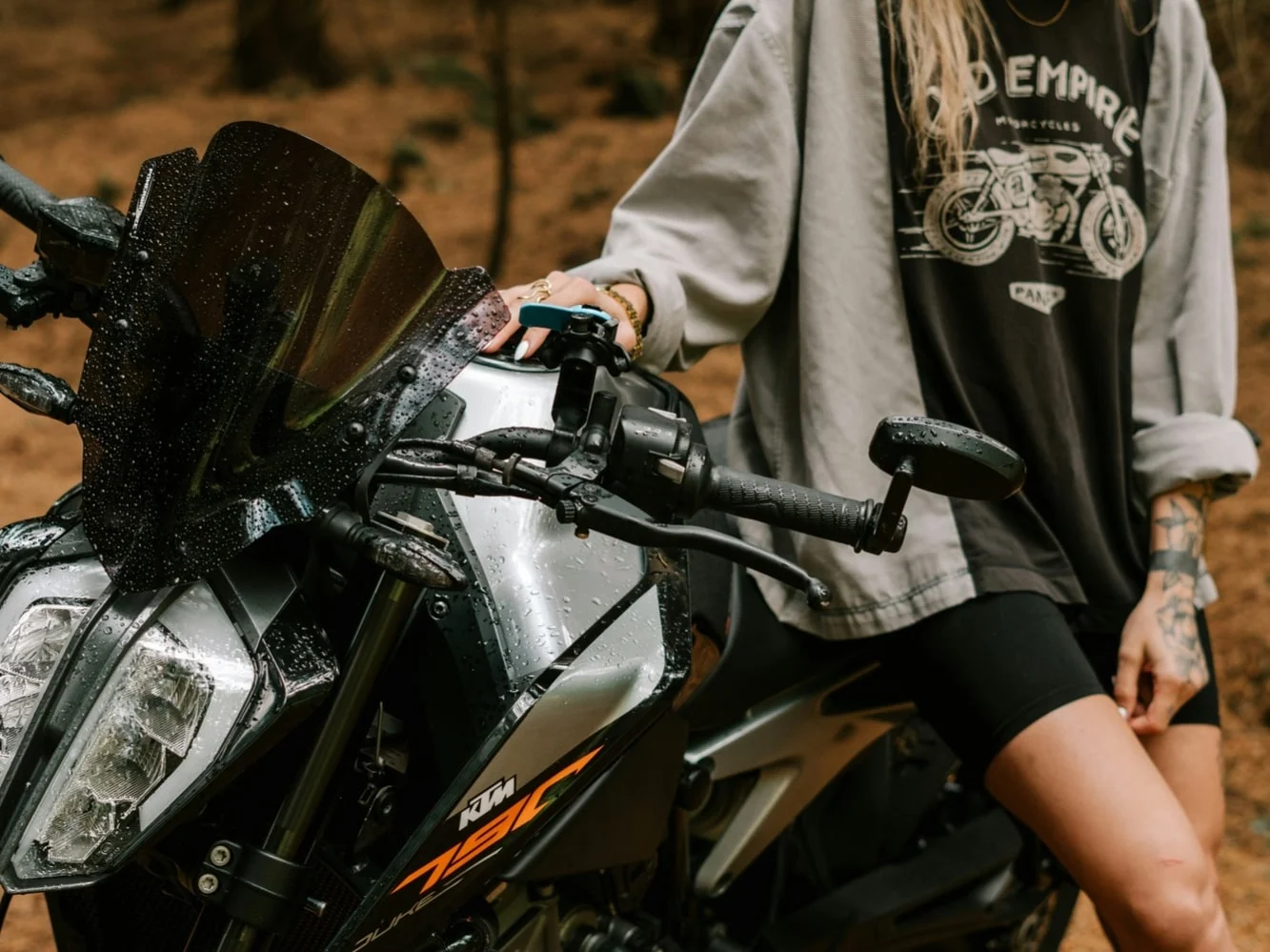
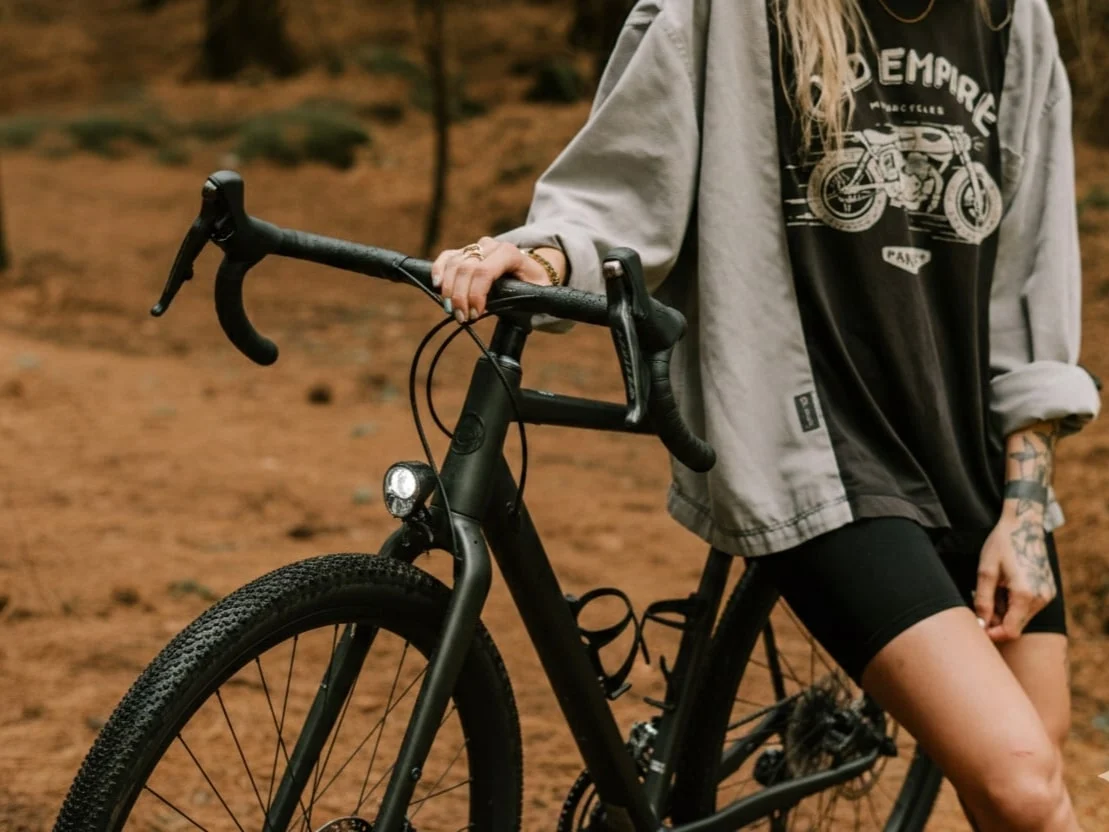
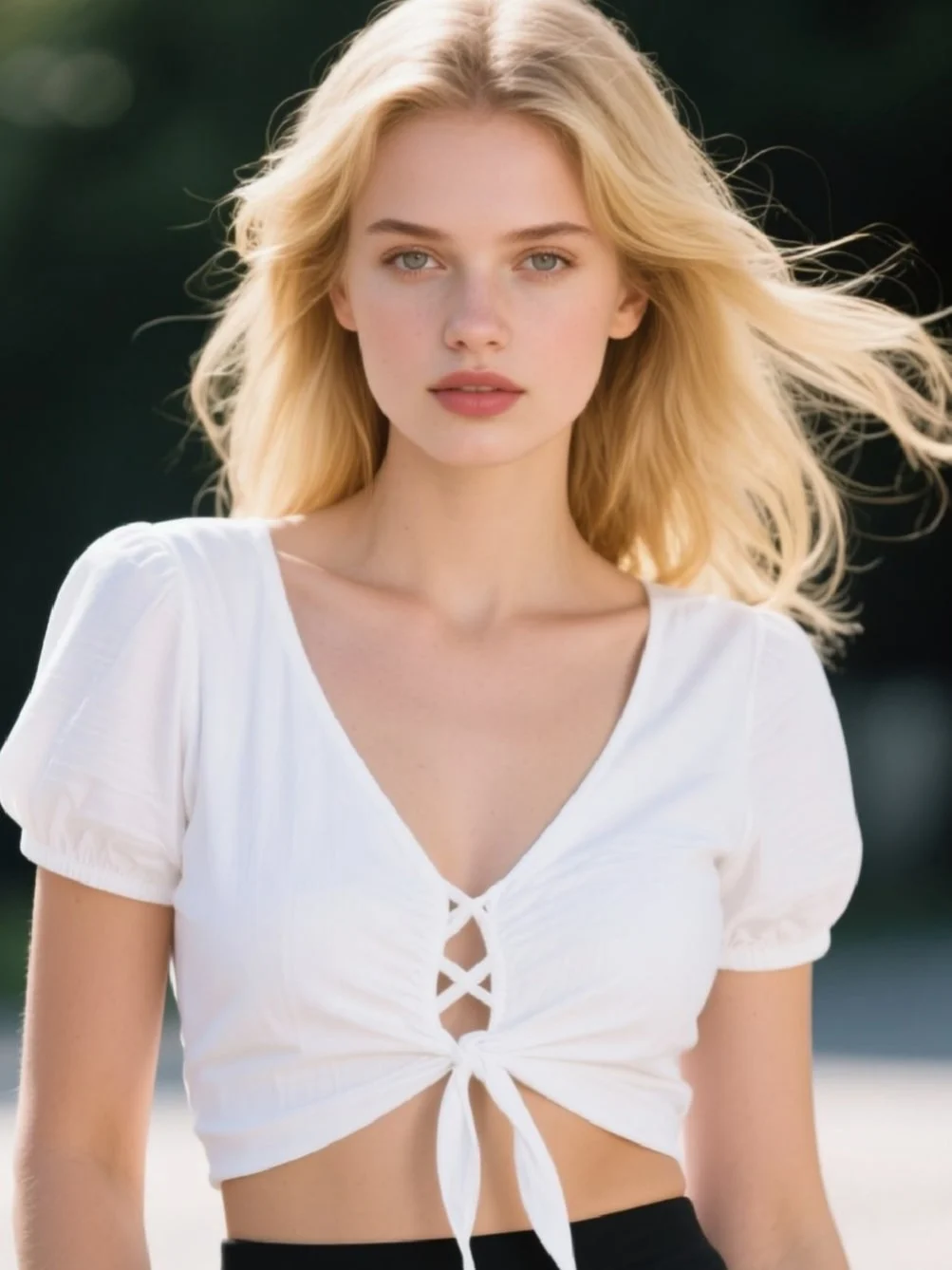
Turn the photo into a 3x3 grid of photo strips with different studio-style poses and expressions.
27. Image Outpainting
Extend canvases beyond their original crop to fill banners or social formats.
✅ Prompt
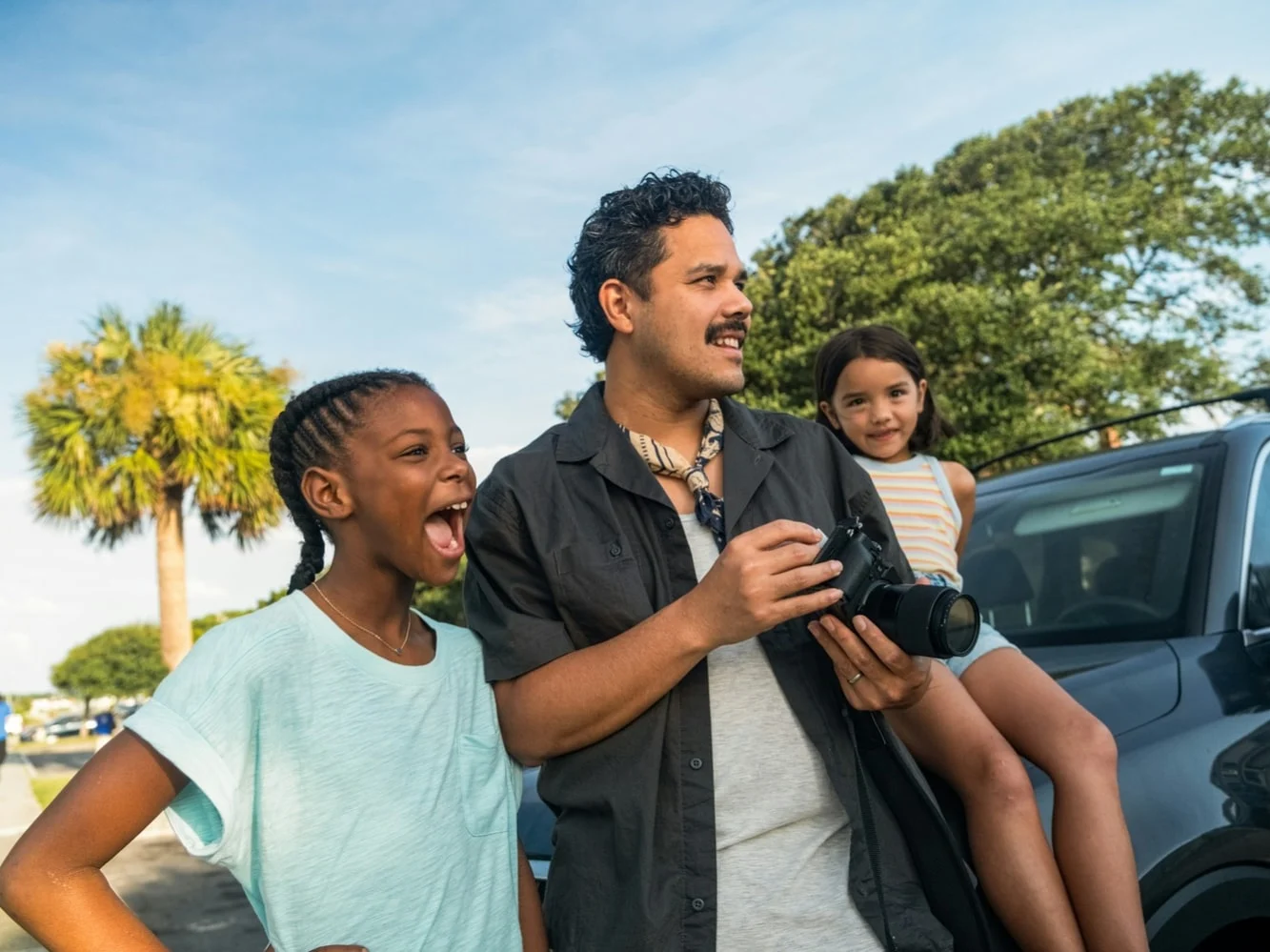
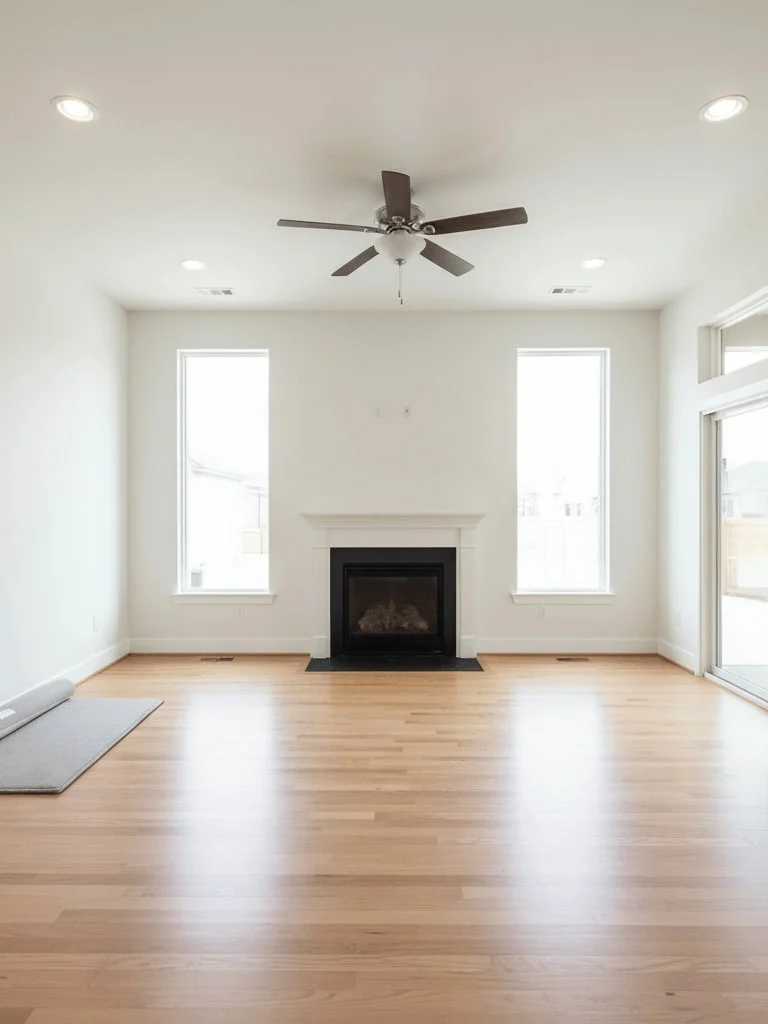
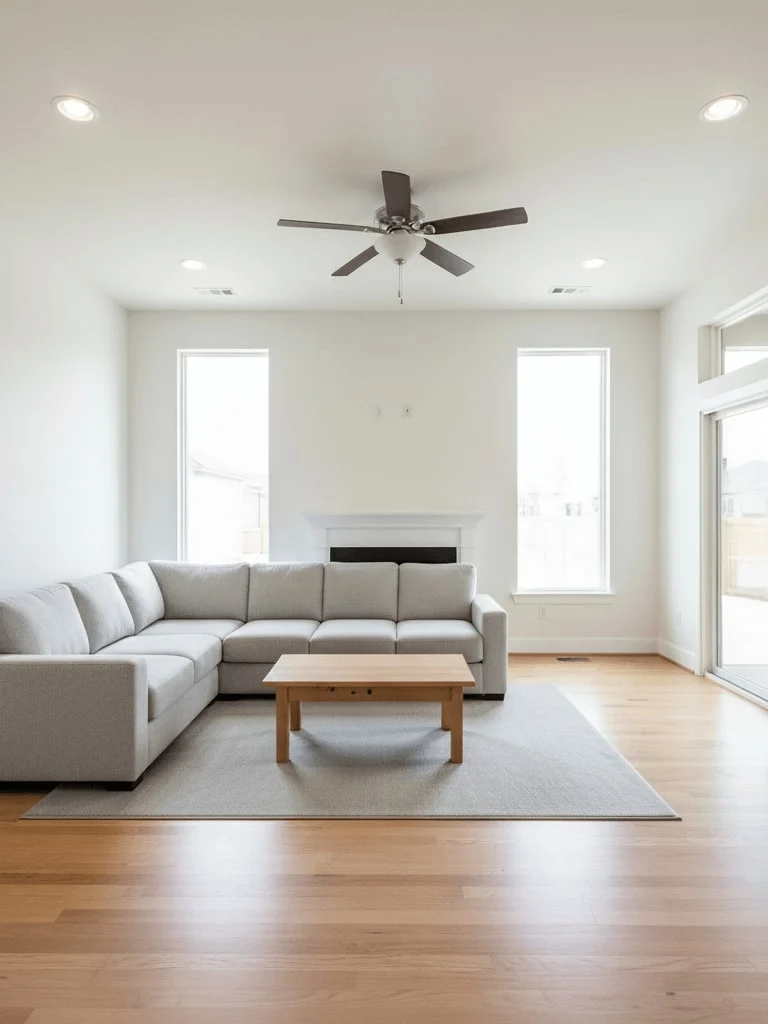
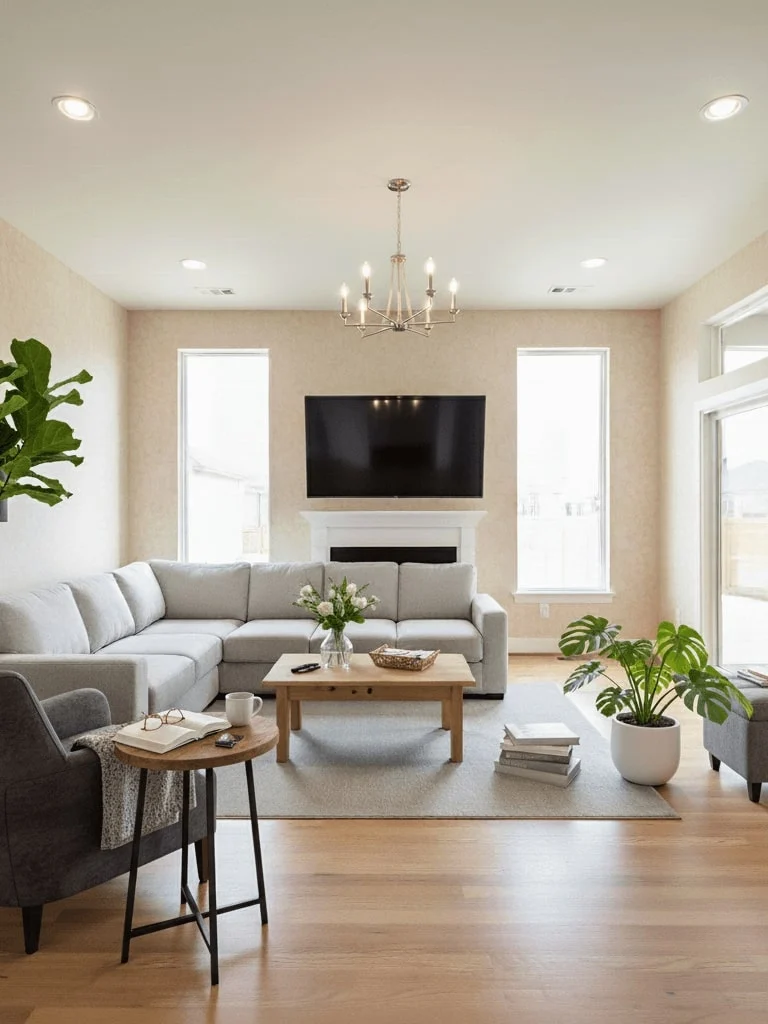
Step one: Add a comfortable gray sofa and a wooden coffee table in the center, matching the room’s contemporary style, photorealistic render.
28. Line Art to Color
Paint over sketches with rich lighting, materials, and final render polish.
✅ Prompt
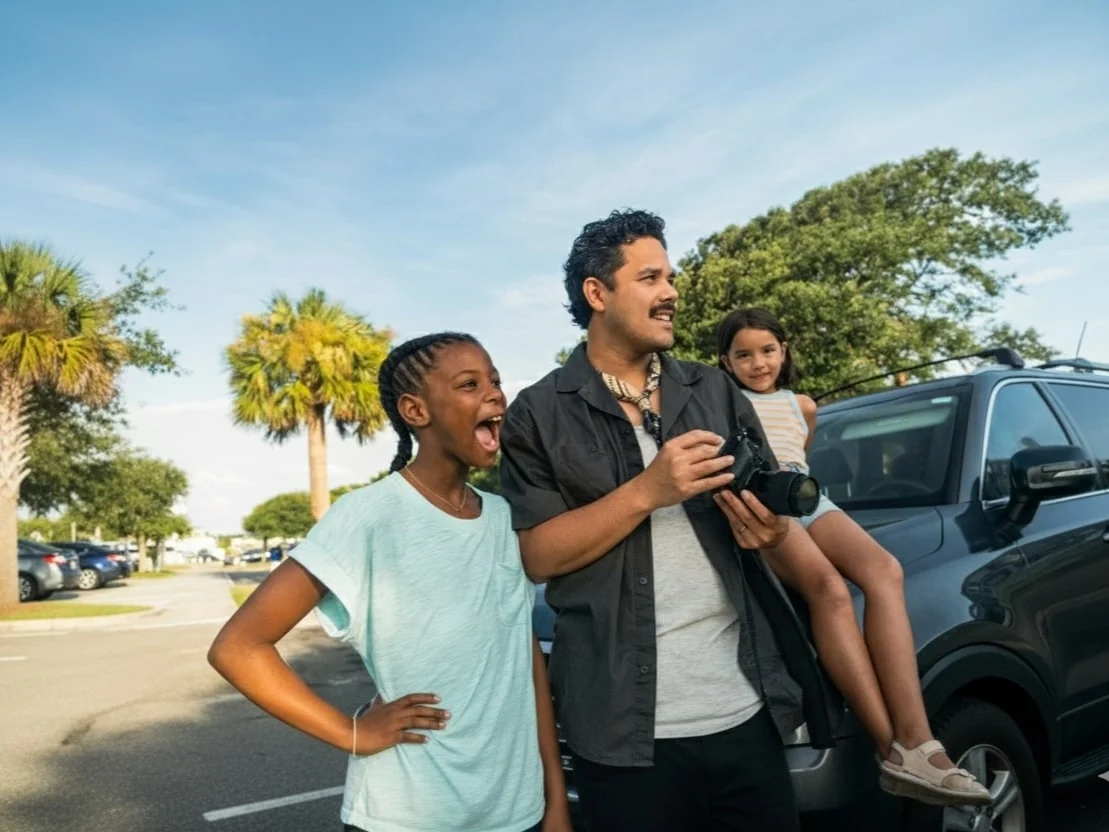
Step two: Add more furniture-like items to the foreground and more daily necessities on the table. Also, change the wallpaper to something warmer.
29. 3×3 Photo Booth Strip
Create retro strip animations with nine poses across a photo booth grid.
✅ Prompt
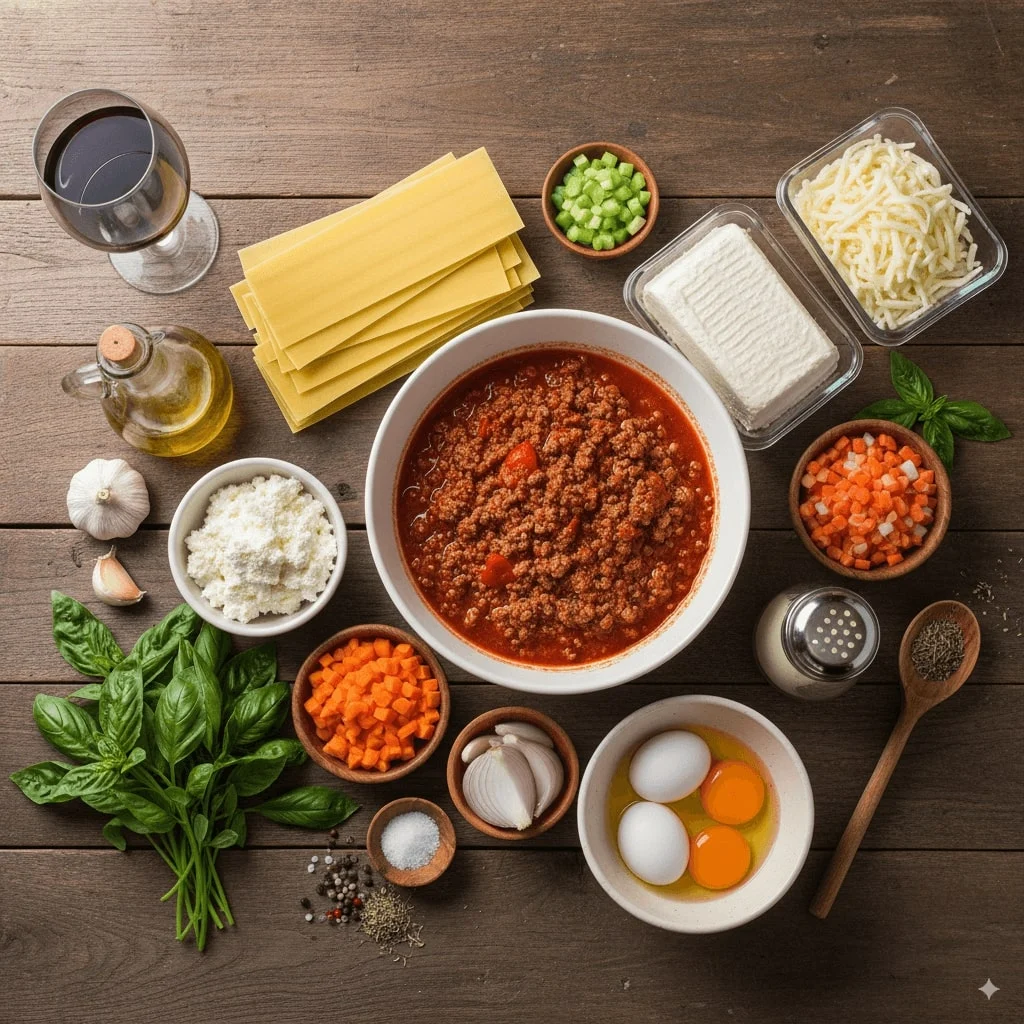
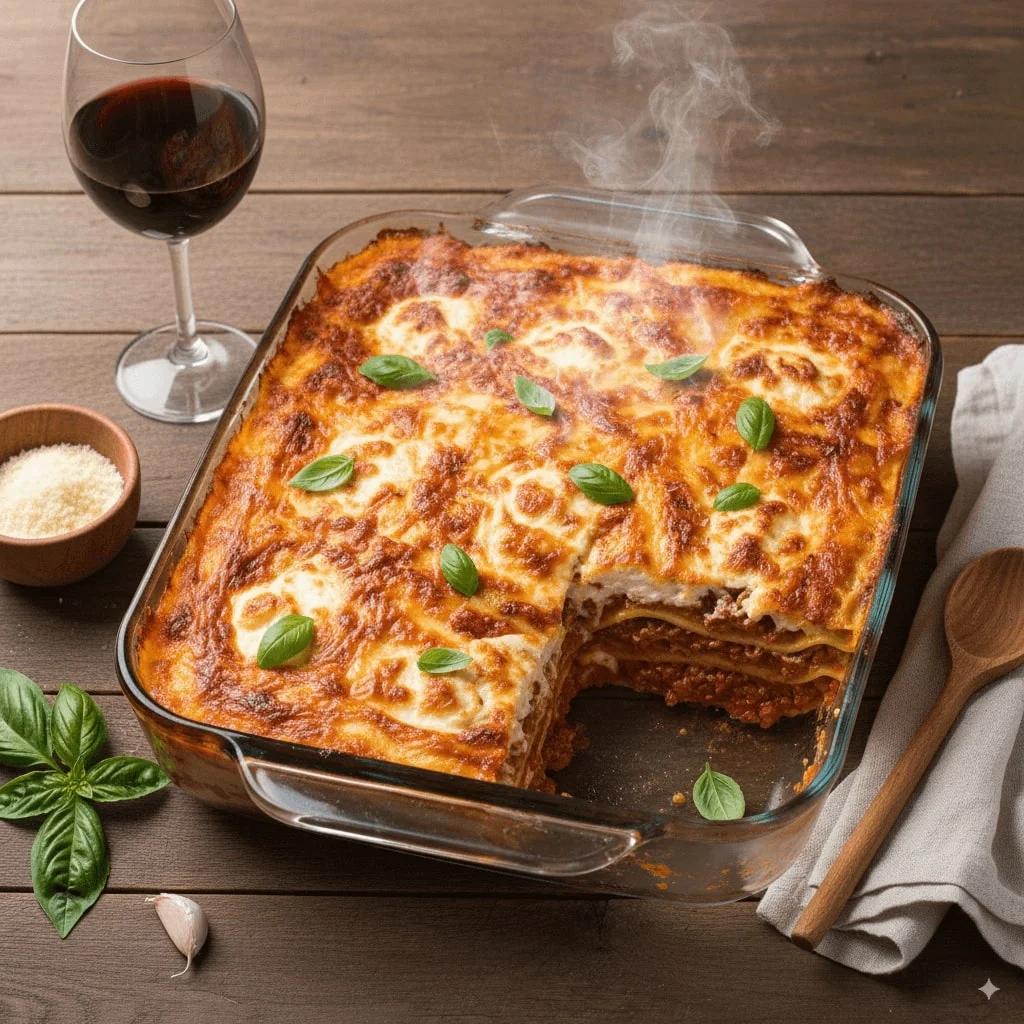
Here are the items available: [List of items]. Based on these items, create an image of a [type of object/scene] that can be made or represented by combining them. The composition should make logical sense, considering the relationship between the items. Ensure the image is [visual style]. It should be with appropriate proportions and clear placement of each item.
30. AI Interior Redesign
Visualize room makeovers step by step with furniture swaps and styling tweaks.
✅ Prompt
Replace
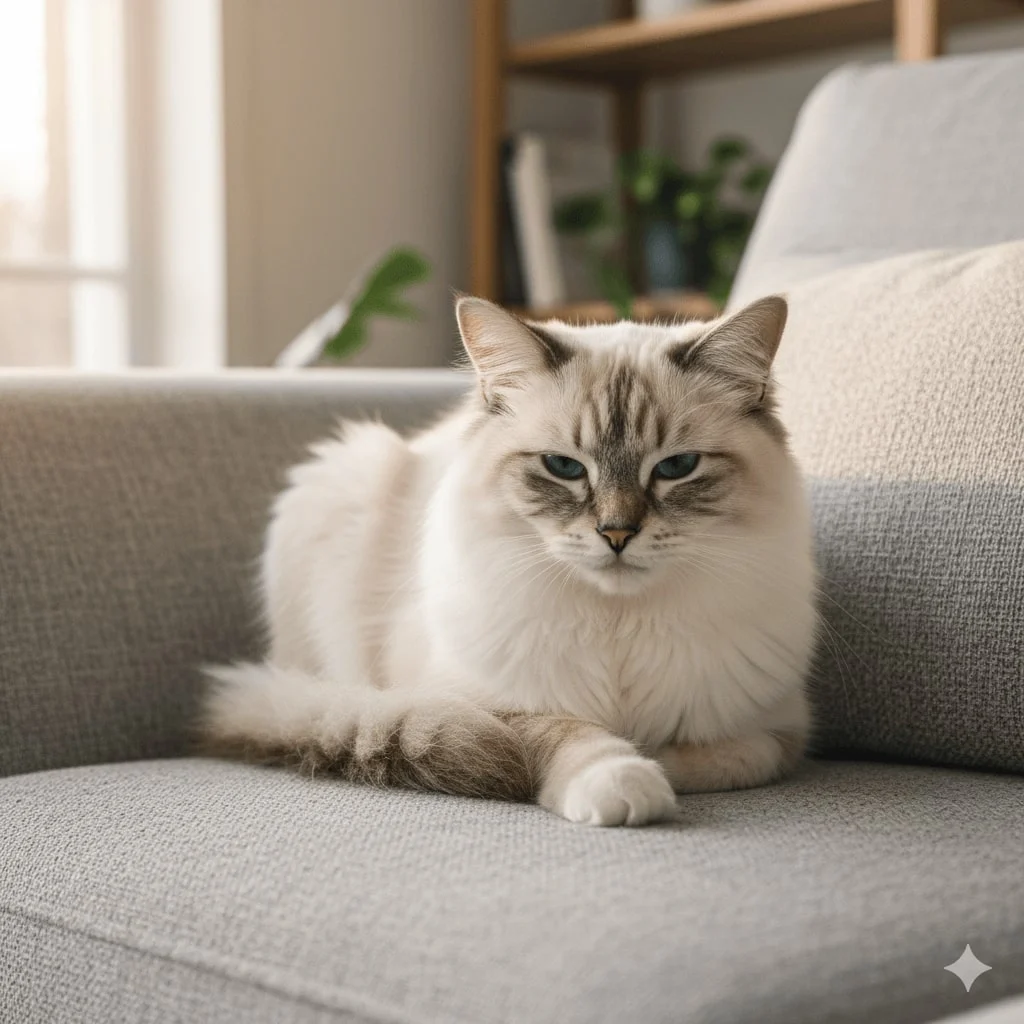
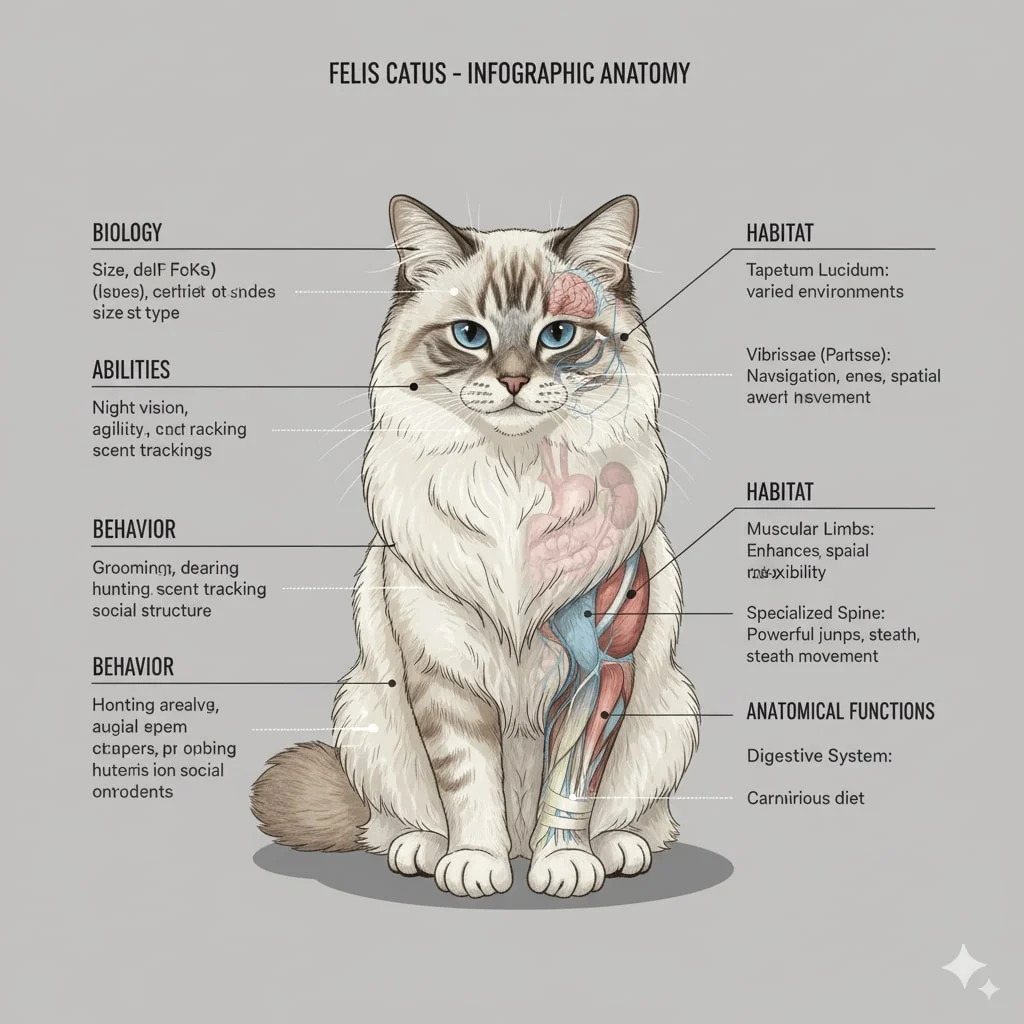
Draw a bilaterally symmetrical frontal anatomical illustration of the [Character], styled similarly to an infographic. The image should show the creature's external features on both sides, with its internal anatomy partially exposed. Detailed text should flank the image, explaining the creature's biology, abilities, behavior, habitat, and the specific functions of its anatomical structures. The overall design should be clear, informative, and in the style of a scientific illustration.
31. Ingredients to Dish
Compose plated dishes directly from a list of raw ingredients.
✅ Prompt
Replace
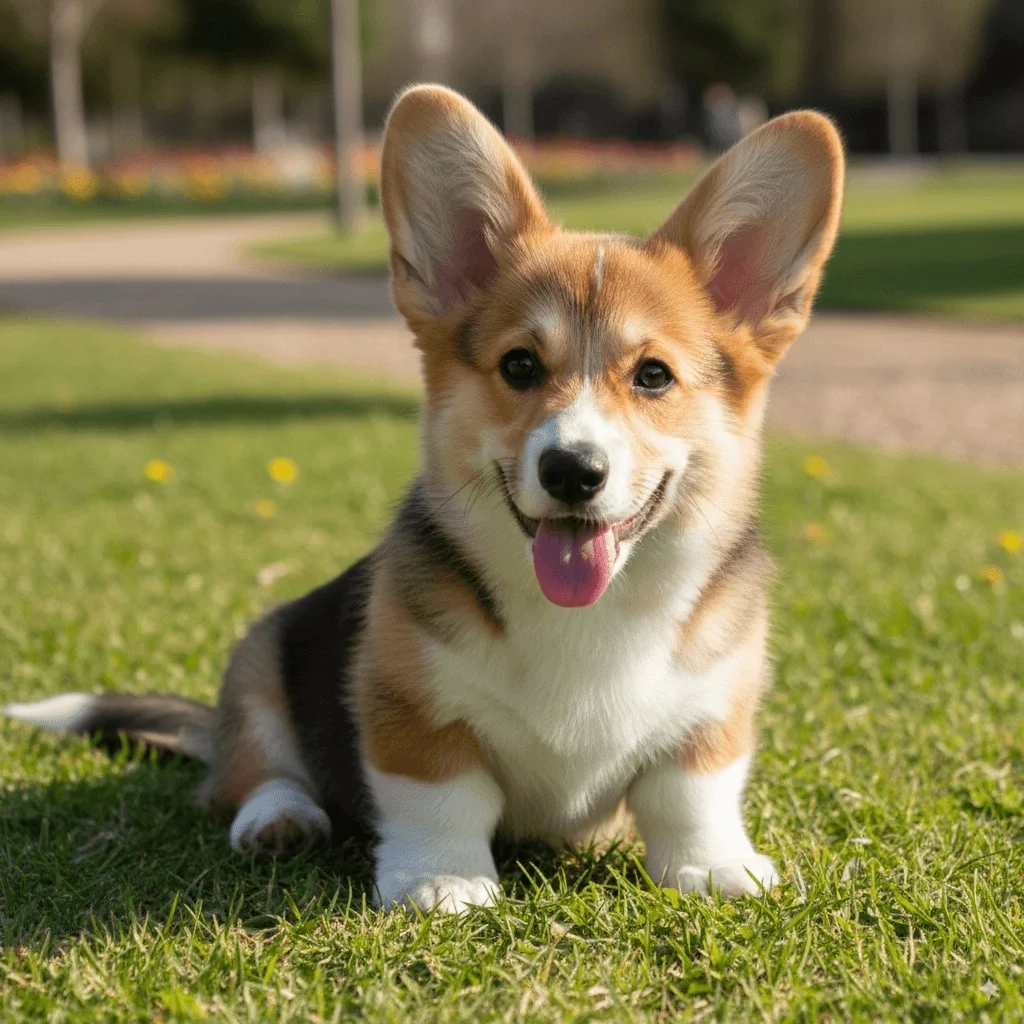
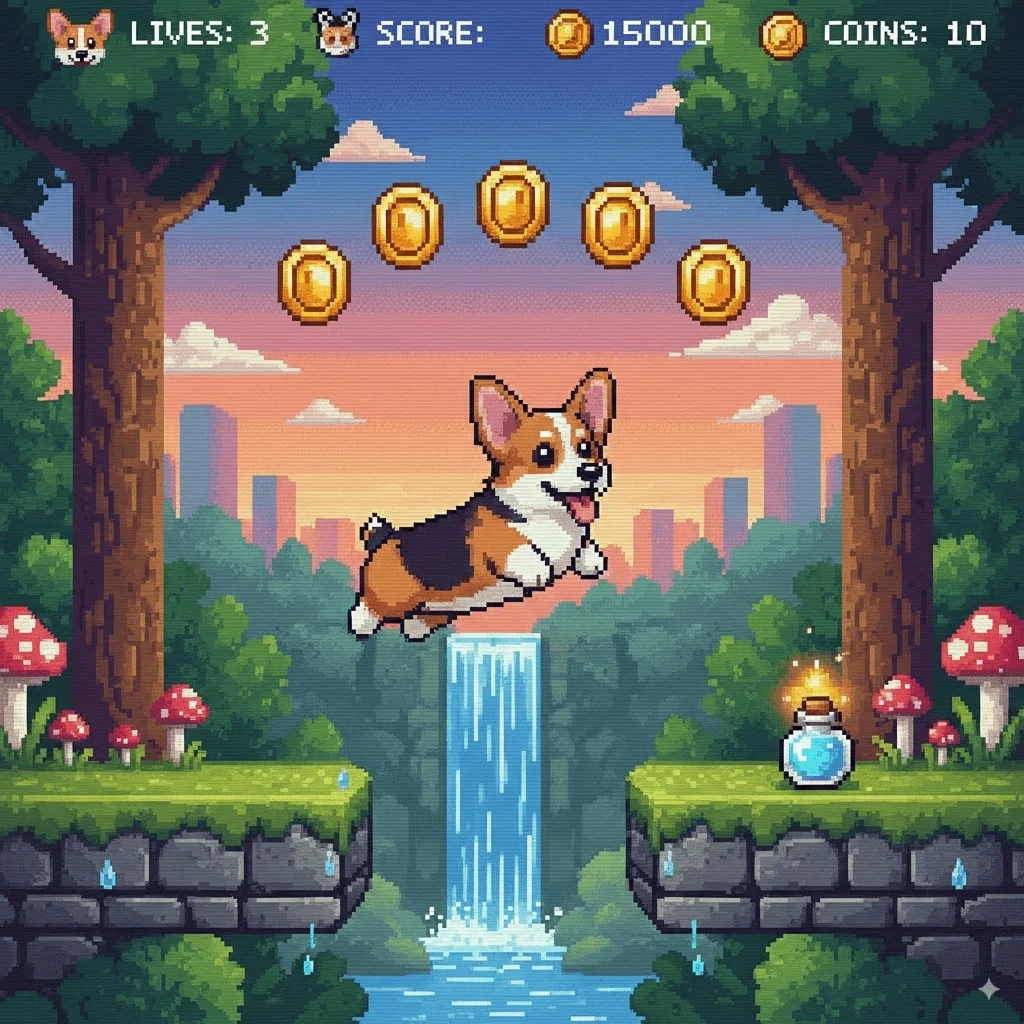
Recreate this [Character] as a 16-bit video game character, and place the character in a level of a 2D 16-bit platform video game.
32. Anatomical Illustration
Draft infographic‑ready anatomical posters complete with labeled callouts.
✅ Prompt
Replace
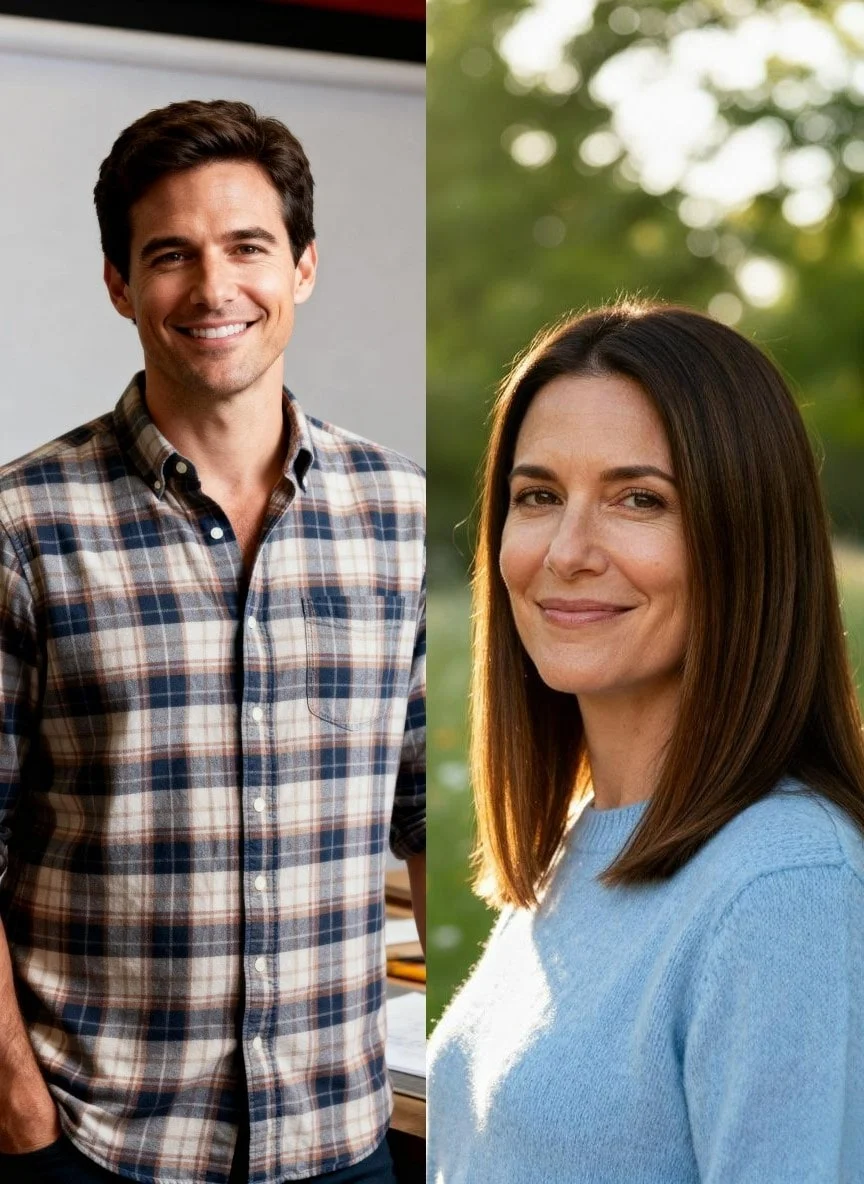
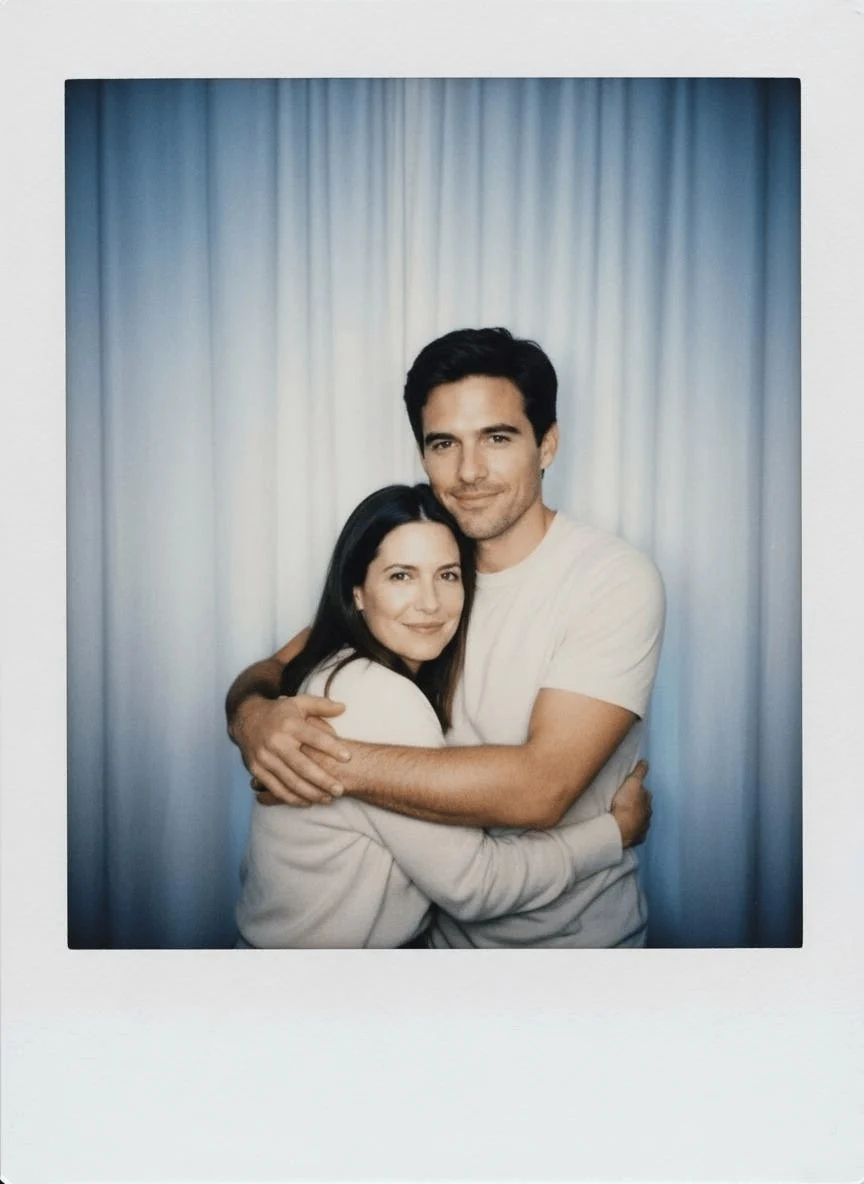
Take a picture with a Polaroid camera. The photo should look like a normal photo, without any clear subject or props. The photo should have a slight blur a consistent light source. Such as a flash from a dark room, spread throughout the photo. Do not change the faces. Replace the background behind the two people with a white curtain.
33. 16‑Bit Game Character
Sprite‑ify characters into pixel‑ready animations for retro games.
✅ Prompt
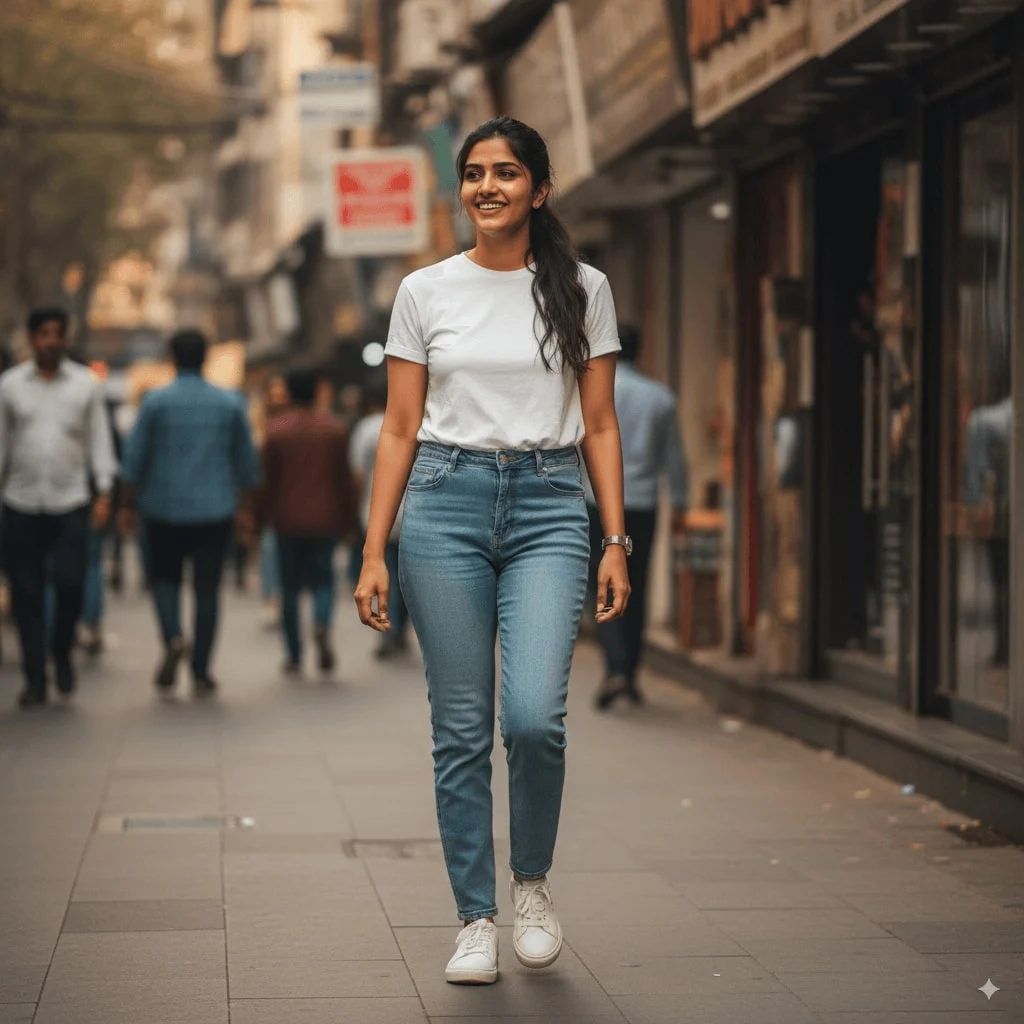
Create A soft, sunlit portrait wearing a flowing sheer yellow saree with delicate floral embroidery. Sit gracefully against a plain wall, bathed in warm natural light with a triangular patch of sunlight casting artistic shadows. Hold a vibrant bouquet of sunflowers close to the chest, and a small white flower is tucked behind he ear. Gentle expression, loose hair strands moving slightly, and the dreamy golden glow create a serene, poetic, and romantic.
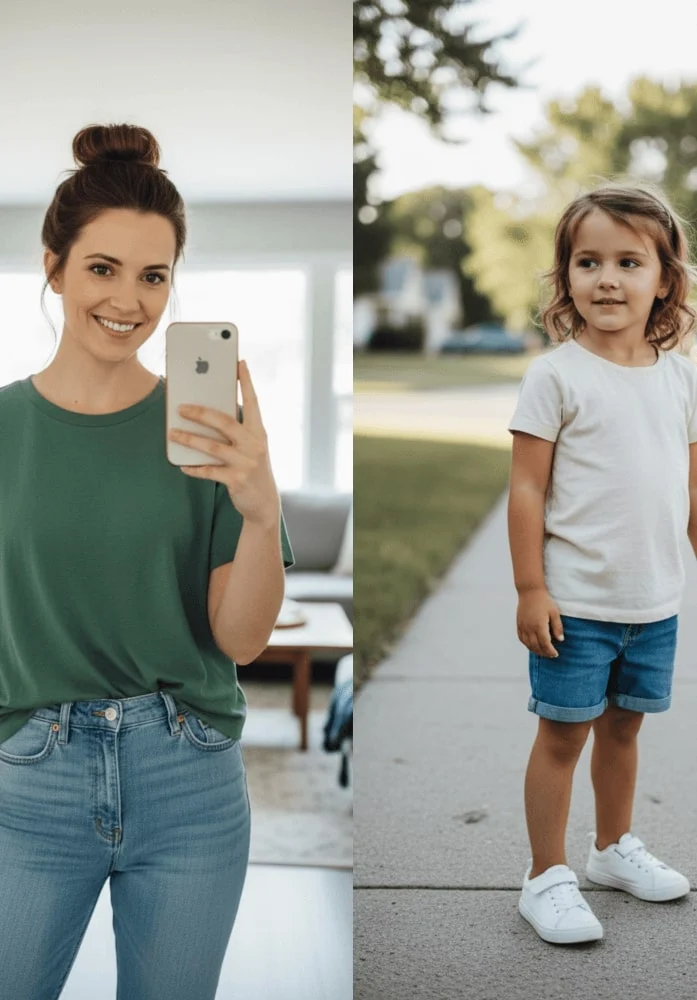
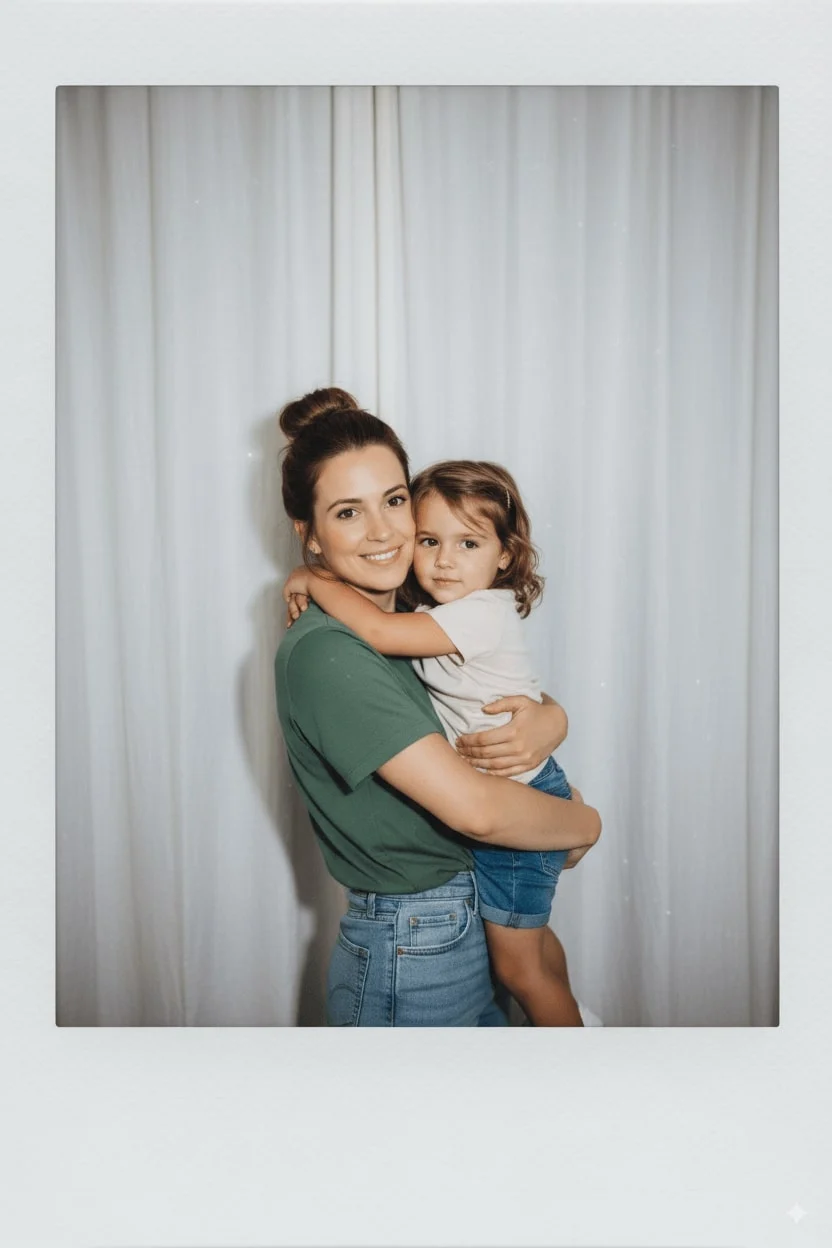
Take a photo taken with a Polaroid camera. The photo should look like an ordinary photograph, without an explicit subject or property. The photo should have a slight blur and a consistent light source, like a flash from a dark room, scattered throughout the photo. Don’t change the face. Change the background behind those two people with white curtains. Make it look like both people in the reference picture are hugging each other.
34. Gemini AI Polaroid
Recreate Polaroid snapshots with authentic flash bloom and handheld charm.
✅ Prompt
Take a photo taken with a Polaroid camera. The photo should look like an ordinary photograph, without an explicit subject or property. The photo should have a slight blur and a consistent light source, like a flash from a dark room, scattered throughout the photo. Don’t change the face. Change the background behind those two people with white curtains. Make it look like both people in the reference picture are hugging each other.
35. AI Saree Try‑On
Preview elegant saree drapery on any portrait without wardrobe changes.
✅ Prompt
Create a soft, sunlit portrait wearing a flowing sheer yellow saree with delicate floral embroidery. Sit gracefully against a plain wall with a triangular beam of natural light. Hold a bright sunflower bouquet close to the chest, tuck a small white flower behind the ear, and keep loose hair strands dancing in the warm glow.
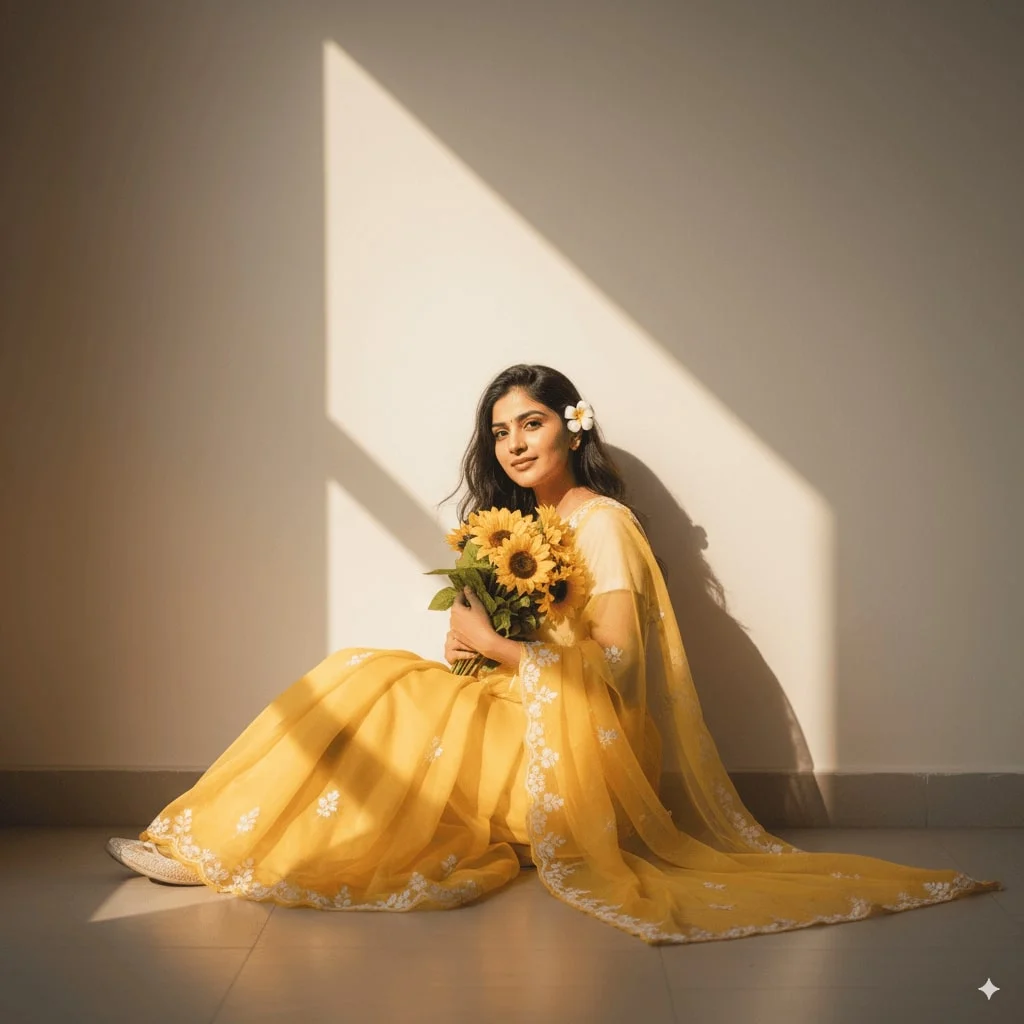
36. Hug Your Younger Self
Blend timelines by posing your present self with a childhood version.
✅ Prompt
Take a photo with a Polaroid aesthetic. Keep both faces unchanged but swap the background for white curtains so it looks like the two people in the reference picture are hugging.
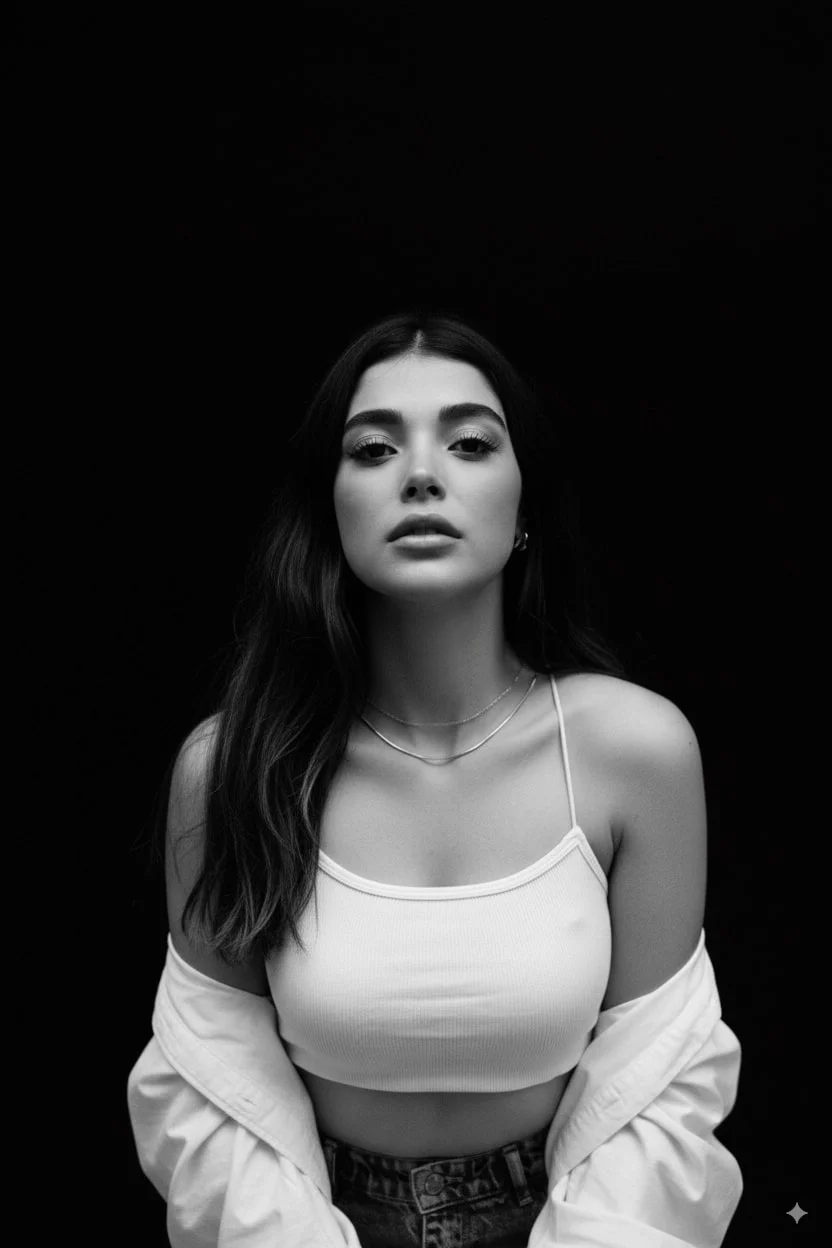
37. Black‑and‑White Studio Portrait
Generate editorial monochrome portraits with dramatic overhead lighting.
✅ Prompt
Please generate a top-angle, close-up black-and-white portrait facing forward. Use a 35mm lens look with 10.7K quality, confident expression, and deep black shadows that only reveal the face, upper chest, and shoulders.
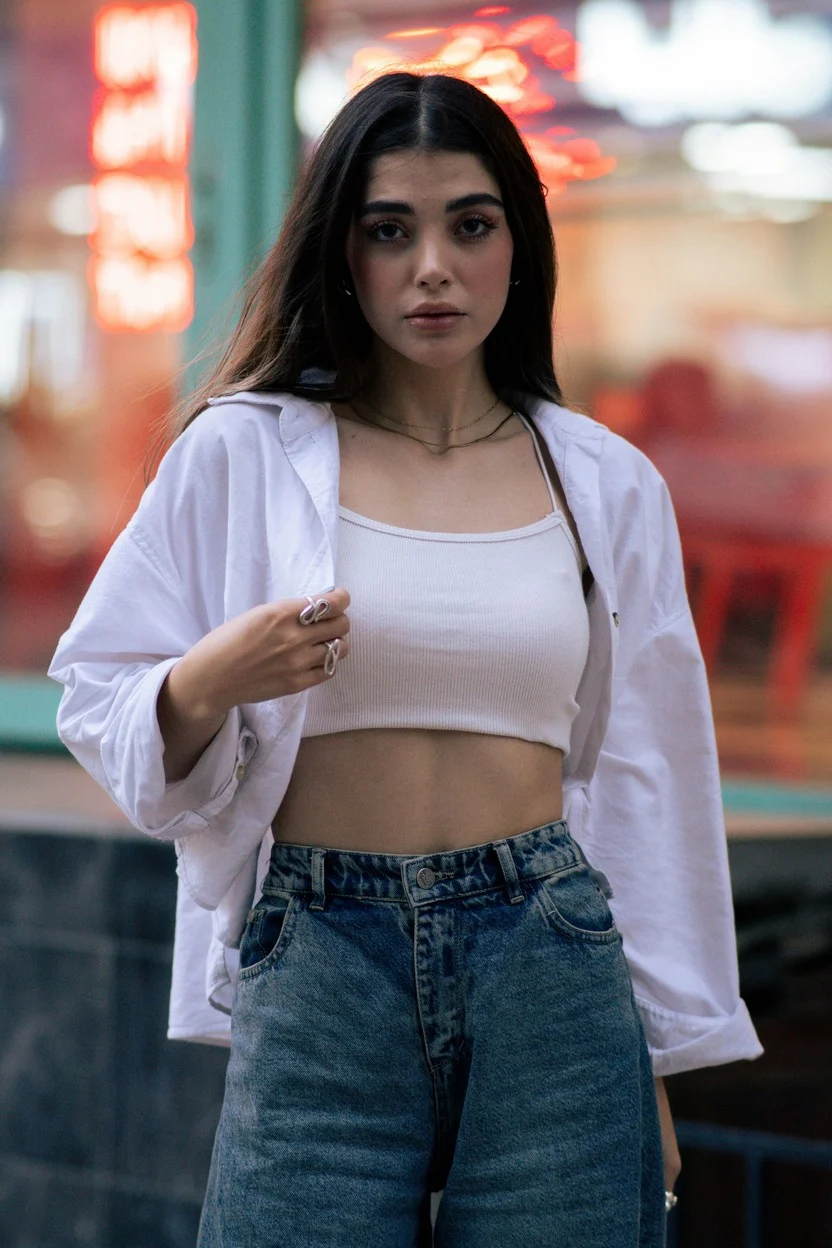
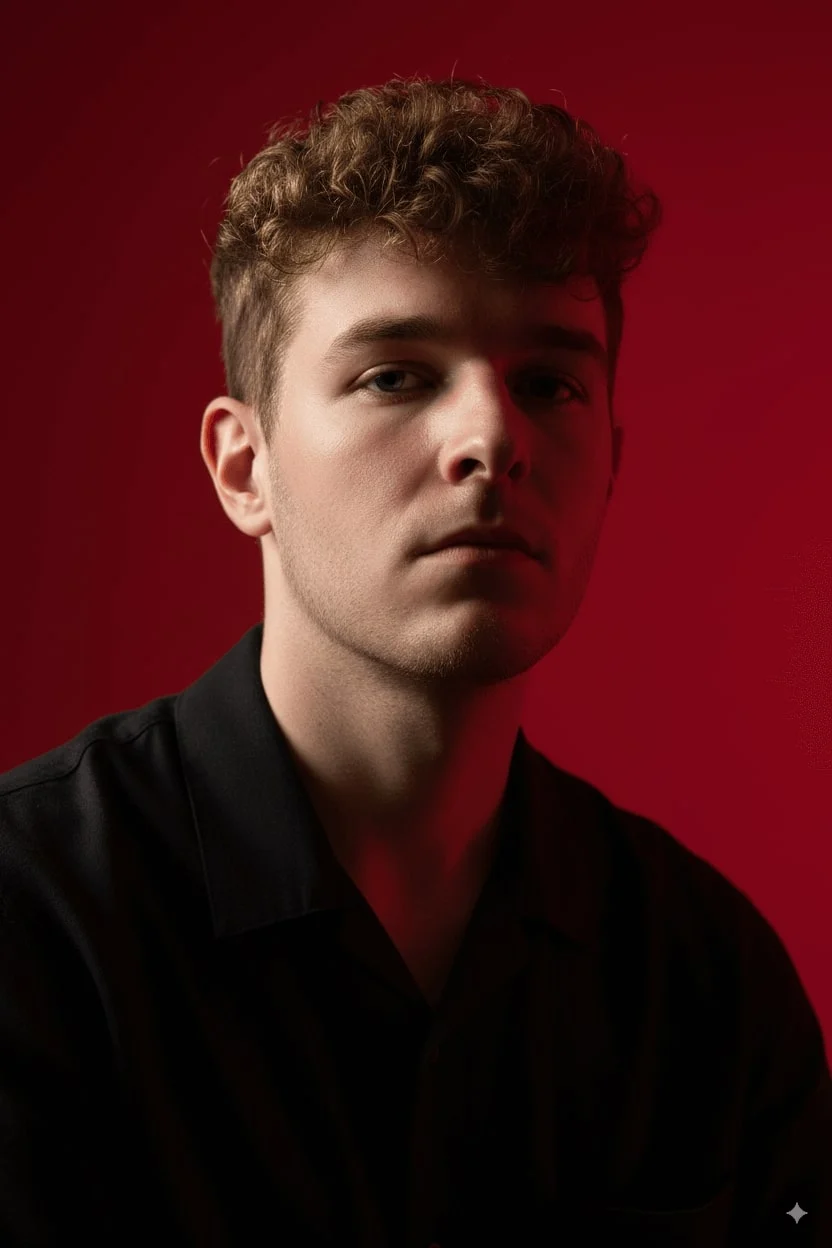
38. Cinematic Portrait
Render fashion portraits with high‑contrast lighting and crimson backdrops.
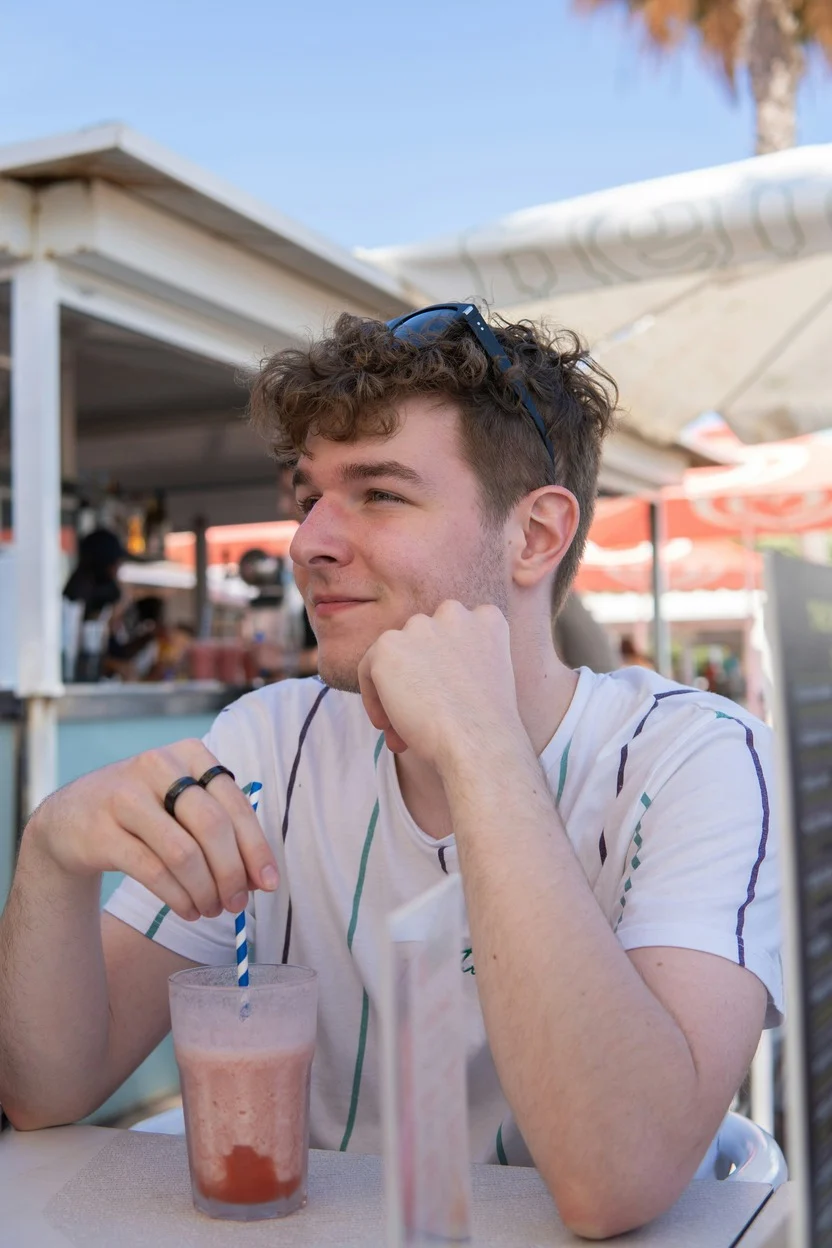
✅ Prompt
Create a vertical portrait shot using the exact same face features, characterized by stark cinematic lighting and intense contrast. Capture it from a slightly low, upward-facing angle to dramatize the jawline and neck. Use a deep crimson background that clashes with luminous skin and dark wardrobe.
✨ Bonus tip
Creaa.ai bundles the full Nano Banana workflow with editing, so you can generate prompts and polish assets inside one workspace.
· Provide Detailed Descriptions
Start prompts with strong verbs like Create, Generate, or Illustrate, then spell out subject, action, setting, and style for dialed‑in outputs.
· Refine Step by Step
Iterate conversationally—begin broad, then layer details until you hit the desired concept.
· Specify Artistic Styles
Mention looks like watercolor, cyberpunk, or anime so Nano Banana steers toward your preferred finish.
· Add Contextual Details
Share time of day, mood, or scene context to keep results coherent and relevant.
· Explore Variations
Experiment with color palettes, lighting, and camera perspectives to unlock new options.
· Match Lighting Consistency
When swapping objects or poses, describe consistent light direction and perspective for realism.
Conclusion
This article highlights the most popular Nano Banana AI workflows—from multi-image fusion to pose or expression swaps and collectible 3D renders—plus ready-to-use prompts.
Compared with Flux Kontext, Nano Banana delivers faster renders, flexible styling, and stronger complex editing skills, making it a top choice for creative experiments and professional delivery. Apply the tips above and unlock the full power of AI visual creation.
Trigger Nano Banana directly inside Creaa.ai
Upload a reference image, paste any prompt above, and pair it with Creaa.ai’s script + digital human modules to output full creatives or short videos.